
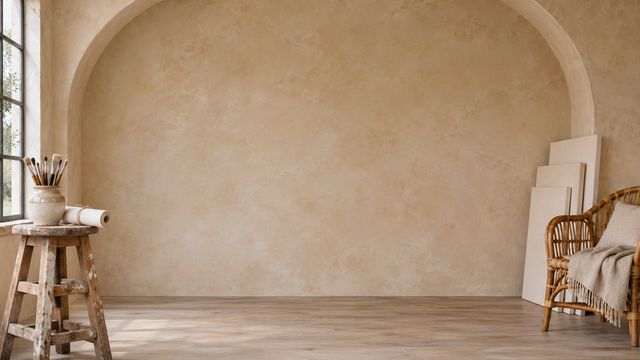
Minimal Studio Zoom Backgrounds
14 free 1920×1080 minimal studio backgrounds for Zoom, Teams and Google Meet. Warm plaster, gallery-white walls, sage arches and charcoal sets — no clutter behind your head, no signup and no watermark.
14 backdrops1920×1080 JPGNo signupWorks in Teams
Warm and sunlit studios
Plaster, oak and long morning shadows. Quiet rooms with just enough texture at the edges.
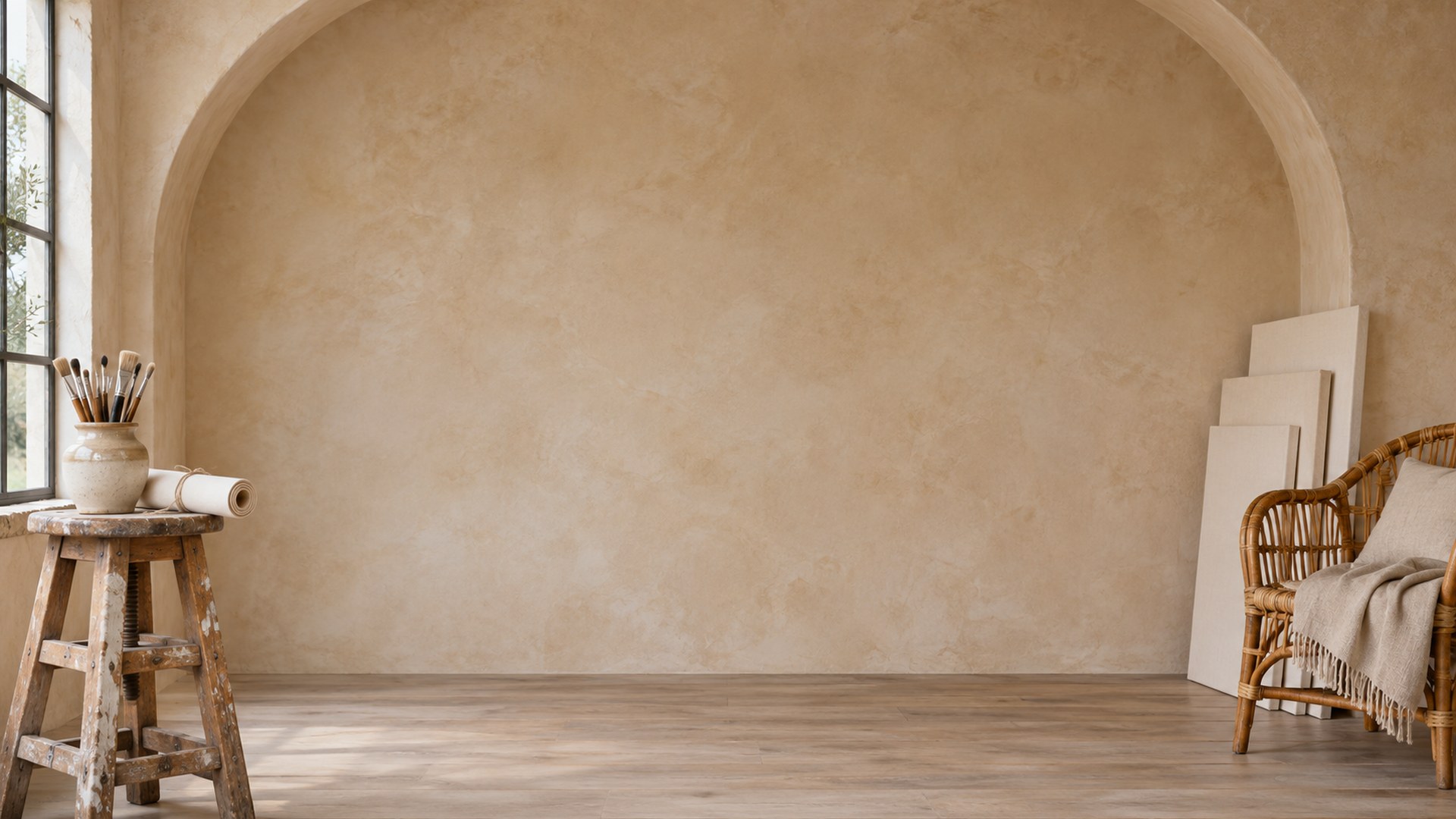
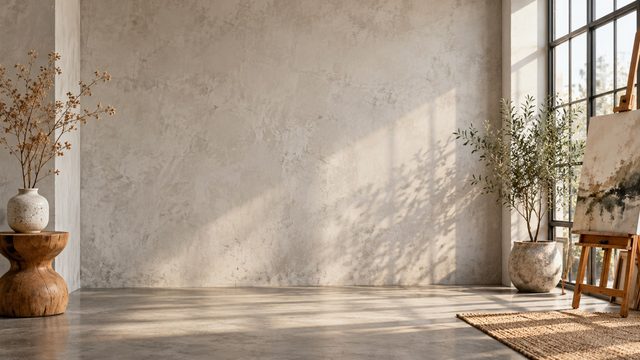
Morning Concrete Studio
Download HD JPG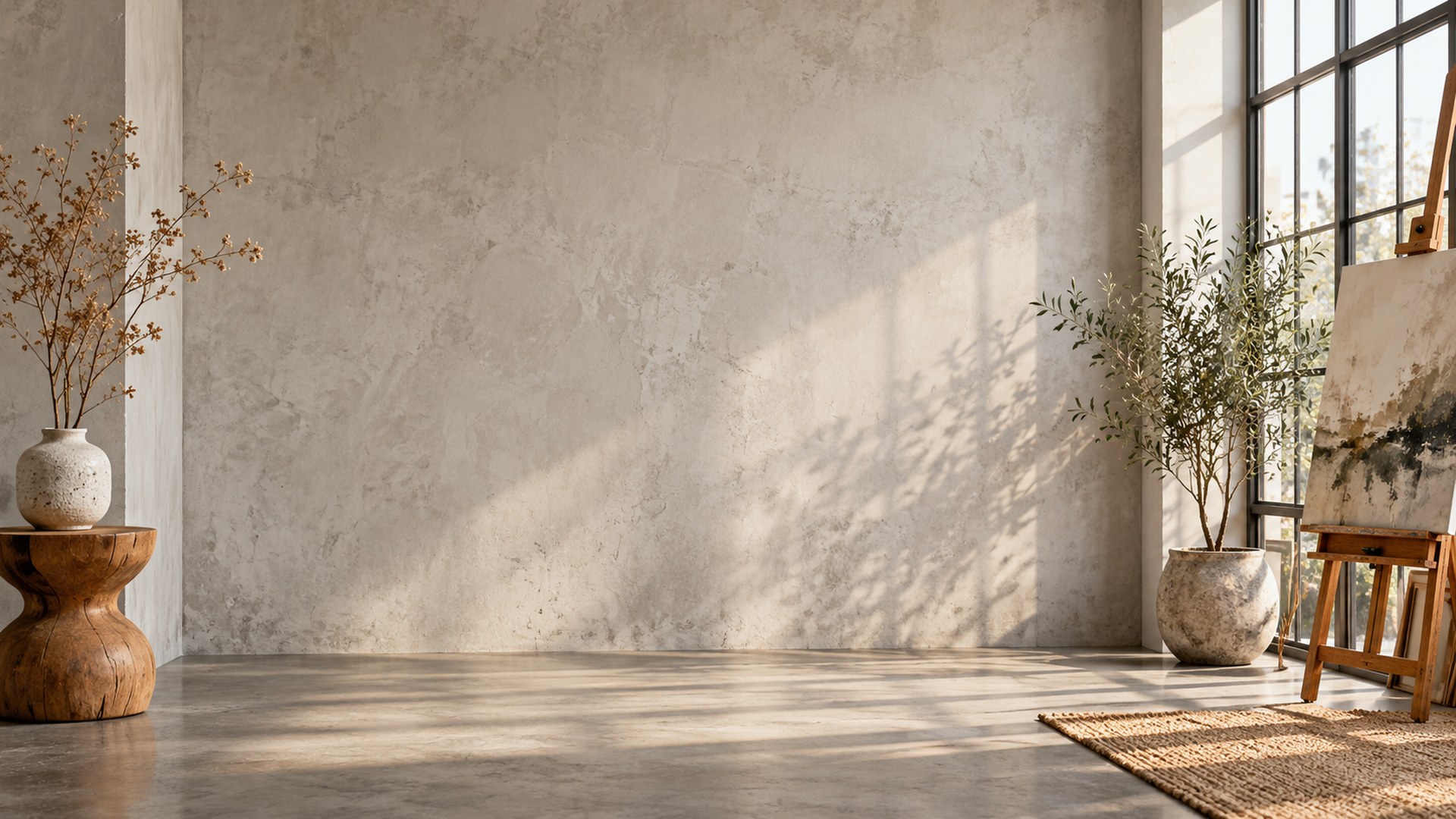
Warm Studio Shelf
Download HD JPG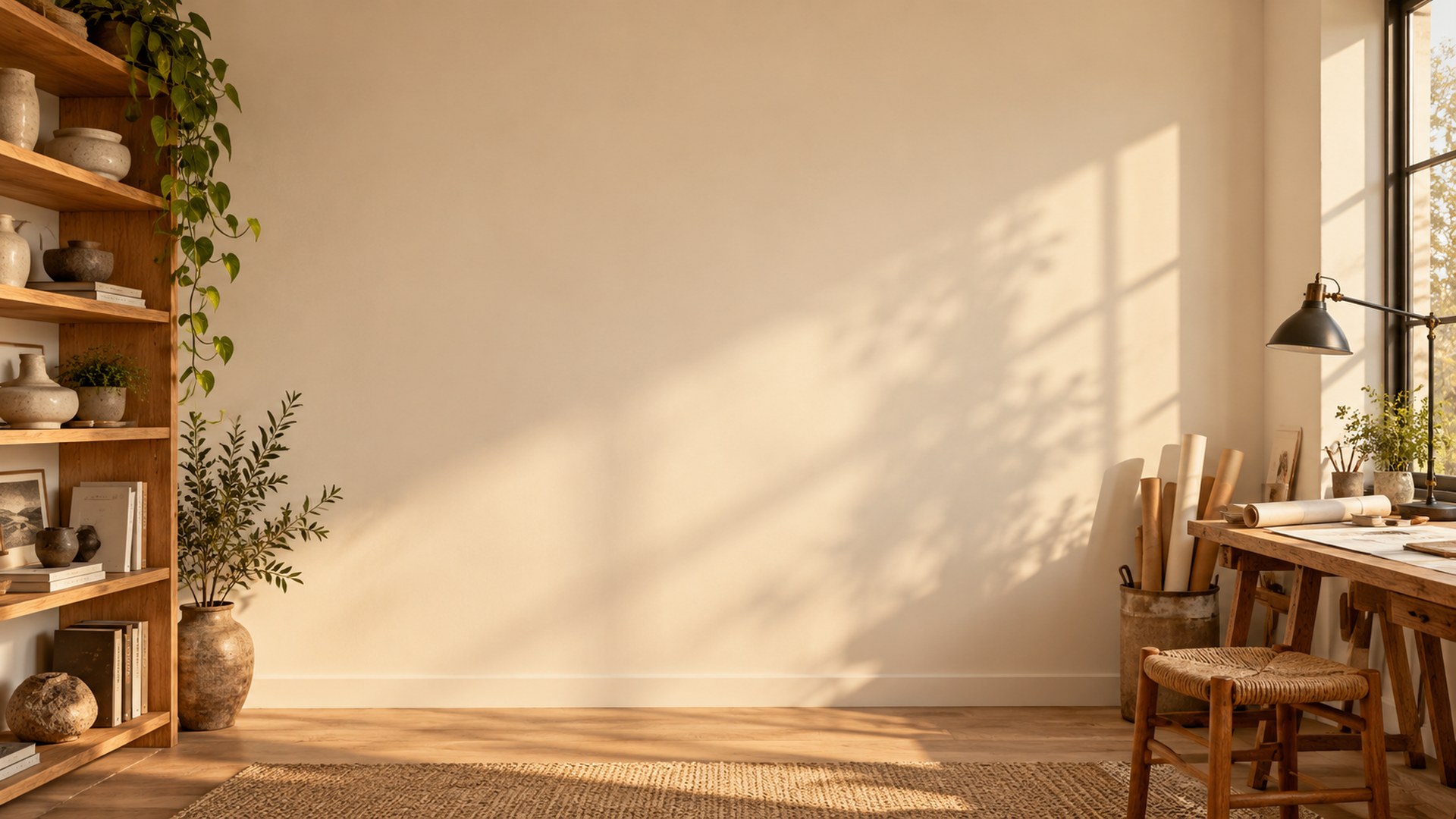
Skylight Loft Studio
Download HD JPG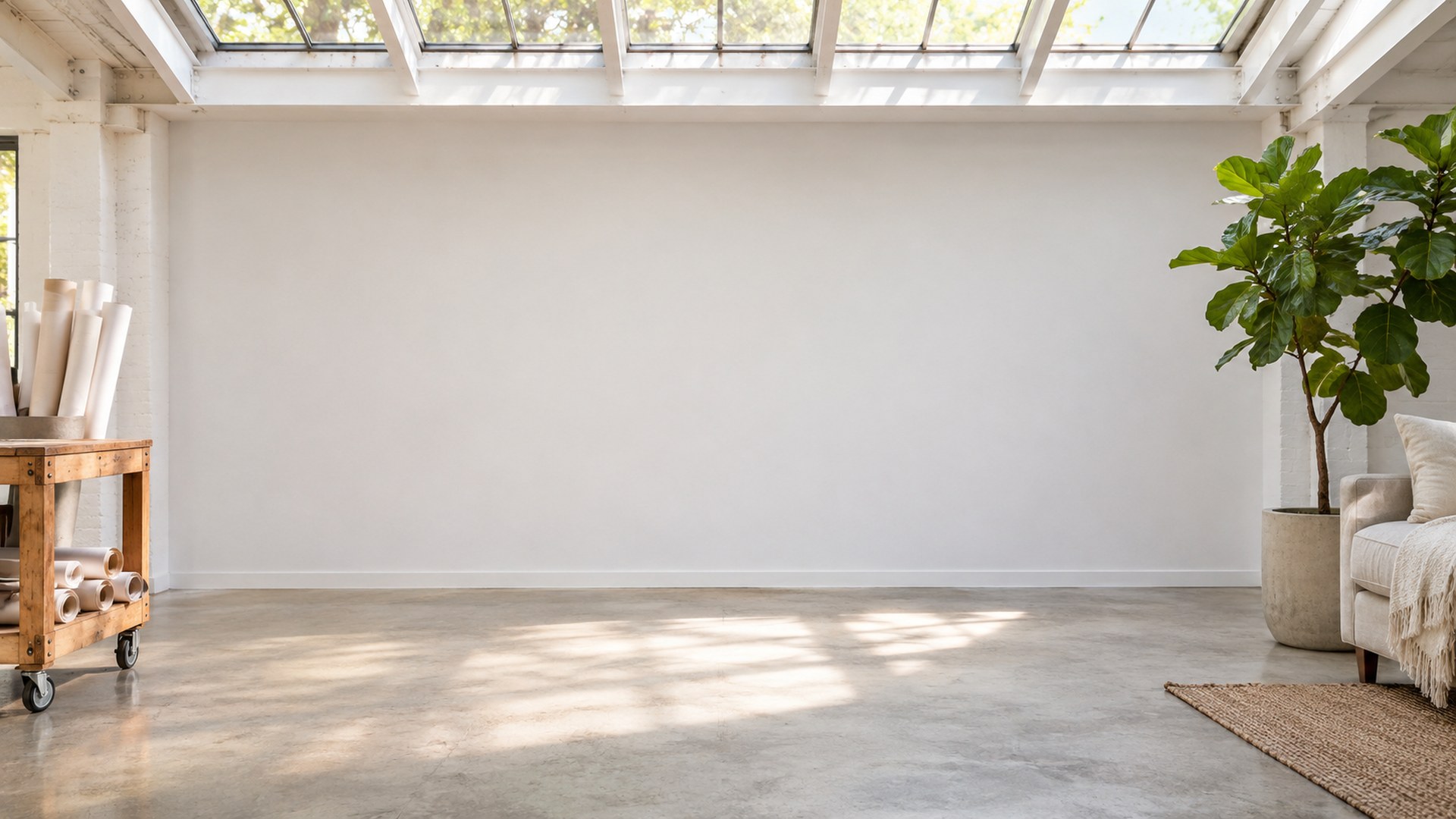
White and gallery studios
Clean walls, diffused light and a little architectural detail. The safest set for formal calls.
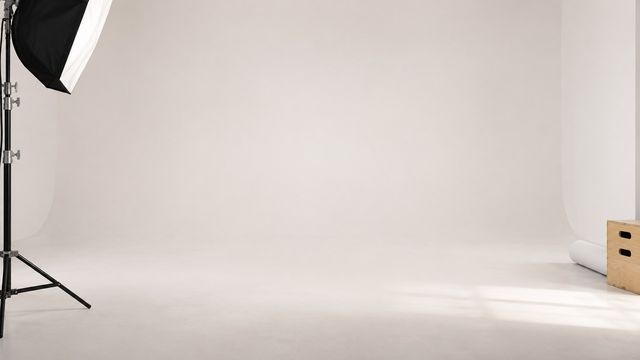
White Cyclorama
Download HD JPG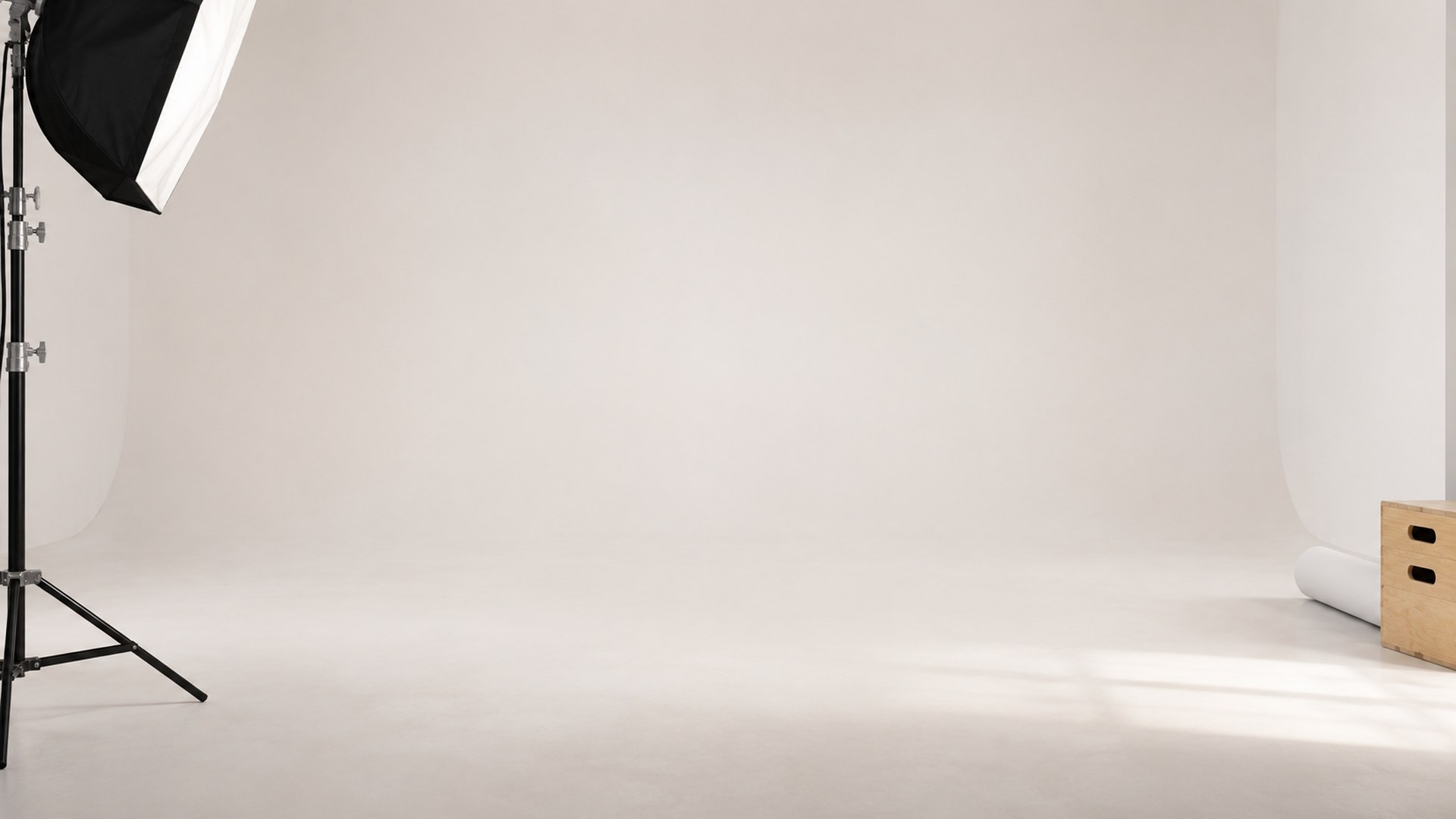
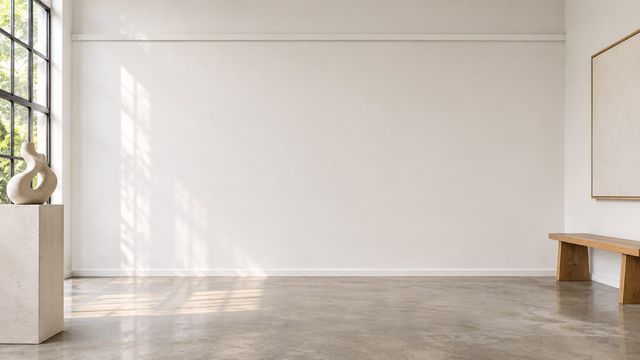
Gallery White Studio
Download HD JPG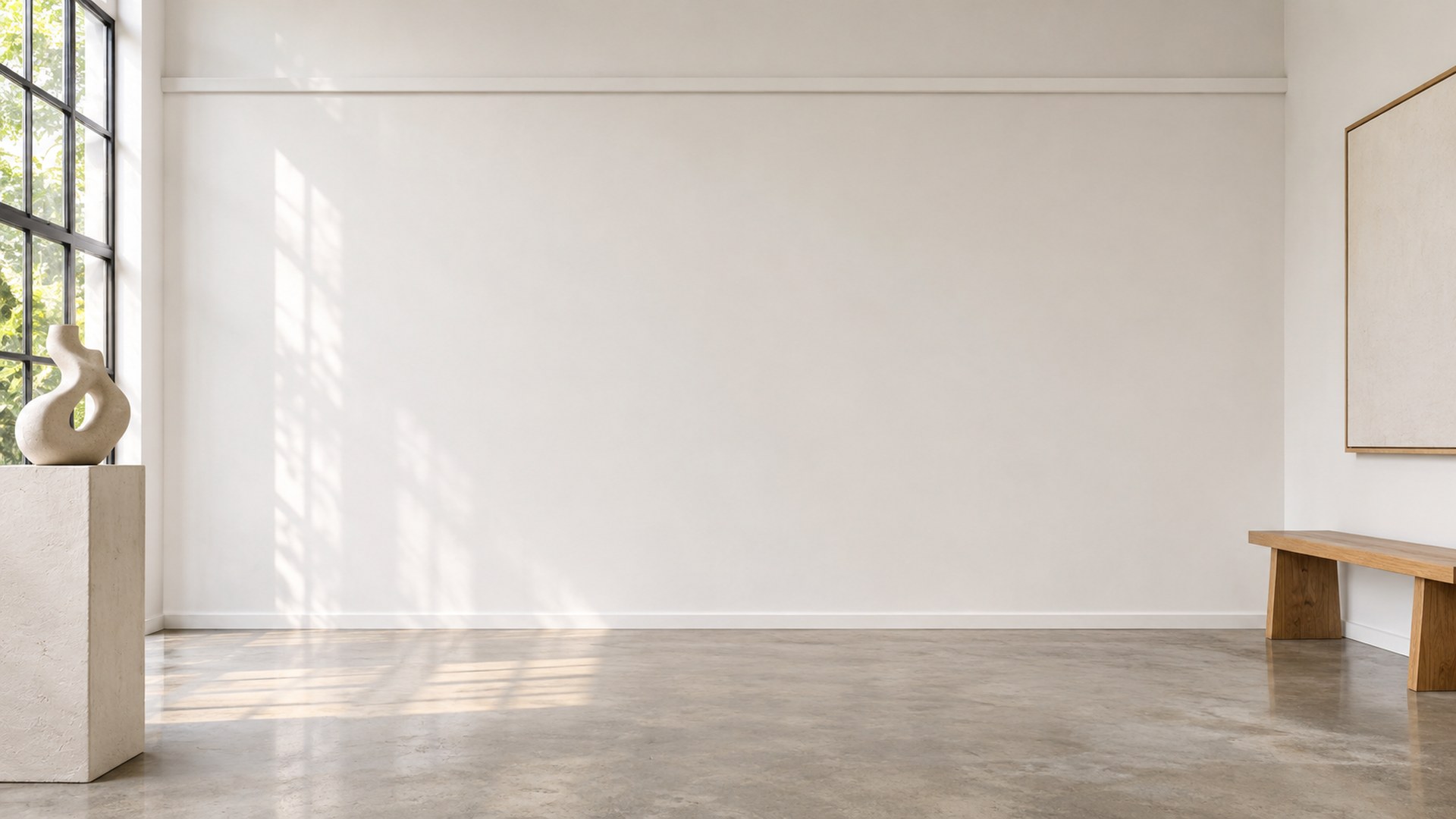
Minimal Creative Studio
Download HD JPG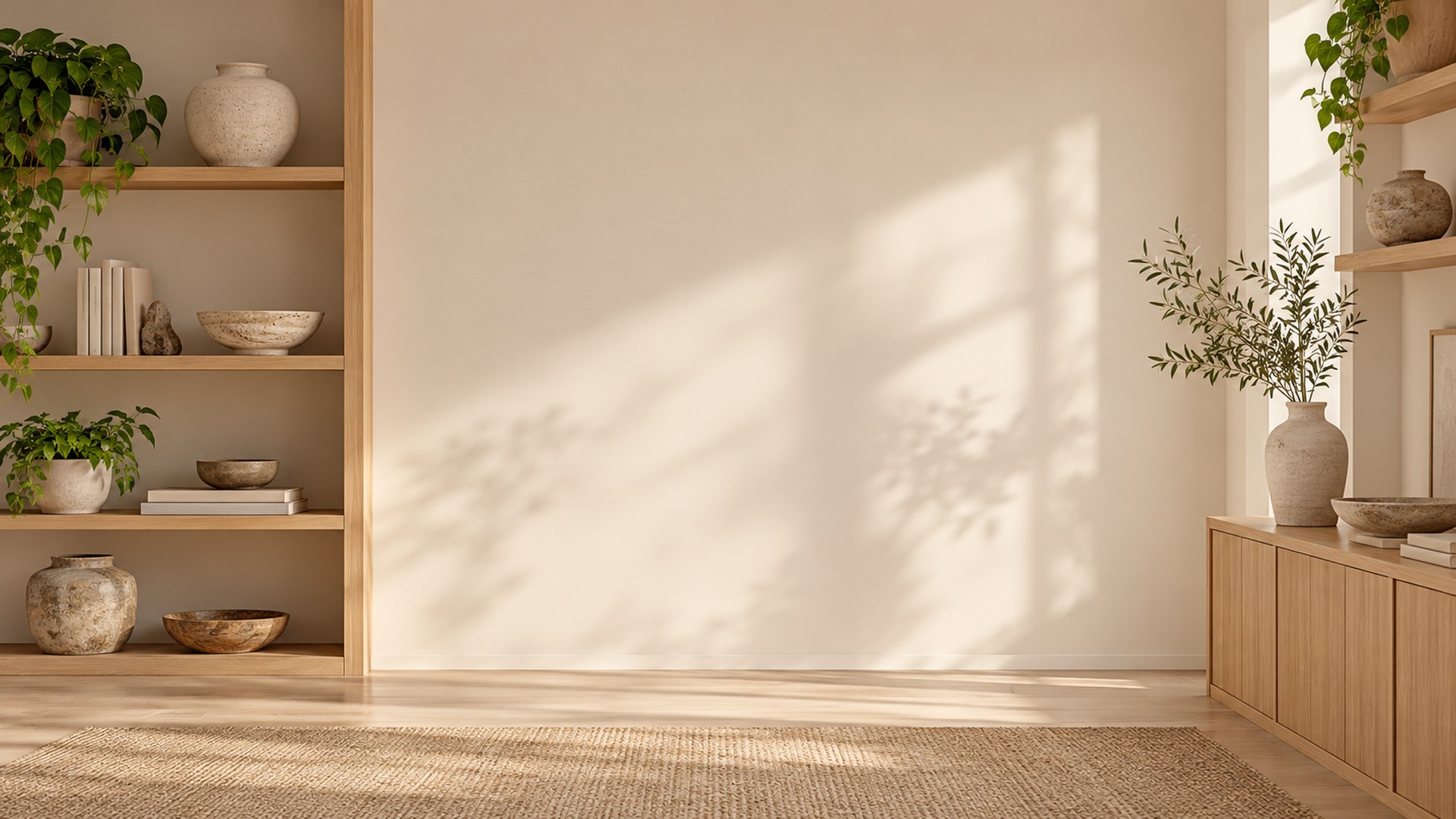
Japandi Bench Studio
Download HD JPG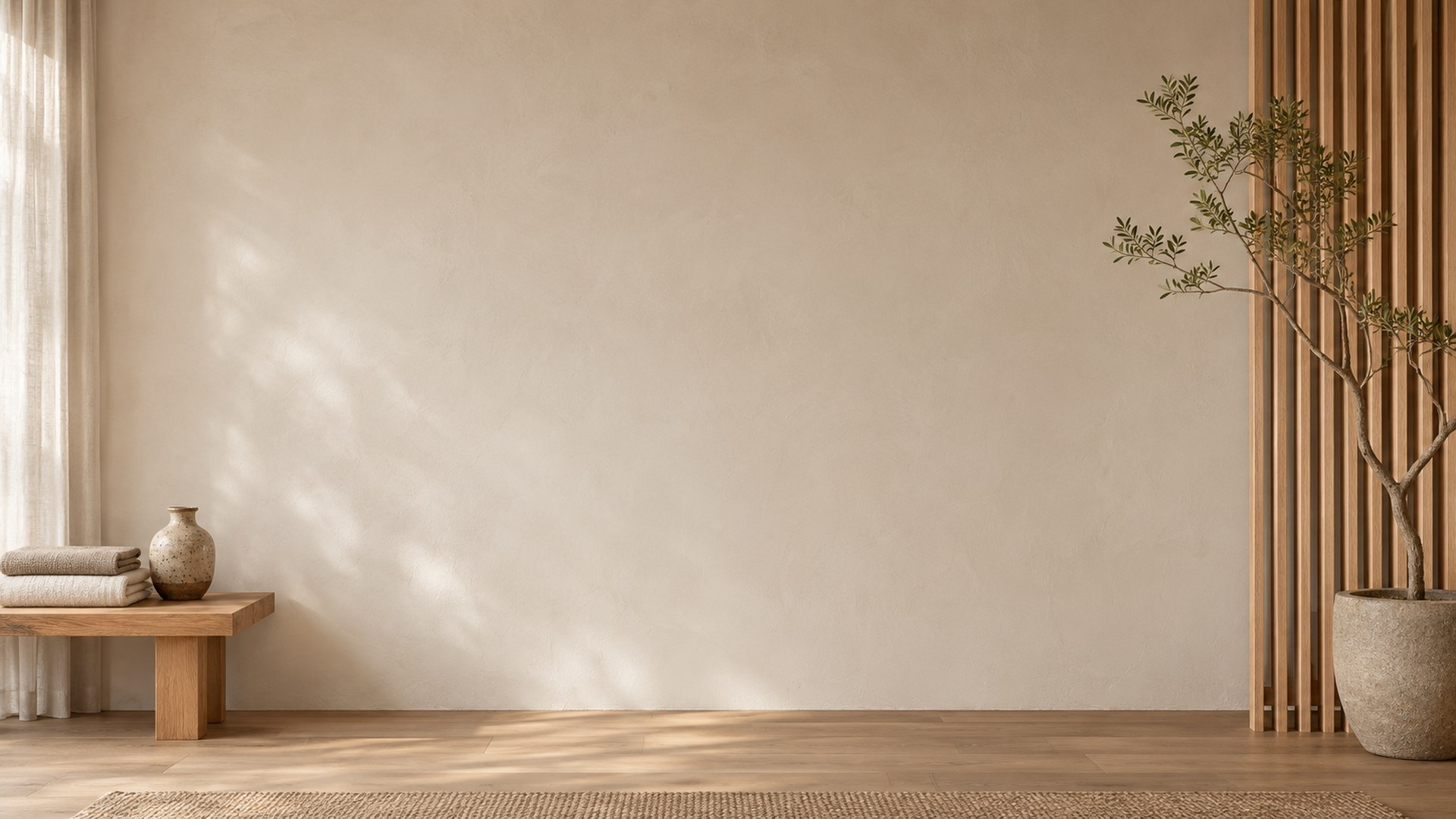
Earthy and tonal studios
Sage, clay and concrete. Colour comes from the wall, not from props behind your head.
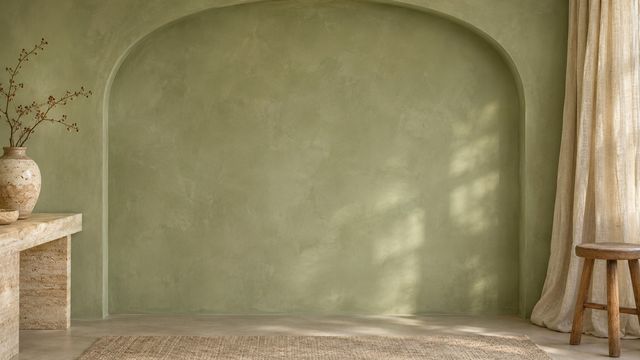
Sage Arch Studio
Download HD JPG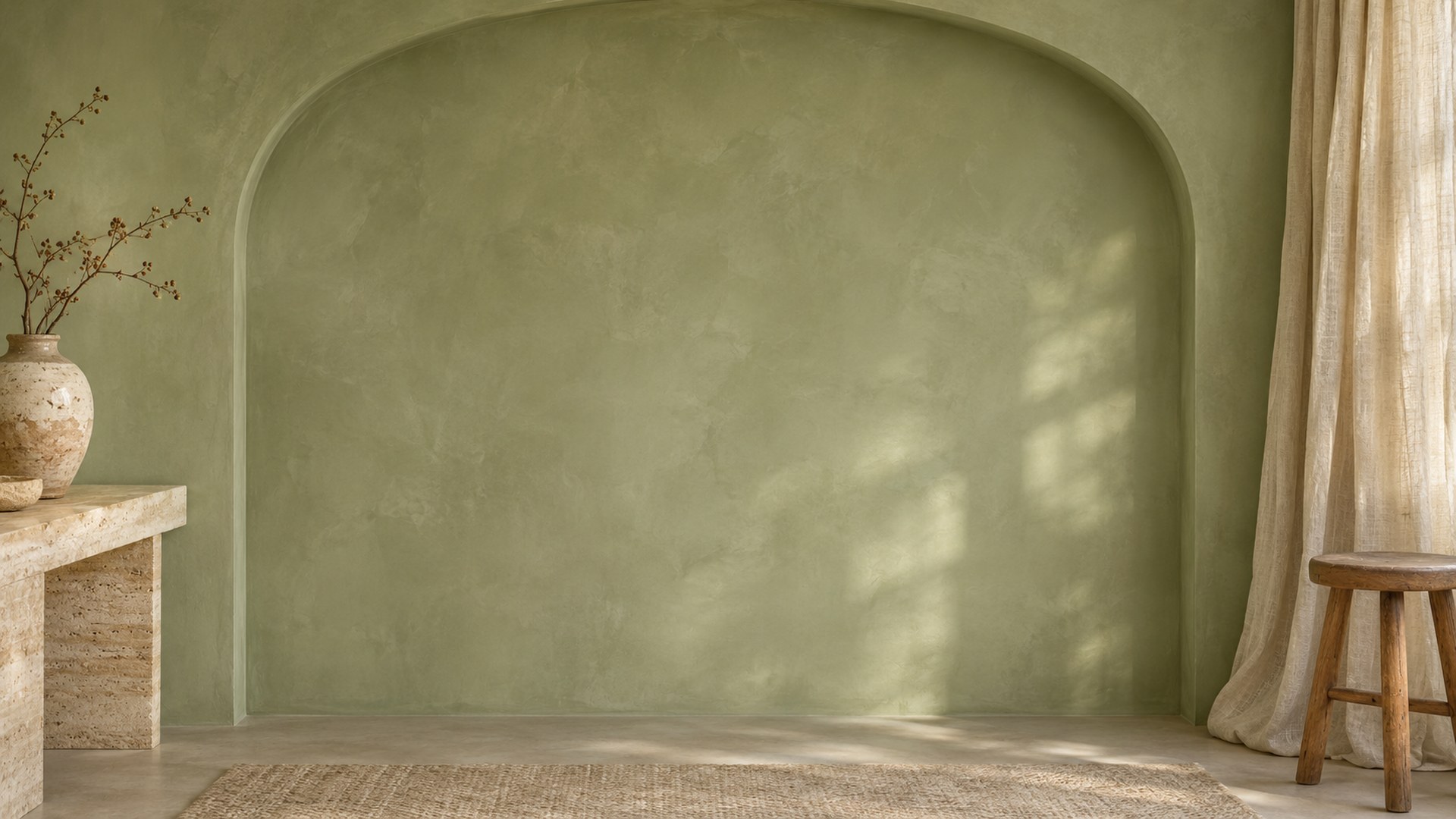
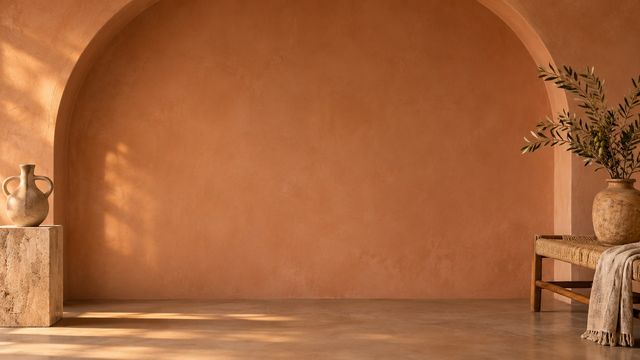
Terracotta Arch Studio
Download HD JPG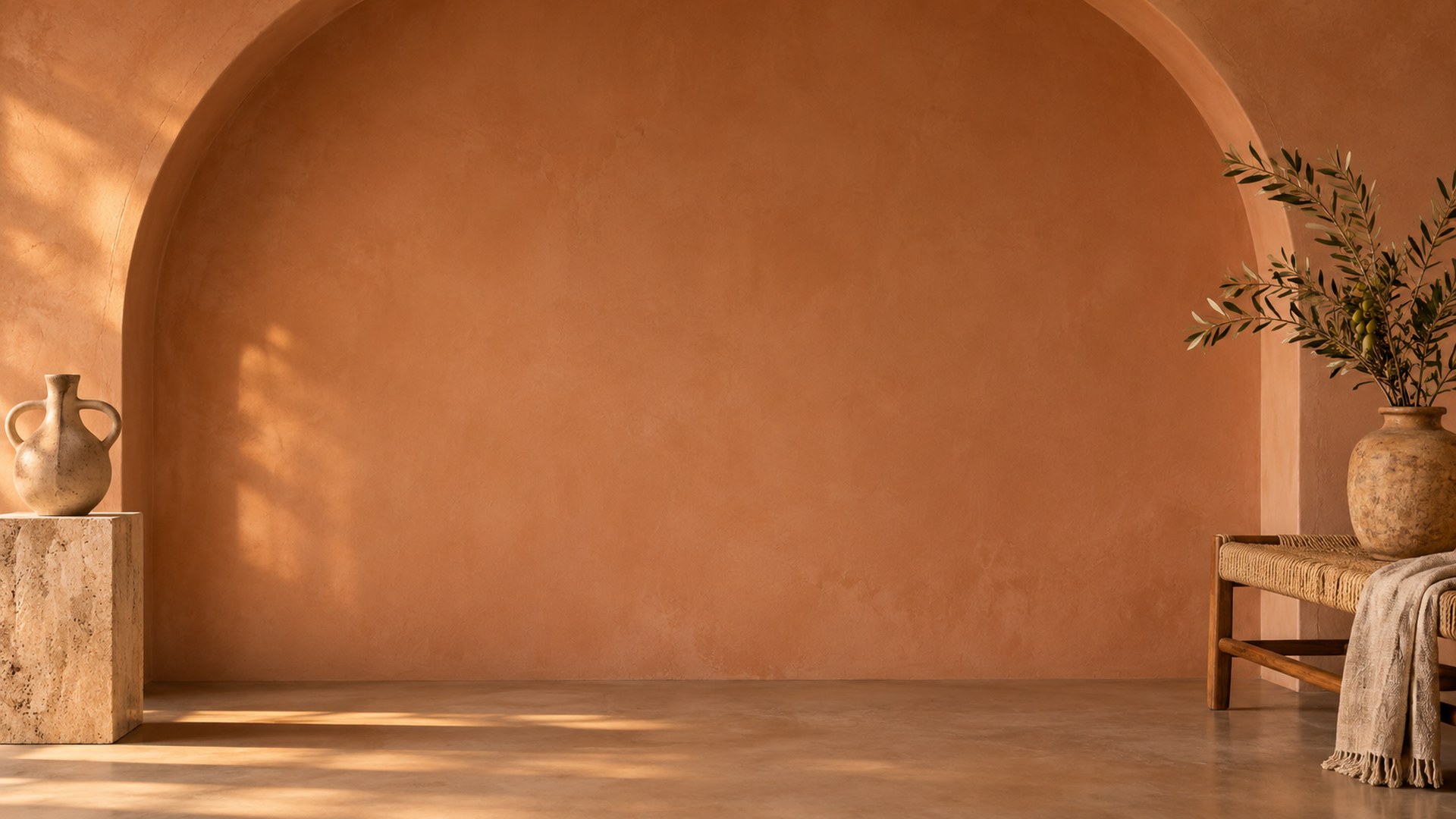
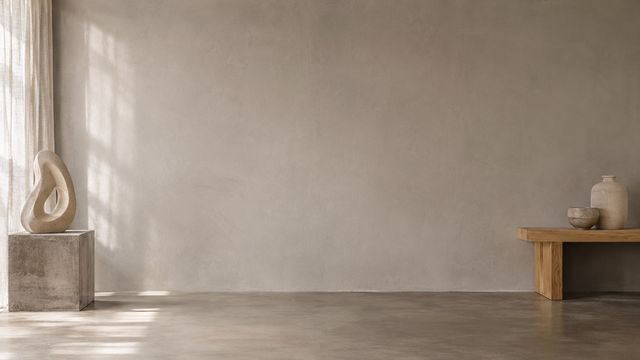
Concrete Plinth Studio
Download HD JPG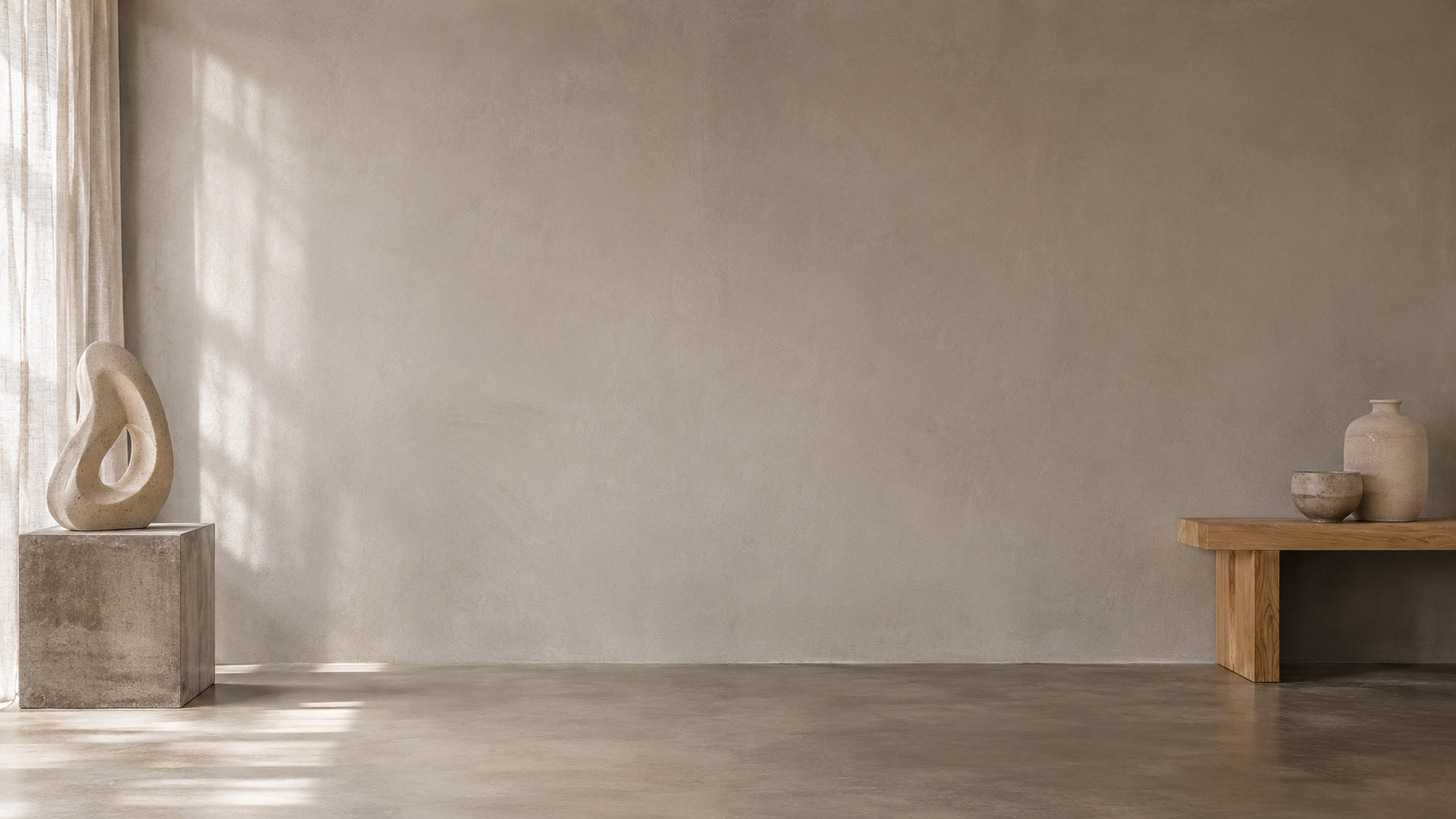
Moody and creative corners
Charcoal, linen and one soft blue wall. For evening calls, design reviews and recorded talks.
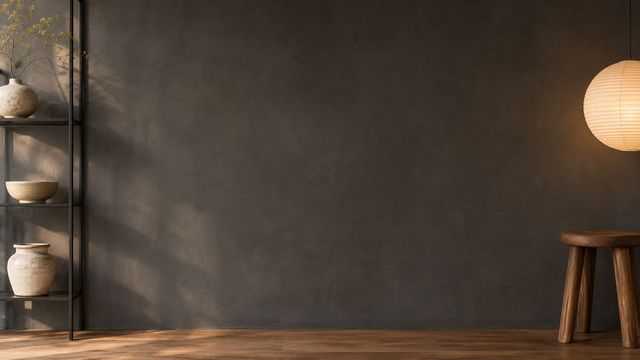
Charcoal Wood Studio
Download HD JPG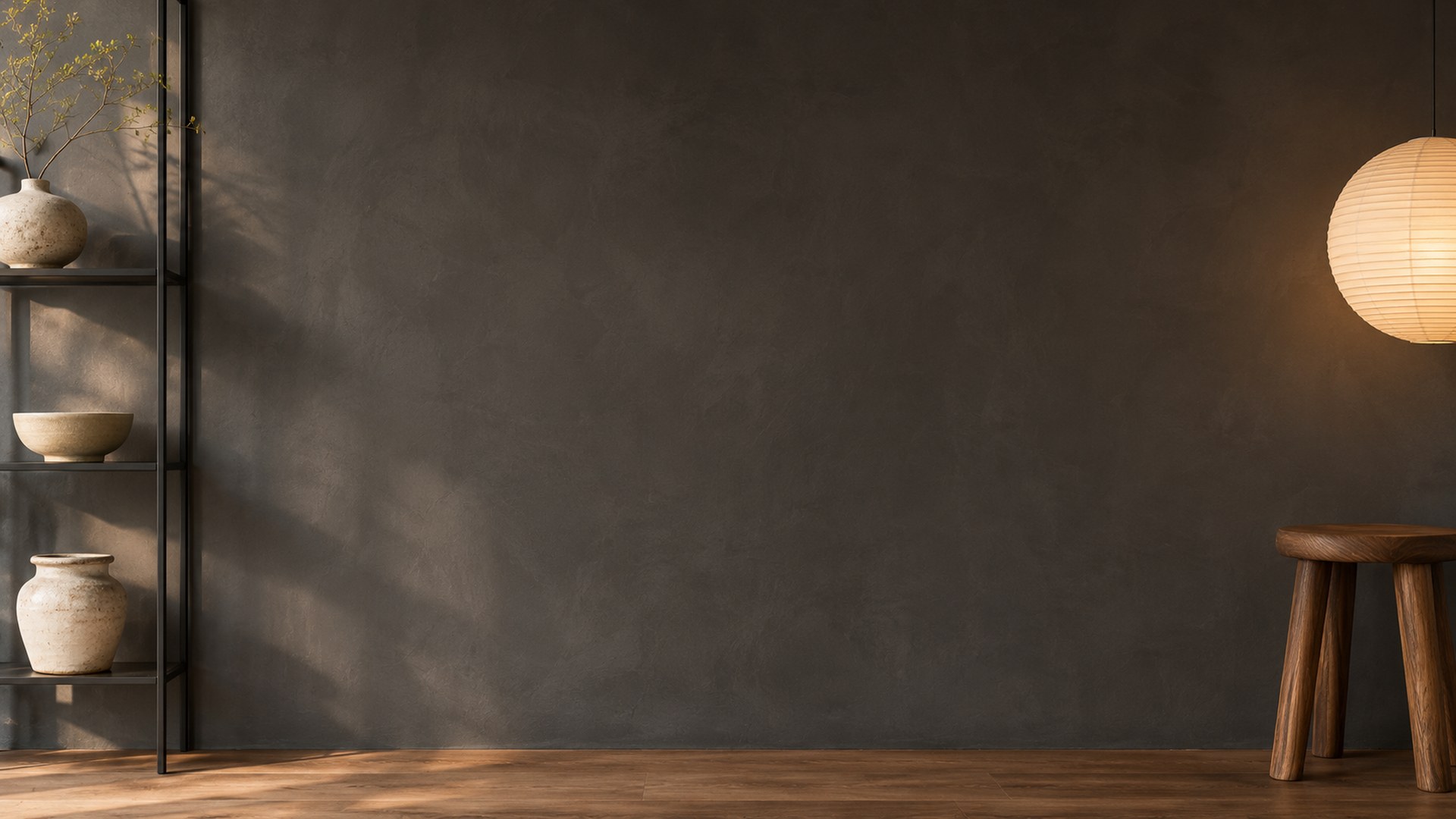
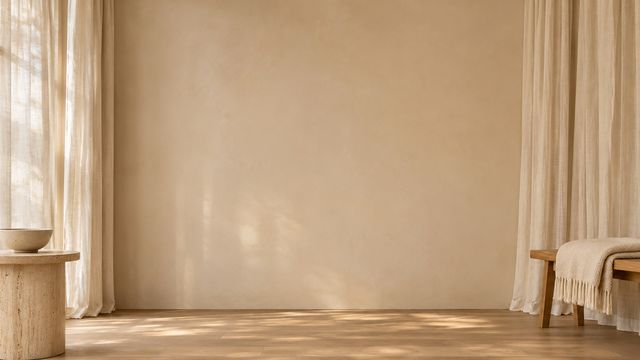
Linen Drapery Studio
Download HD JPG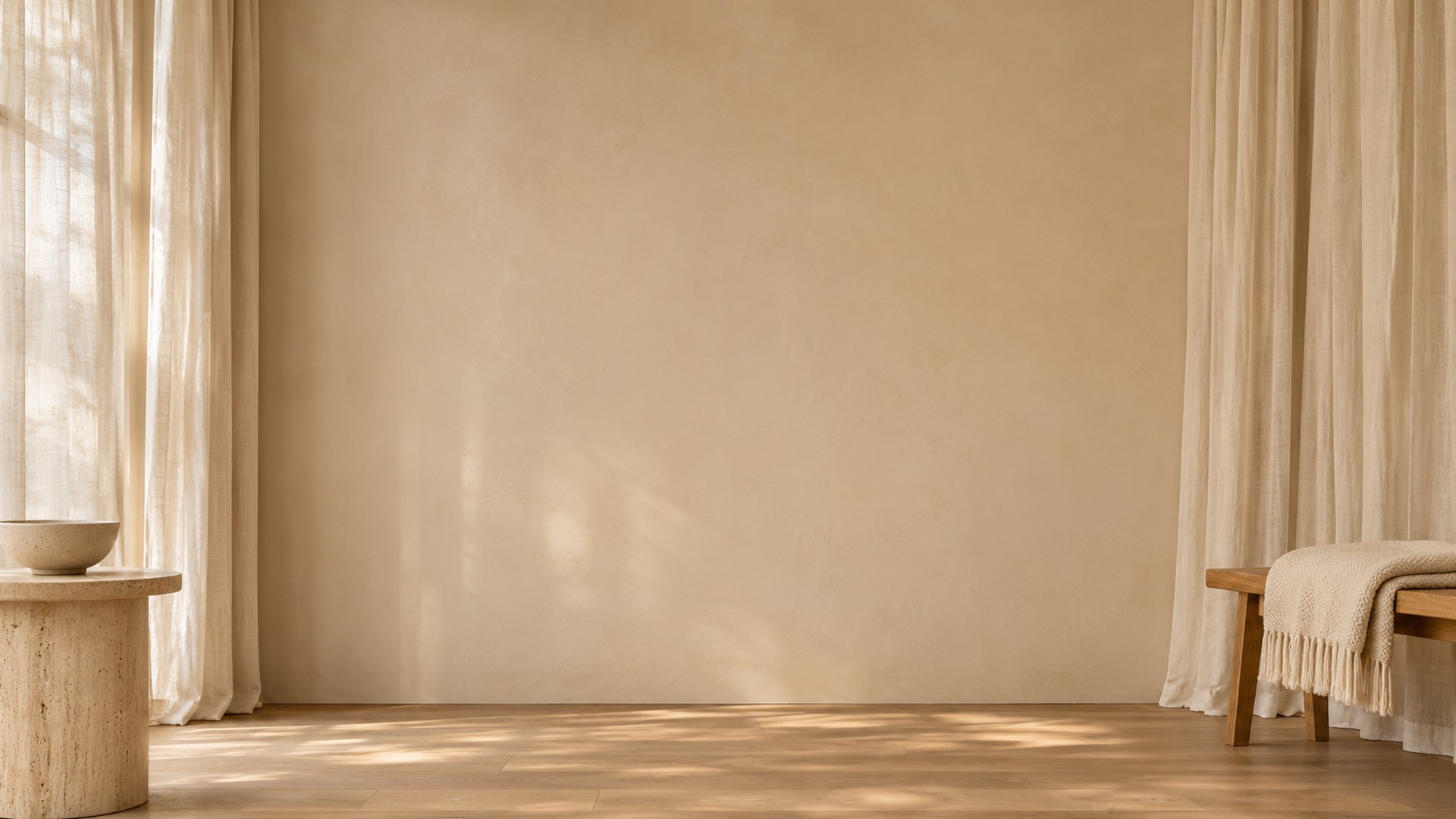
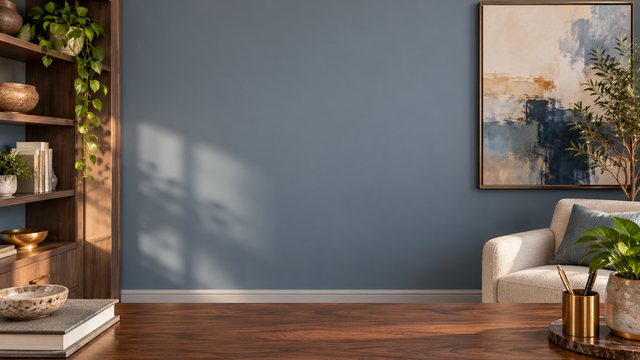
Soft Blue Workspace
Download HD JPG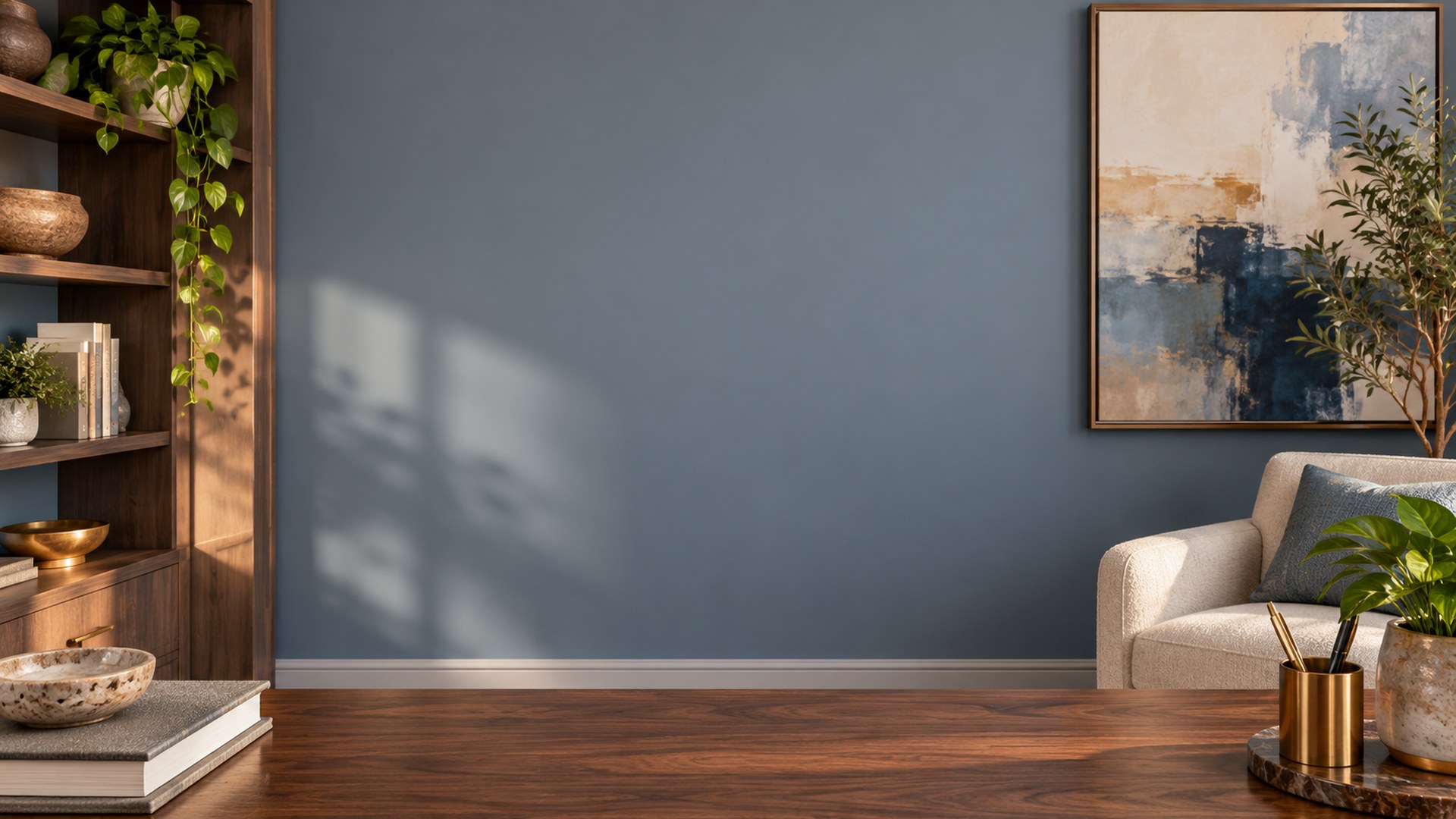
Which minimal studio background fits your call?
Pick by the room you want to imply, not by how empty the wall looks.
| Call type | Best backgrounds | Why it works |
|---|---|---|
| First call or client pitch | White Cyclorama, Gallery White Studio, Japandi Bench Studio | The wall stays plain behind your head and the edges still look intentional. |
| Creative review or portfolio call | Warm Plaster Studio, Minimal Creative Studio, Charcoal Wood Studio | Texture and a few objects say studio without turning the frame into a set. |
| Everyday team call | Linen Drapery Studio, Soft Blue Workspace, Sage Arch Studio | Soft colour and daylight feel friendly at small tile sizes. |
| Recorded talk or presentation | Terracotta Arch Studio, Concrete Plinth Studio, Skylight Loft Studio | Depth and architectural lines give the frame a more produced look. |
How to make a minimal background work on camera
Three checks before you download.
1 · KEEP ONE ANCHOR OBJECT
Leave something at the edge
A stool, a curtain or a single vase makes the room feel real. Place it beside your shoulder, never directly behind your head.
2 · WATCH THE WALL COLOUR
Warm and cool light shift skin tone
Terracotta and warm plaster bounce colour; charcoal absorbs it. Test the room with your usual webcam and lamp before an important call.
3 · CHECK THE SMALL TILE
Plain does not mean flat
At tile size, subtle plaster texture and a soft shadow keep the frame from looking like a solid colour. Join a test call and check the preview.
File specs before you upload
Every download is ready for Zoom and Teams.
Resolution
1920×1080, a 16:9 frame. Zoom asks for at least 1280×720, so these files stay sharp on full-screen calls.
Format and weight
Plain JPG, typically a few hundred kilobytes each. Uploads finish quickly and nothing is re-compressed before the call.
Teams takes the same file
Microsoft Teams accepts the same JPG under Video effects → Backgrounds → Add new. No second download is needed.
No green screen required
Zoom and Teams can apply a virtual background without a green screen on most modern computers and phones. Even front lighting improves the edge.
How to add a minimal studio background in Zoom
Desktop first; mobile uses the same file.
STEP 1
Download the JPG
Use the download button under any studio and save the original file, not the thumbnail.
STEP 2
Open Background & effects
In Zoom, open Settings → Background & effects. On mobile, open the meeting menu → Background & effects.
STEP 3
Add the image
Click the plus icon, choose Add image and select the saved JPG. Leave “I have a green screen” off unless you actually use one.
Need a different crop? Use the Zoom background size fixer, the background maker or the compressor if Zoom rejects a file for size.
More background collections
Questions
Are these minimal studio backgrounds free?
Yes. All 14 JPGs are free to download at 1920×1080, with no signup, trial or watermark. Use them in Zoom, Microsoft Teams and Google Meet.
What counts as a minimal studio background?
A plain wall behind your head, one or two objects at the edges and no busy shelving across the centre. The room can still have texture, colour and personality.
What size are the files?
Every download is a 1920×1080 JPG in a 16:9 frame. Zoom asks for at least 1280×720, so these files stay sharp on full-screen calls.
Can I use the same file in Microsoft Teams?
Yes. Teams accepts the same JPG under Video effects → Backgrounds → Add new. There is no separate Teams download.
Do I need a green screen?
No. Zoom and Teams apply a virtual background without a green screen on most modern computers and phones. Even front lighting gives a cleaner edge.
Which minimal background is best for an interview?
Start with White Cyclorama, Gallery White Studio, Japandi Bench Studio. For a fuller interview set, browse the dedicated interview collection.
Will a plain background look empty?
A completely blank wall can look like a filter. These rooms keep a bench, curtain, plant or artwork at the edge so the frame still reads as a real studio.
Can I use these in commercial calls?
Yes. They are free for personal and commercial meetings, interviews, classes and webinars. You cannot resell or redistribute the files as your own collection.