

Free Thanksgiving Zoom & Teams Backgrounds
Sixteen HD autumn scenes for the holiday season: harvest tables, fireplaces, porches and golden fields. Every file is sized for a virtual background and downloads directly, with no signup and no watermark.
1920×1080 HD16 backgroundsNo watermarkSame file works in Zoom and Teams
Thanksgiving backgrounds for Zoom
Warm indoor rooms that read as home, not as a stage set.


Fireplace Living Room
Download HD JPG

Farmhouse Kitchen
Download HD JPG

Cabin Reading Nook
Download HD JPG

Breakfast Nook
Download HD JPG

Autumn Library
Download HD JPG

Modern Loft
Download HD JPG

Minimal Autumn Still Life
Download HD JPG
Thanksgiving backgrounds for Microsoft Teams
Outdoor and architectural scenes for client calls, standups and team socials.

Pumpkin Front Porch
Download HD JPG
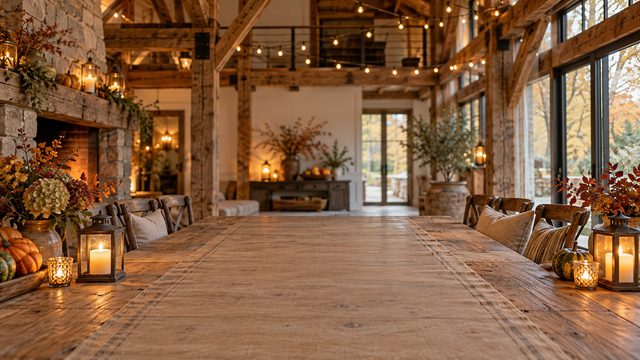
Rustic Barn Table
Download HD JPG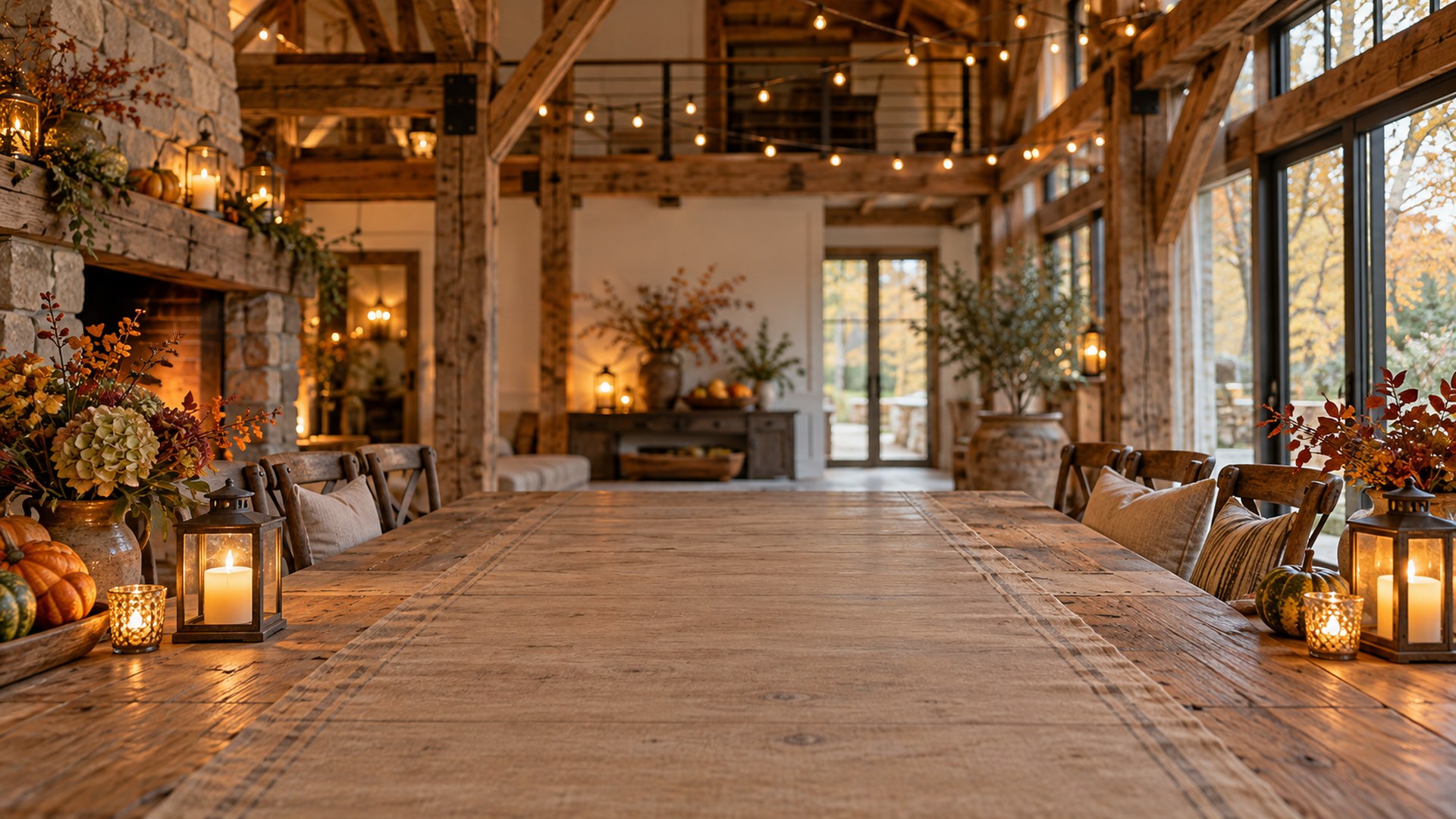

Lake House Deck
Download HD JPG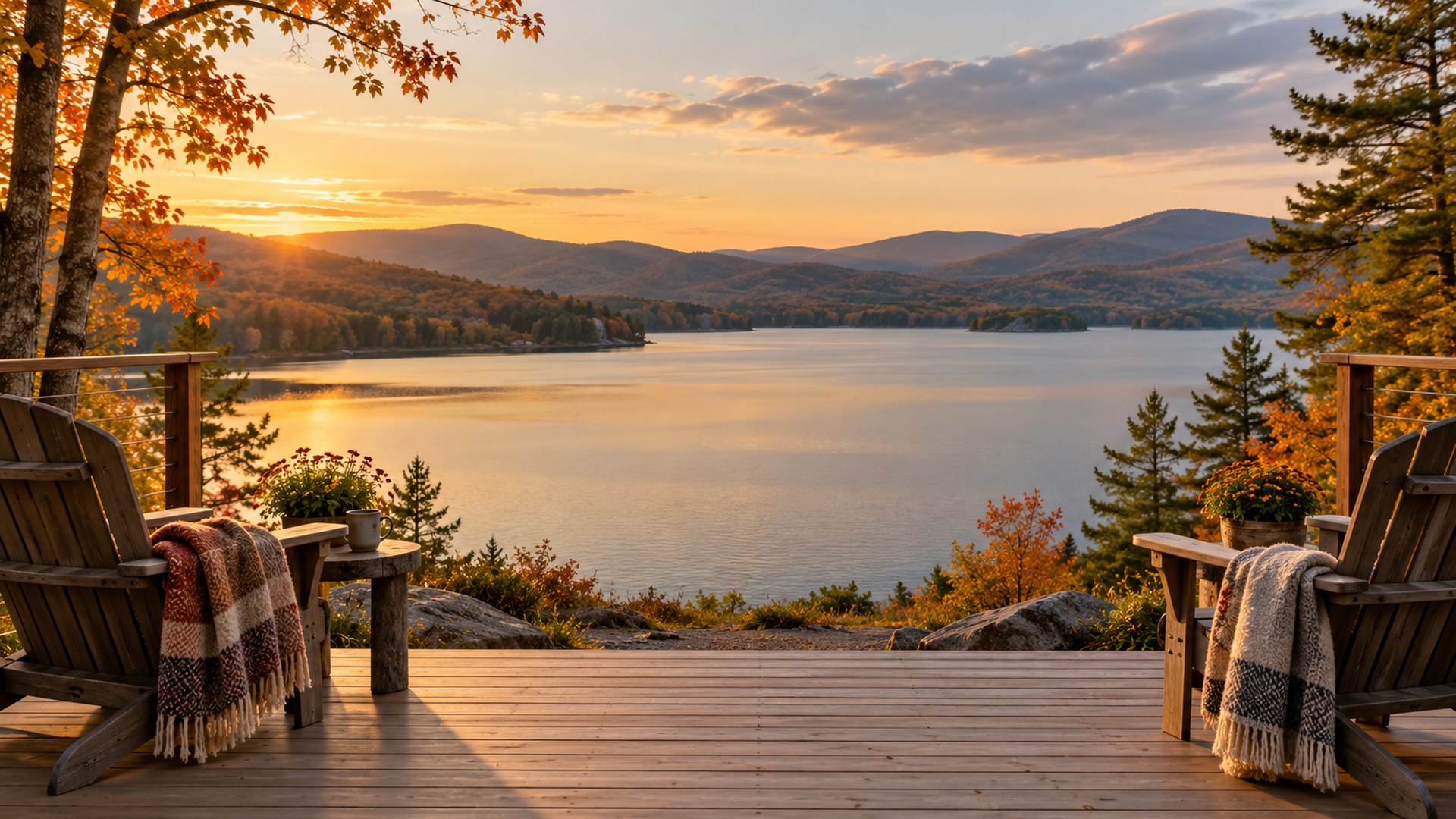

City Park Bench
Download HD JPG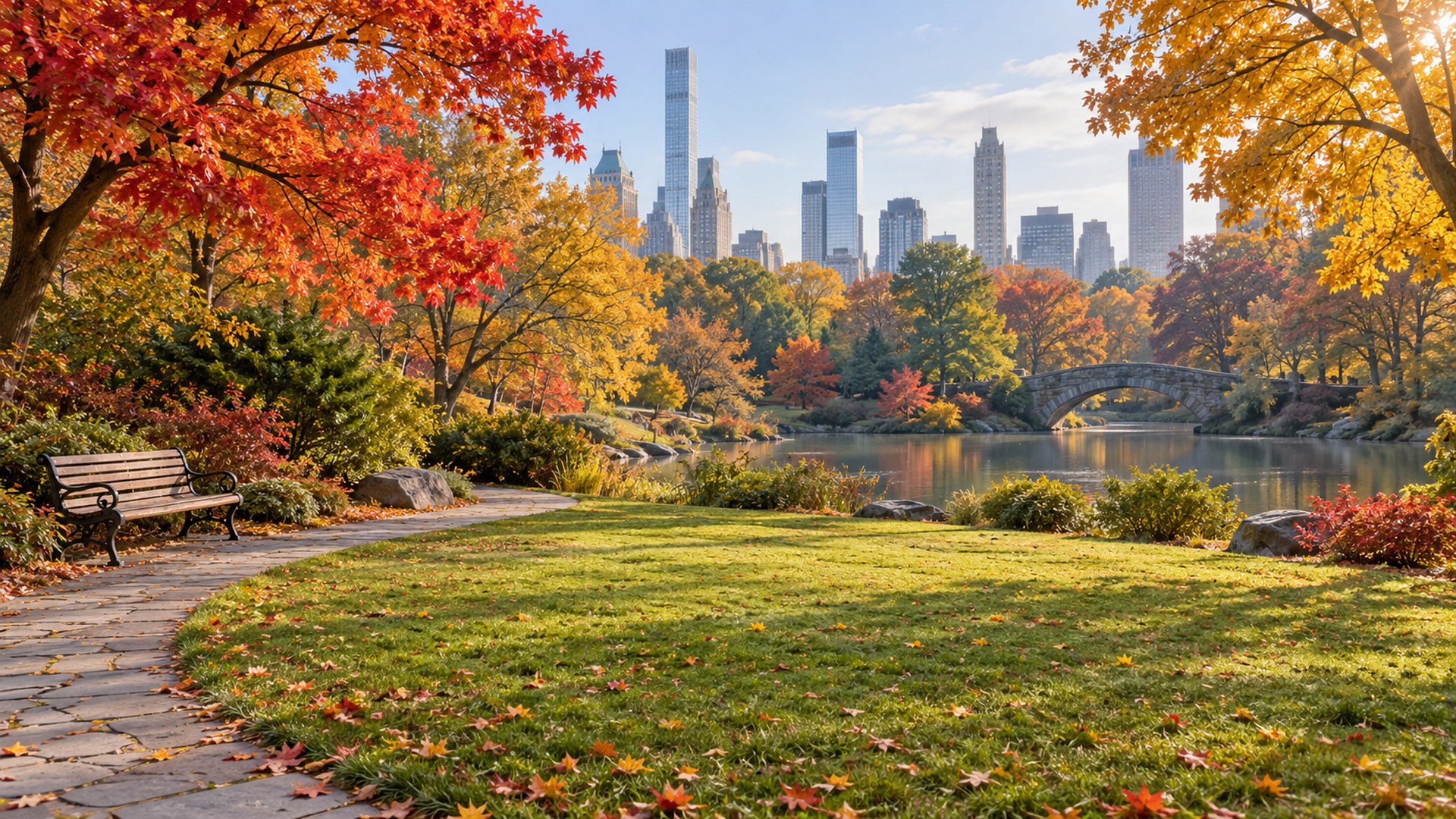

Apple Orchard
Download HD JPG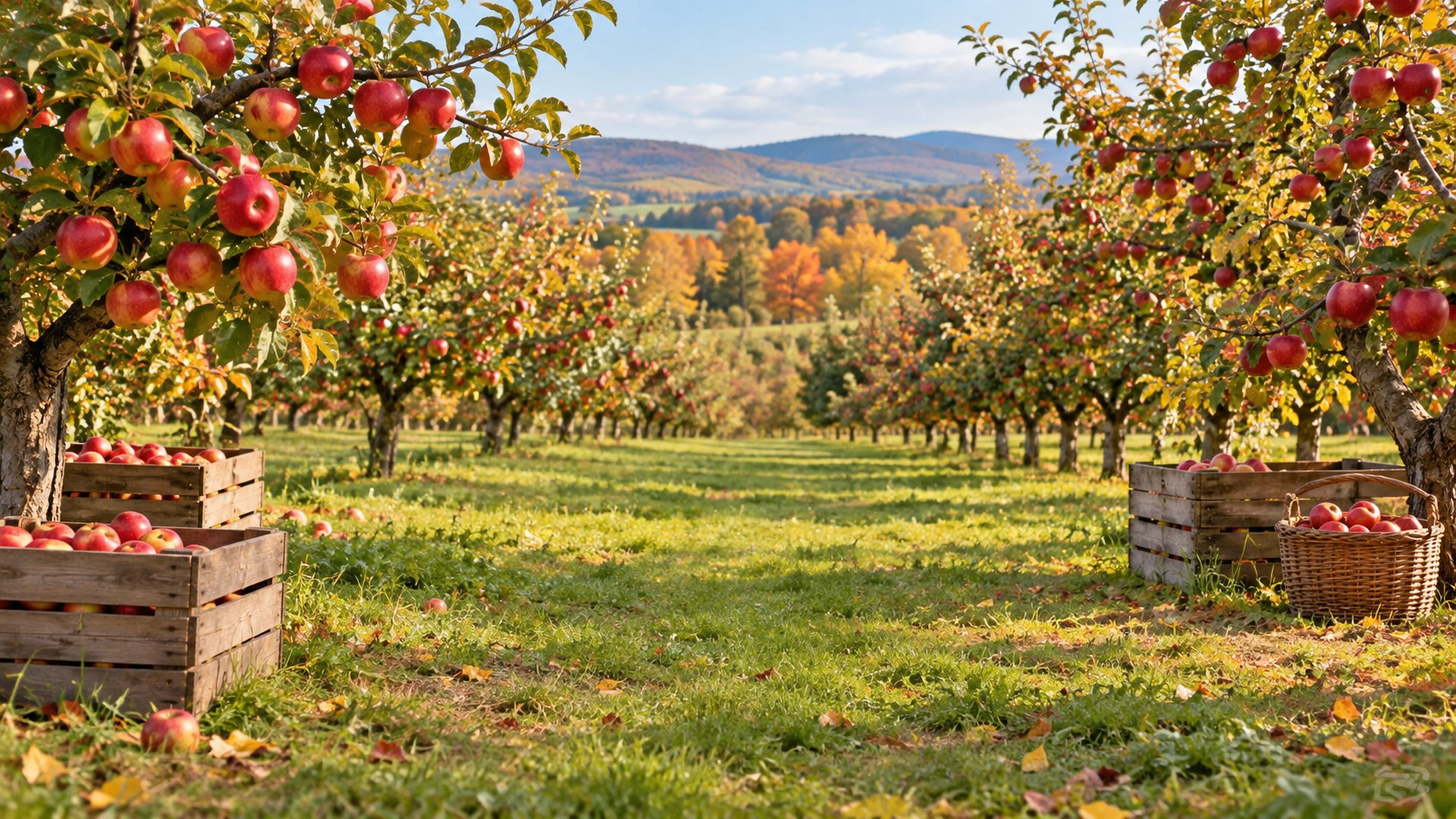
Woodland Trail
Download HD JPG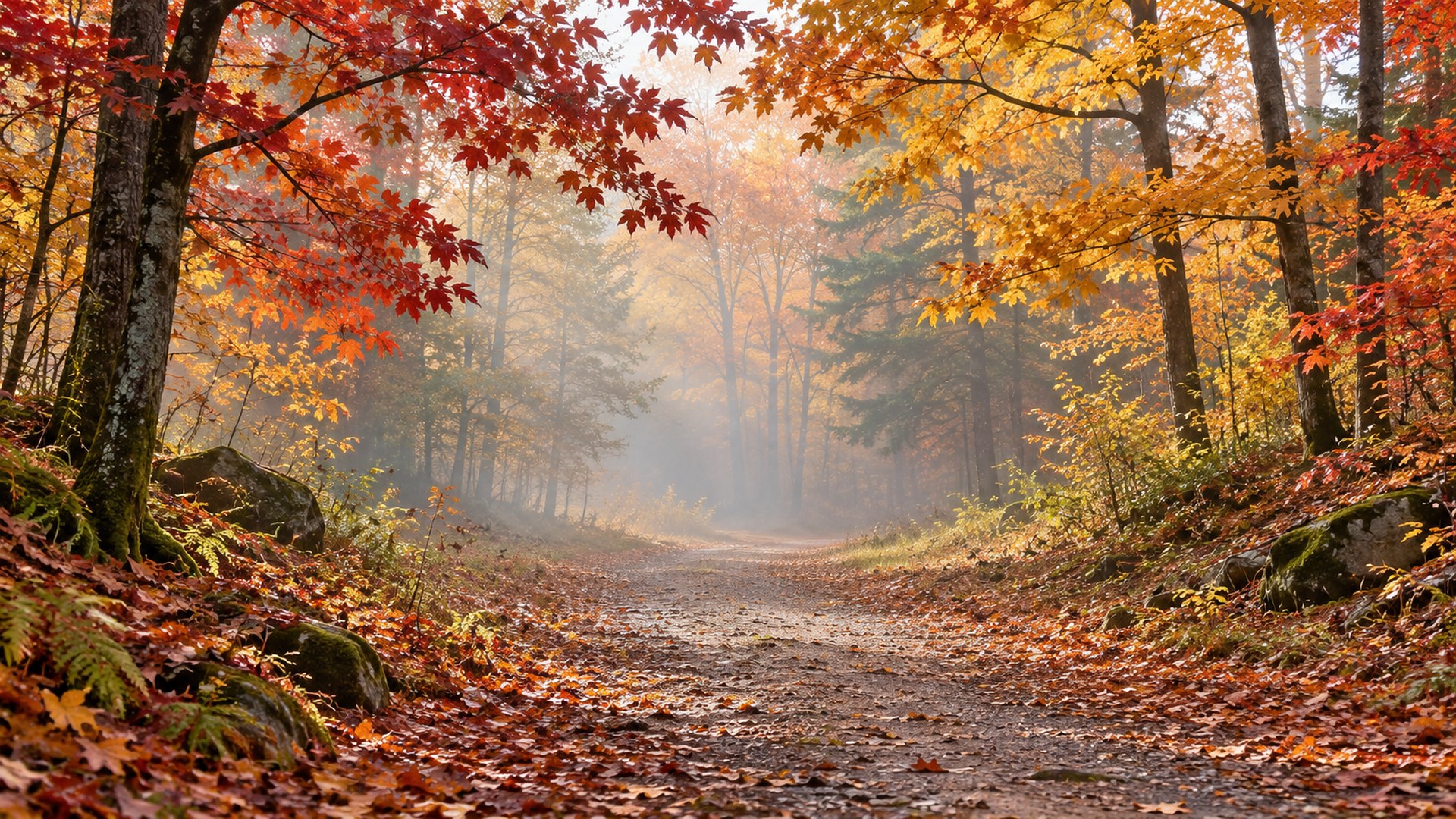
Golden Field Sunset
Download HD JPG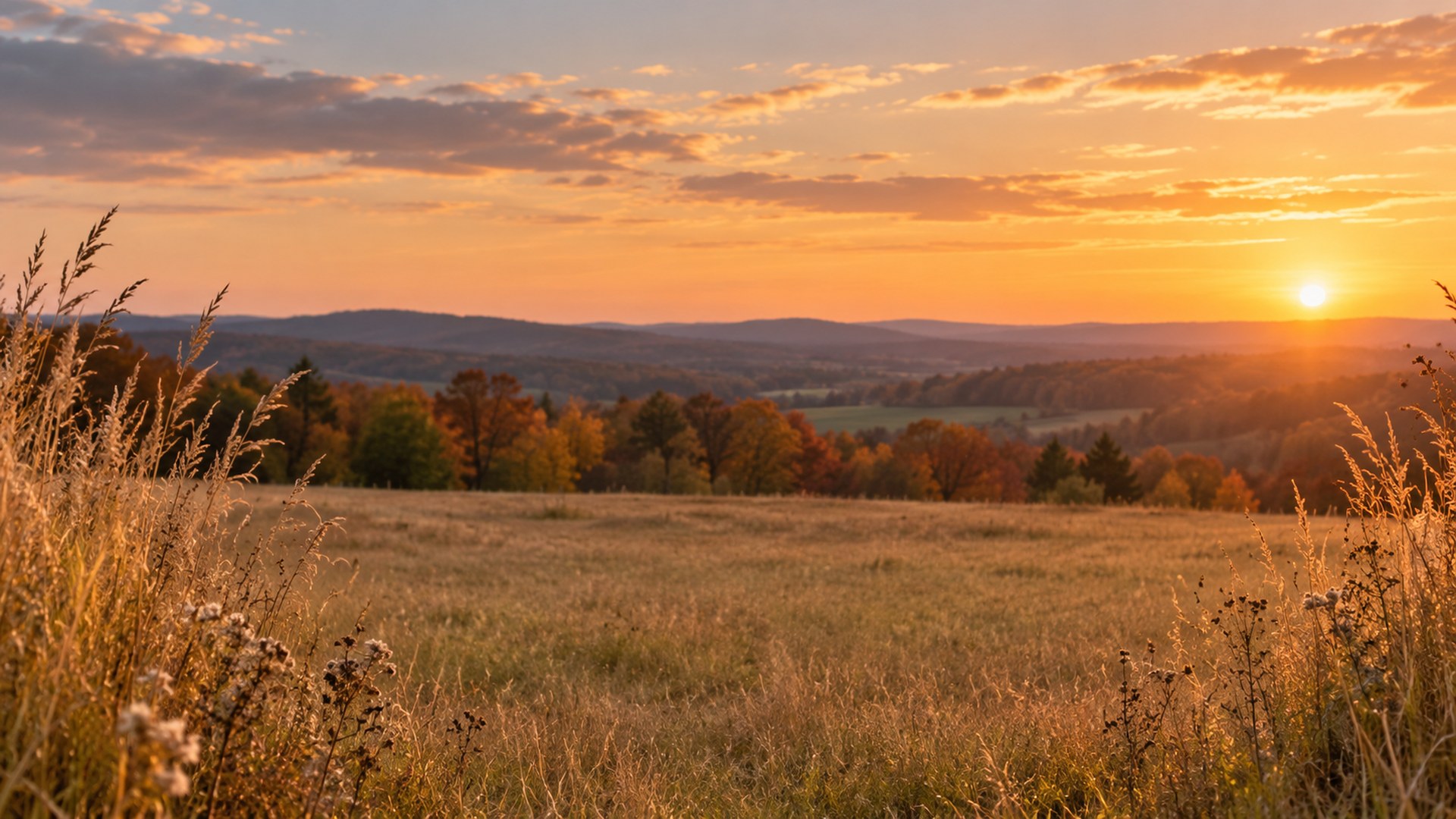

Pumpkin Patch
Download HD JPG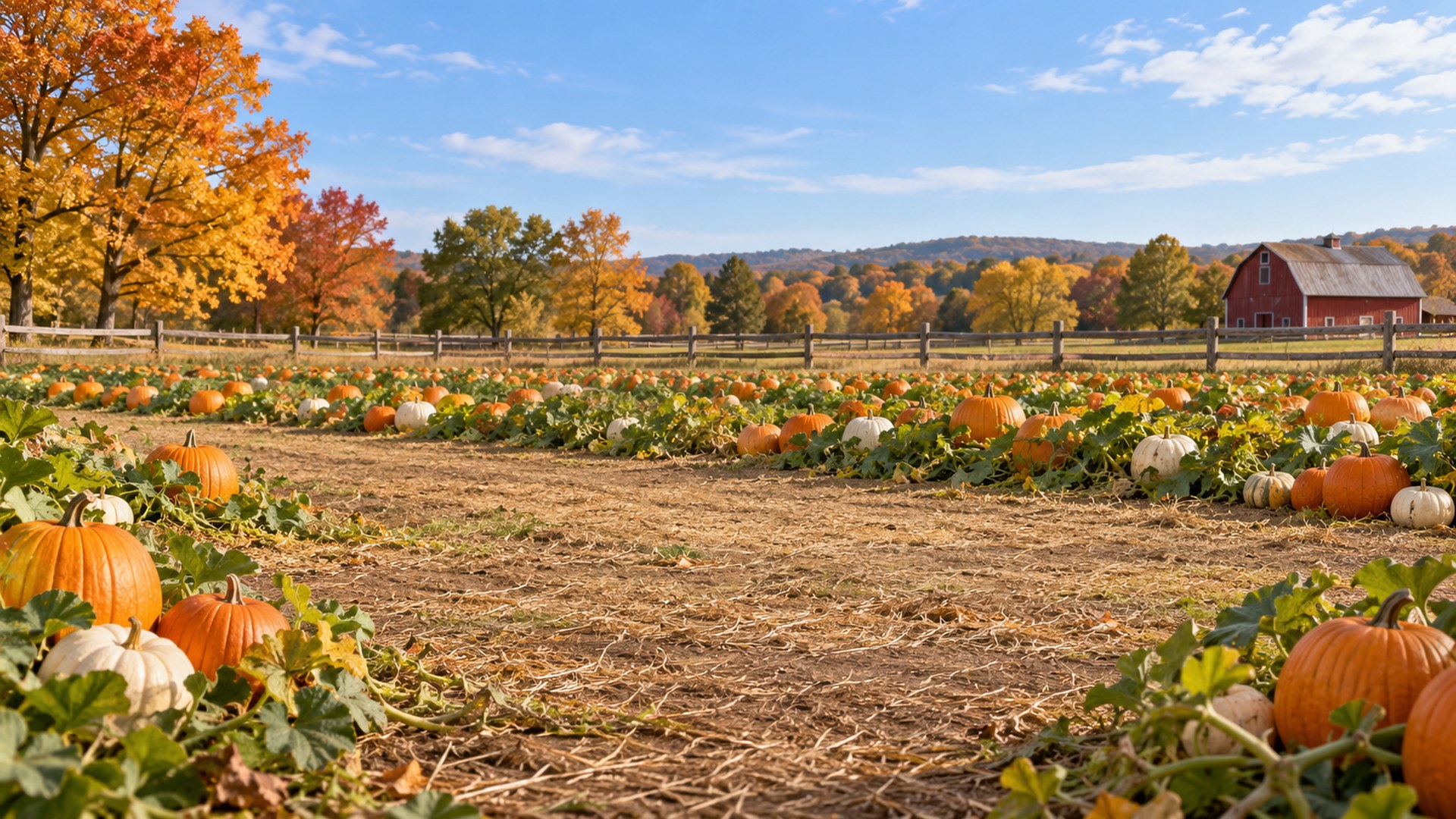
A Thanksgiving background that still looks professional
Seasonal does not have to mean costume party.
Holiday backgrounds fail for one of two reasons: the scene is too loud, or the light does not match your face. A harvest table with candles works because the warm tones flatter skin and the detail sits at the edges of the frame. A pumpkin patch works when the sky is bright and the rows pull the eye away from the centre.
US Thanksgiving falls on 26 November 2026, and most remote teams start switching their backgrounds in the first week of November. If you have a client call on the same day as a team social, keep one restrained file, such as Harvest Dining Room or City Park Bench, and save the pumpkin patch for the internal call.
Which Thanksgiving background fits your call?
Match the scene to the room you would have booked in person.
| Call type | Best backgrounds | Why it works |
|---|---|---|
| Client call or interview | Autumn Library, Modern Loft, City Park Bench | Architecture and bookshelves read as prepared; the seasonal signal stays subtle. |
| Team standup | Fireplace Living Room, Breakfast Nook, Cabin Reading Nook | Warm and human without pulling attention away from the speaker. |
| Team social or all-hands | Pumpkin Front Porch, Rustic Barn Table, Pumpkin Patch | Openly festive, still clean behind a head and shoulders. |
| Family call on the day | Harvest Dining Room, Farmhouse Kitchen, Lake House Deck | Reads like a real home during the holiday, not a stock office. |
File specs before you upload
The same numbers Zoom and Teams document.
| Spec | Value | Note |
|---|---|---|
| Resolution | 1920 × 1080 | 16:9, the native frame for both apps. |
| Format | JPG | Accepted by Zoom, Teams and Google Meet. |
| File size | Under 1.5 MB | Fast download, no upload warning. |
| Safe area | Lower centre kept calm | Room for your head and shoulders after cropping. |
If your meeting app rejects the file or crops it oddly, run it through the free background resizer or check the size guide before the call.
Set your Thanksgiving background in Zoom
STEP 1
Download the JPG
Pick a scene and save the full-size file to your computer or phone.
STEP 2
Open Background & effects
In Zoom settings, choose Virtual background and press the plus button.
STEP 3
Upload and check the crop
Add the image, then sit where you normally sit and confirm your face is centred.
Set it in Microsoft Teams
STEP 1
Download the JPG
Save the file somewhere you can find it again, such as Pictures.
STEP 2
Open Video effects
Before joining a meeting, choose Video effects and settings.
STEP 3
Add new
Upload the image under Backgrounds and select it for the call.
More autumn and seasonal collections
Questions
Are these Thanksgiving backgrounds free?
Yes. Every background downloads as a full-size JPG with no signup, no trial and no watermark. Use them in work meetings, family calls, interviews and webinars.
What size are the Thanksgiving backgrounds?
Each file is 1920x1080 pixels in a 16:9 frame and stays under 1.5 MB, the size and format Zoom and Microsoft Teams expect for a virtual background.
Can I use the same image in Zoom and Teams?
Yes. The files are not tied to one app. Download once and upload the same JPG in Zoom under Background & effects, or in Teams under Video effects.
Do I need a green screen?
No. Both Zoom and Teams can replace your background without one on most modern laptops and phones. Even lighting and a plain wall behind you improve the cut-out.
When should I switch to a Thanksgiving background?
US Thanksgiving falls on 26 November 2026, and most teams start using autumn backgrounds in early November. The outdoor scenes also work through the rest of fall.
Will a busy background hurt my video quality?
Fine detail such as leaves and books can shimmer on a 720p webcam. Every scene here keeps the lower centre calm, so your head and shoulders stay clean and readable.