
Free Microsoft Teams Backgrounds
Professional HD backgrounds made for clear, credible work calls. The center stays calm so you remain the focus.
1920×1080 HDNo signupNo watermark
Professional backgrounds for Teams
Download the finished JPG, then add it in Video effects.


Bright Home Office
Download HD JPG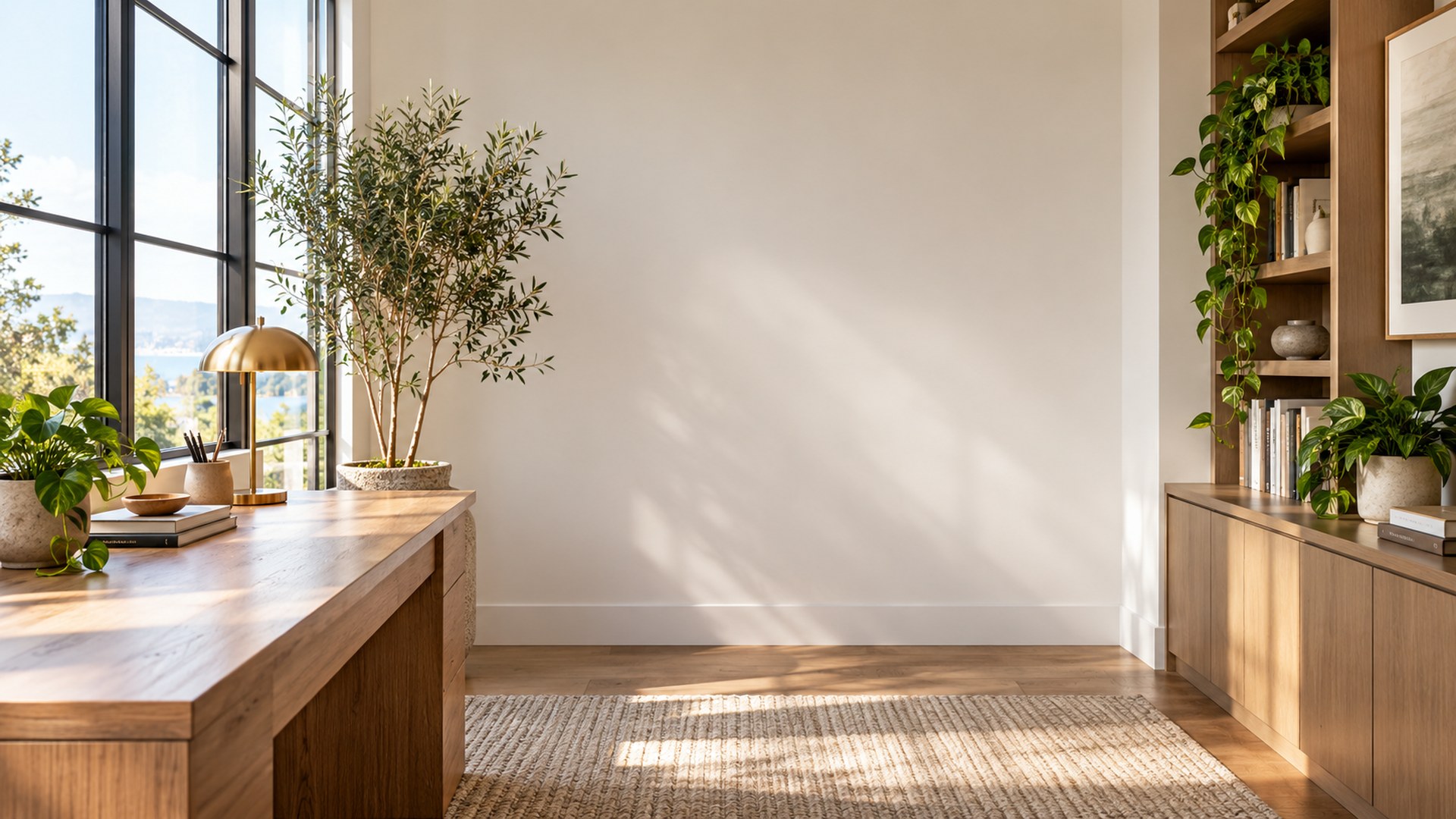

Minimal Creative Studio
Download HD JPG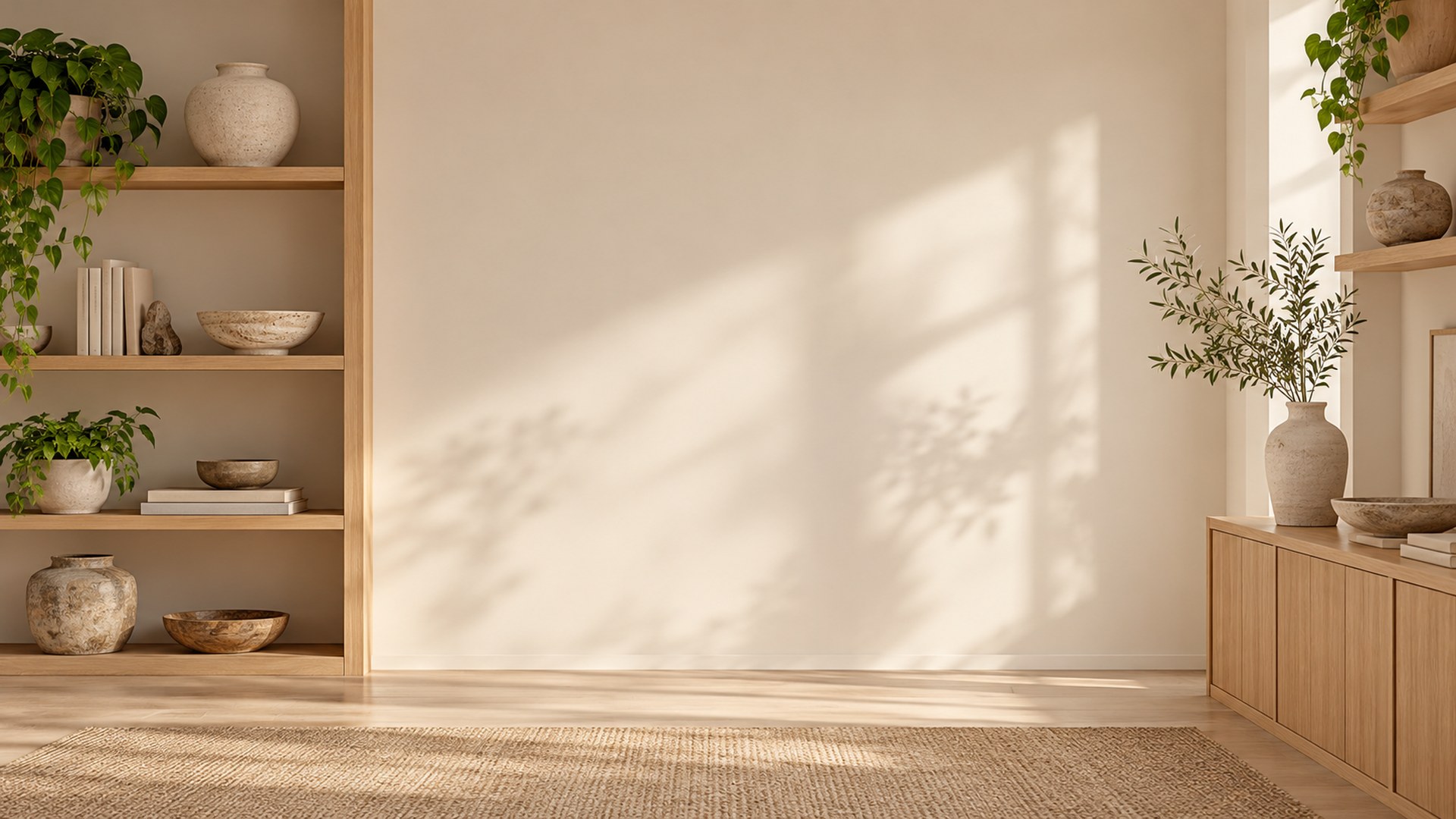
Executive Conference Room
Download HD JPG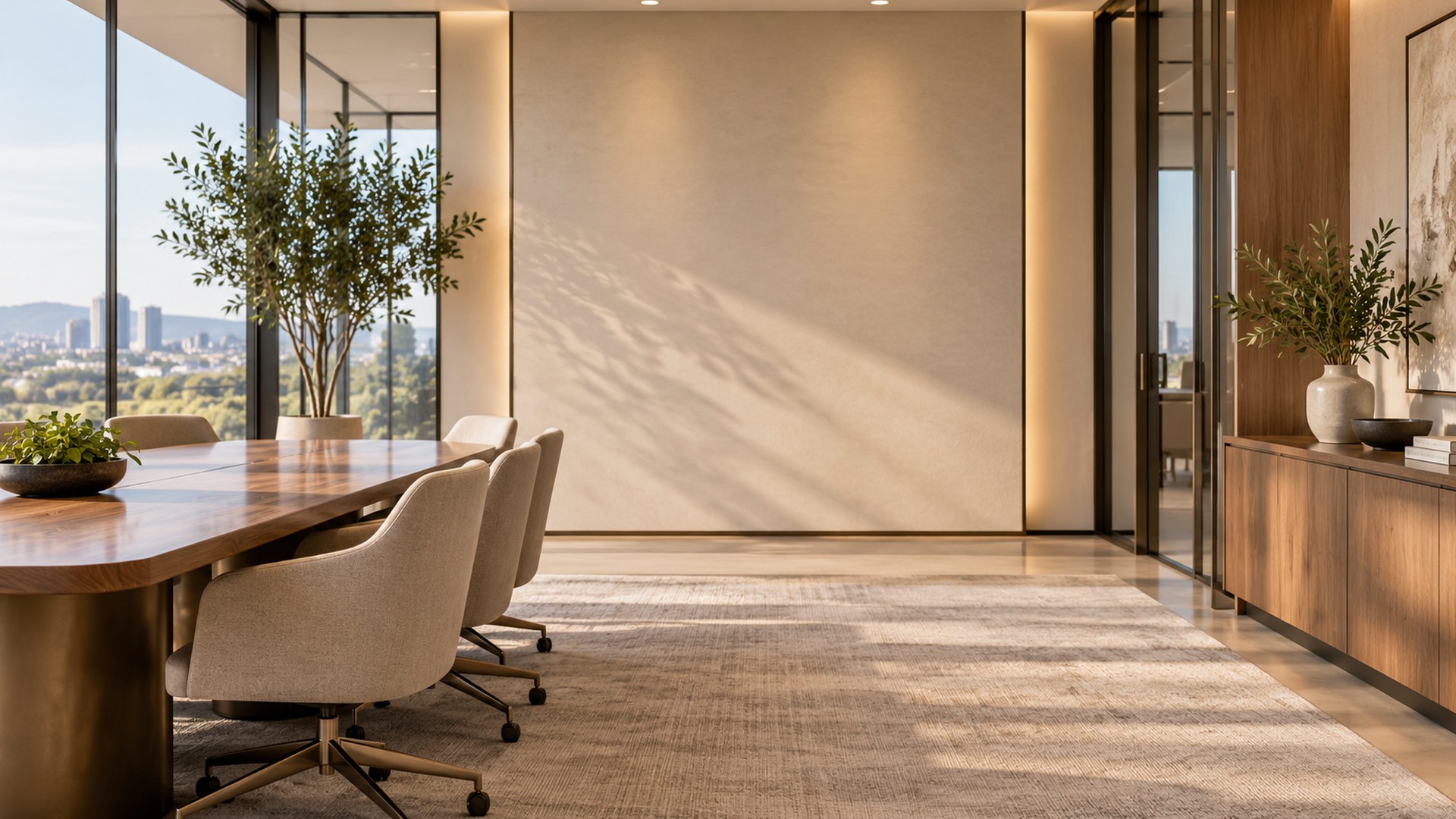

Cozy Reading Nook
Download HD JPG

Sunlit Plant Office
Download HD JPG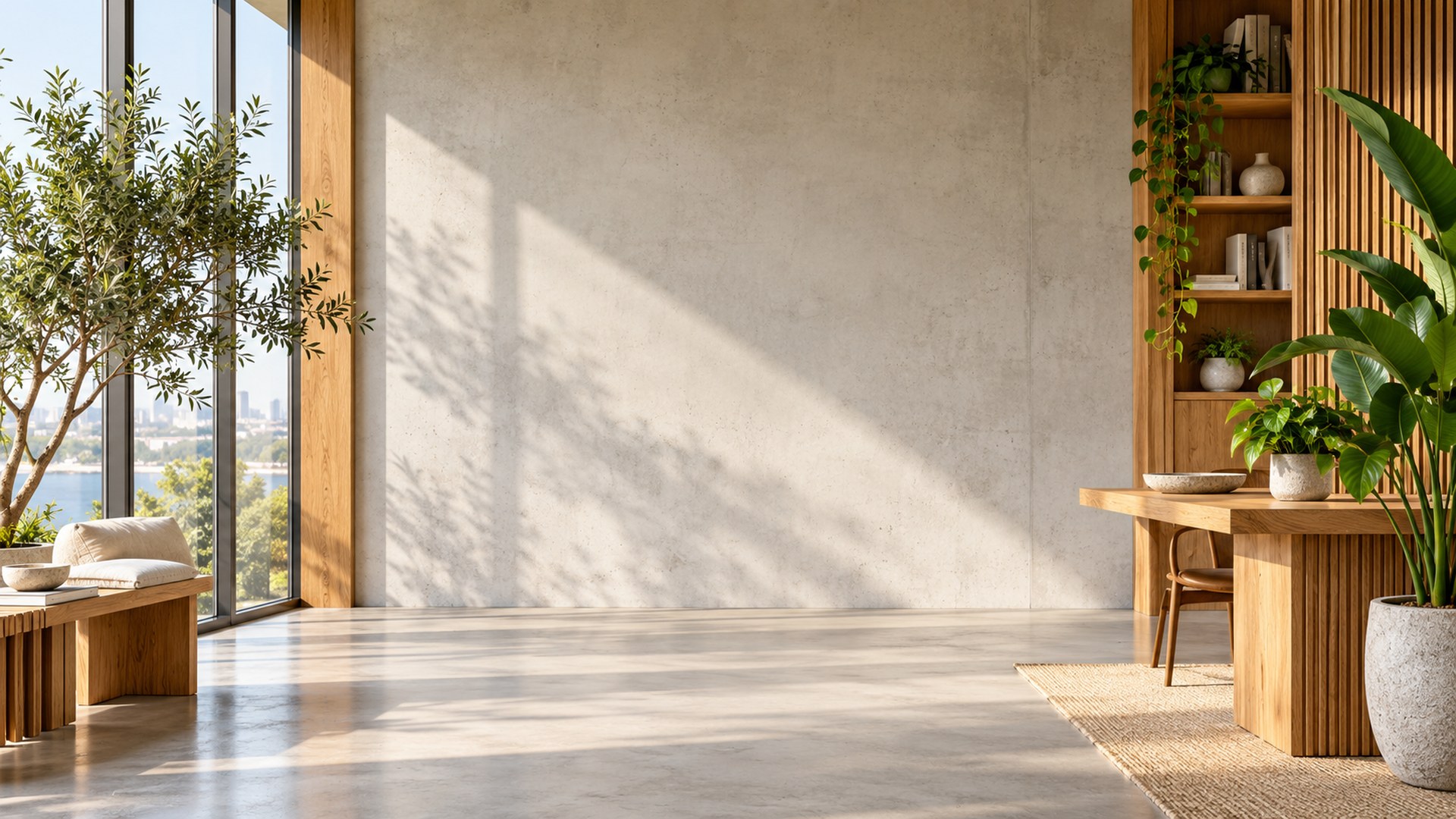

Soft Blue Workspace
Download HD JPG
Set a background in Teams
STEP 1
Download
Save a full-size JPG to your computer.
STEP 2
Open Video effects
Choose Video effects and settings before joining.
STEP 3
Add new
Upload the file and select it for your call.
Explore more backgrounds
Questions
Can I use these at work?
Yes. They were designed for meetings, interviews and client calls.
Are the files watermarked?
No. The direct downloads are watermark-free.
Do these work in classic Teams?
Custom background support depends on your Teams version; current desktop Teams offers the most reliable upload experience.