

Free Christmas Zoom & Teams Backgrounds
Forty HD Christmas scenes for December calls: winter living rooms, office-friendly trees, snowy cabins and a few lighthearted ones for the team social. Every file is 1920×1080 and downloads directly, with no signup and no watermark.
1920×1080 HD40 backgroundsNo watermarkZoom and Teams
A Christmas background that still looks like work
Seasonal, not theatrical.
December calls split into two kinds. Client meetings and interviews need a background that signals calm competence, which is why the office-friendly set keeps the tree small and the palette neutral. Team standups and holiday socials can carry more: a cabin fireplace, a snowy street, or a cat asleep under the tree.
The scenes follow the same rules as every other MeetBG collection. Detail sits at the edges of the frame, the lower centre stays quiet, and the light is warm enough to flatter a webcam without blowing out the highlights. If you only pick one file for the whole month, start with Scandi Desk Garland or Scandi Living Room.
Winter living rooms
Cozy rooms for team calls, family catch-ups and holiday parties.


Log Cabin Fireplace
Download HD JPG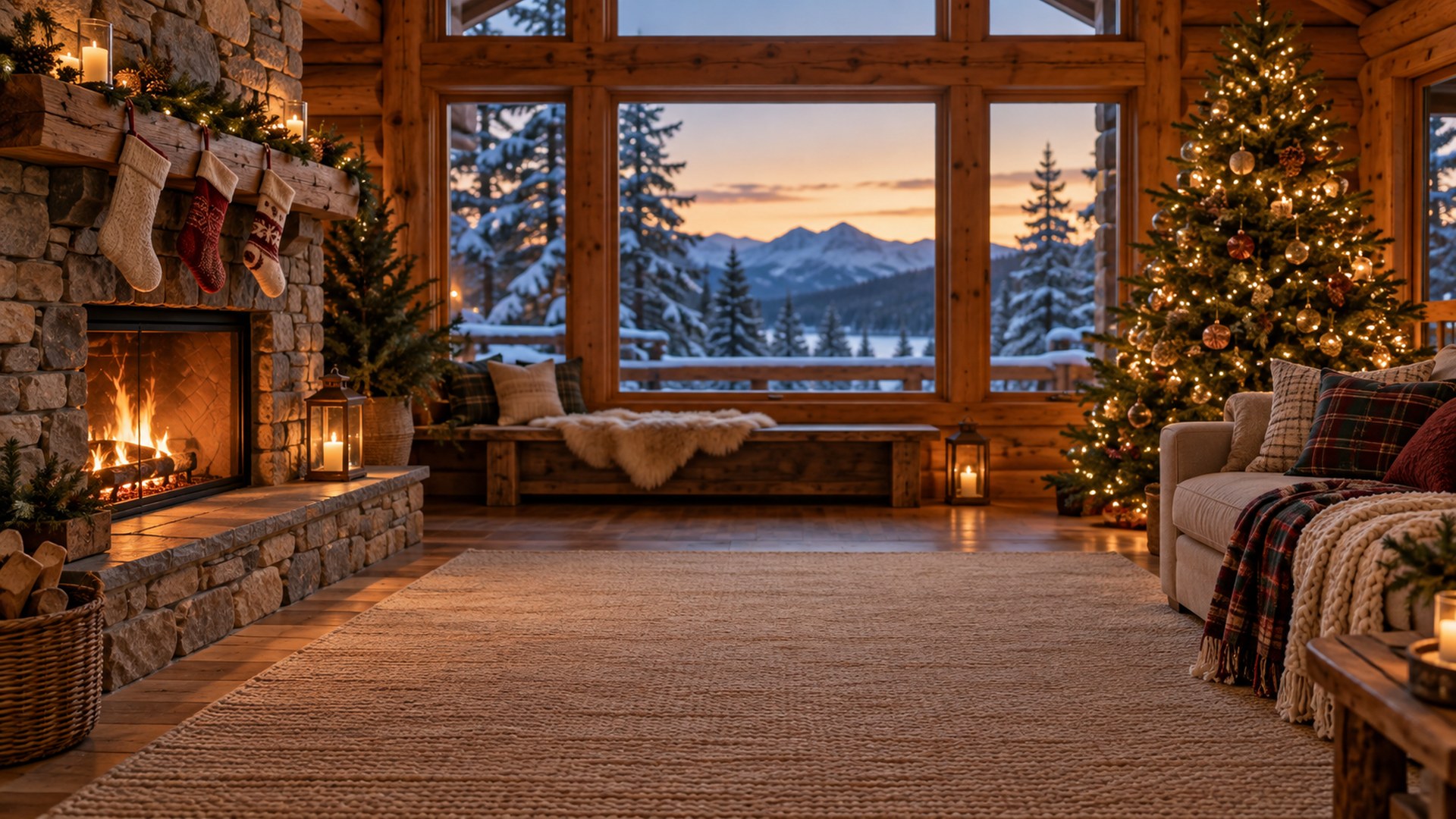
Candlelit Dining Room
Download HD JPG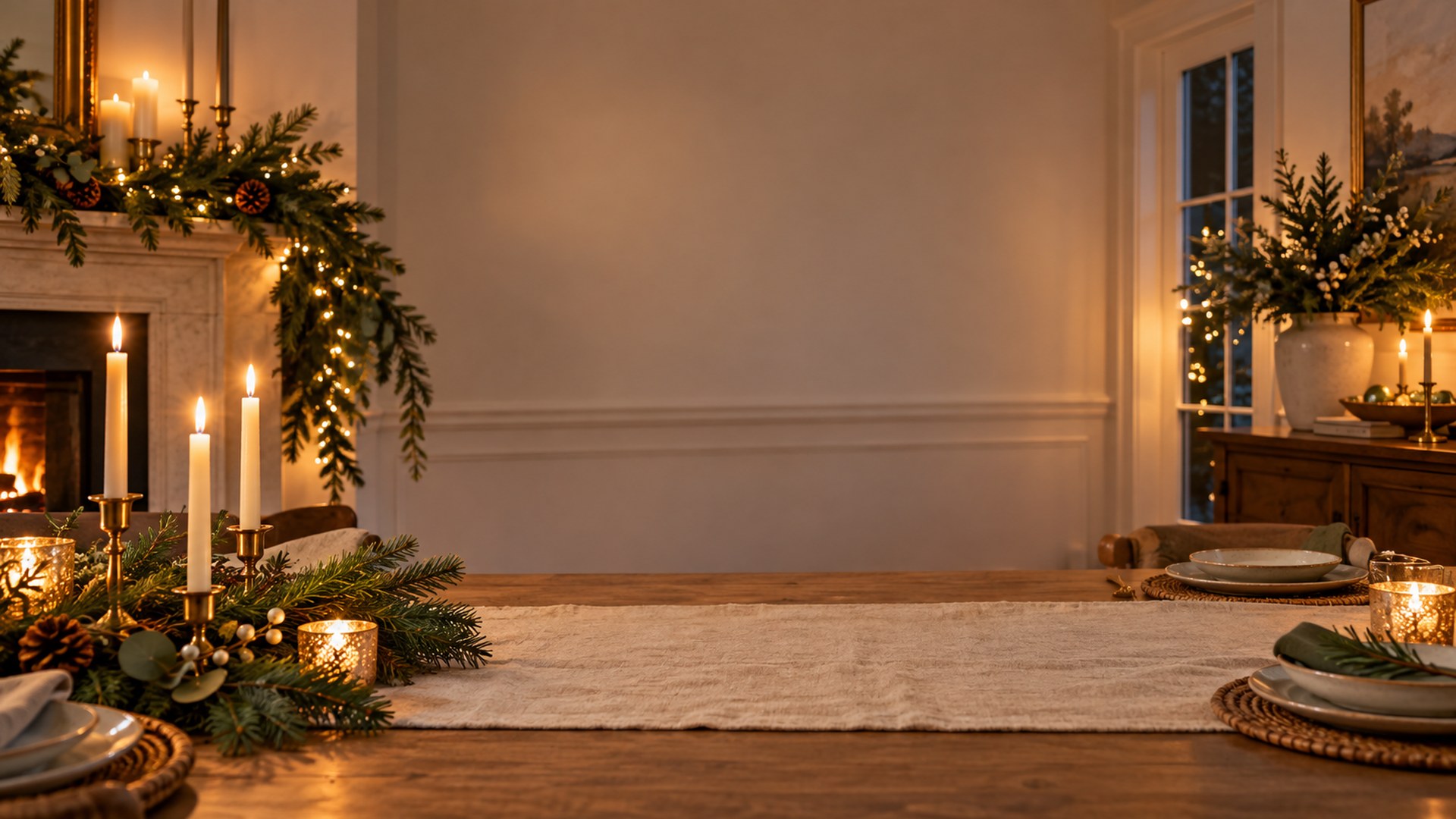

Reading Nook
Download HD JPG

Christmas Baking Kitchen
Download HD JPG
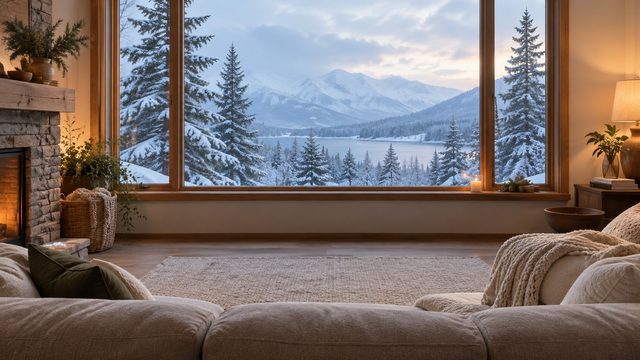
Snowy Window Sofa
Download HD JPG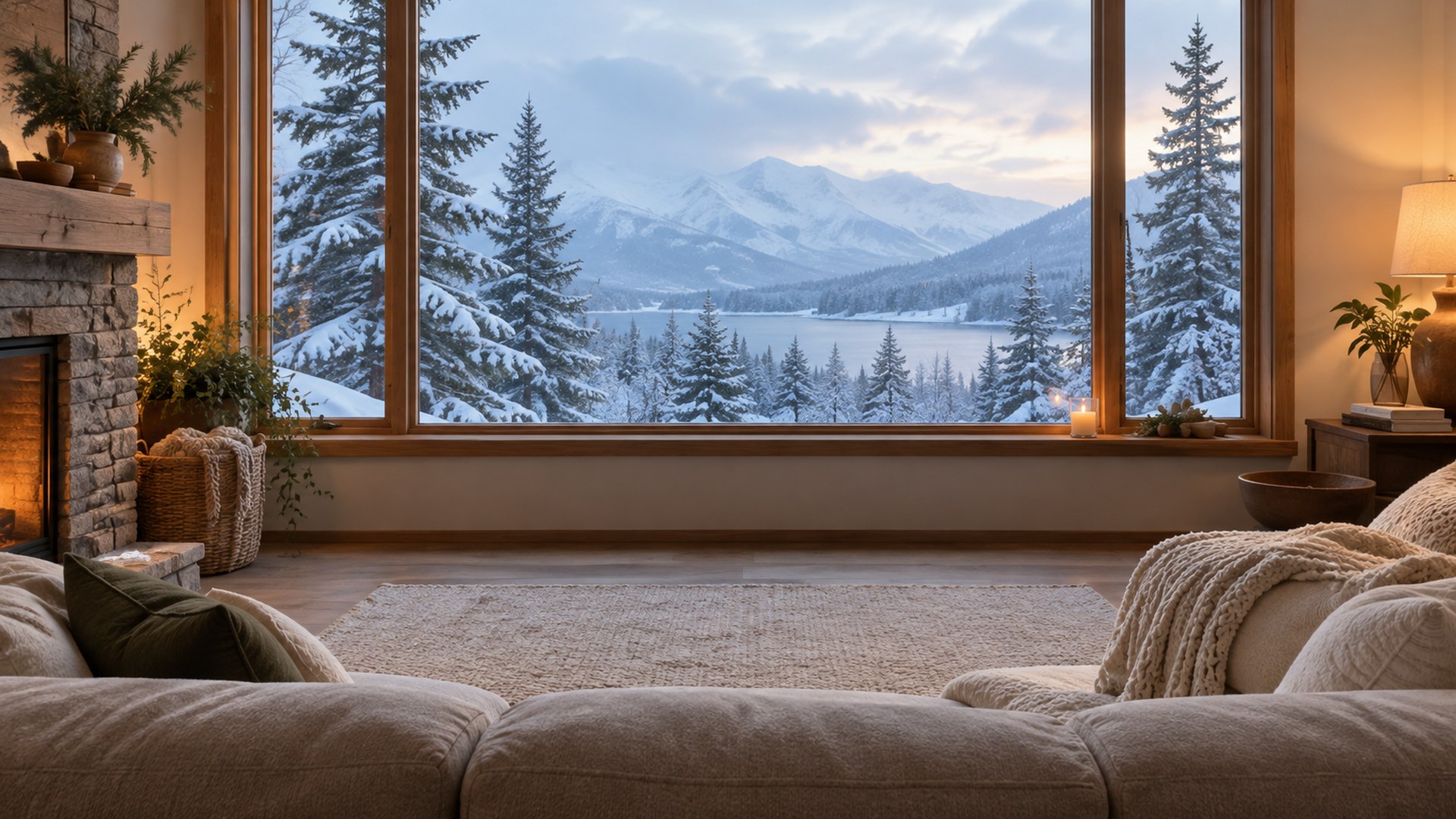

Entryway Console
Download HD JPG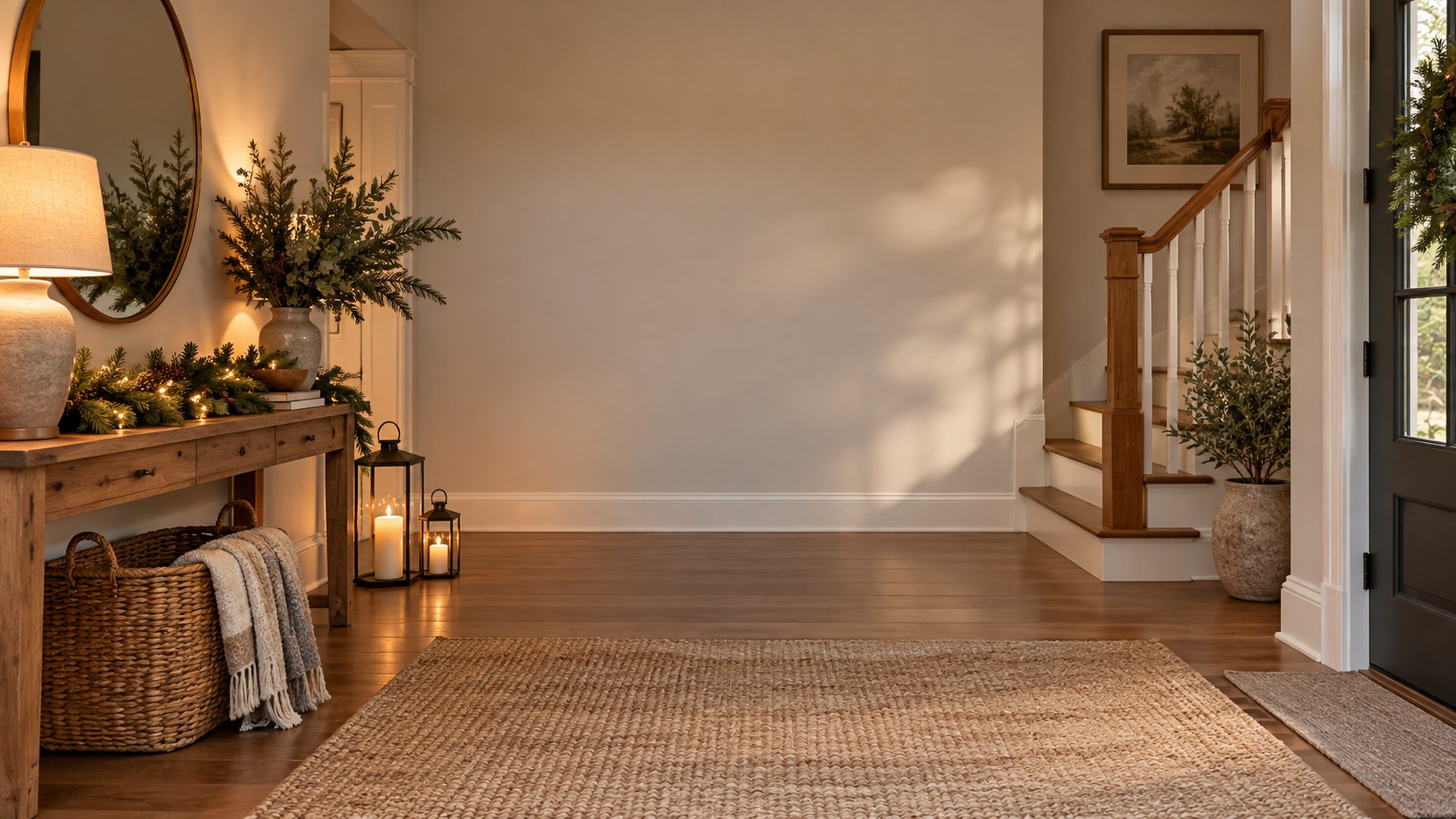

Library Lights
Download HD JPG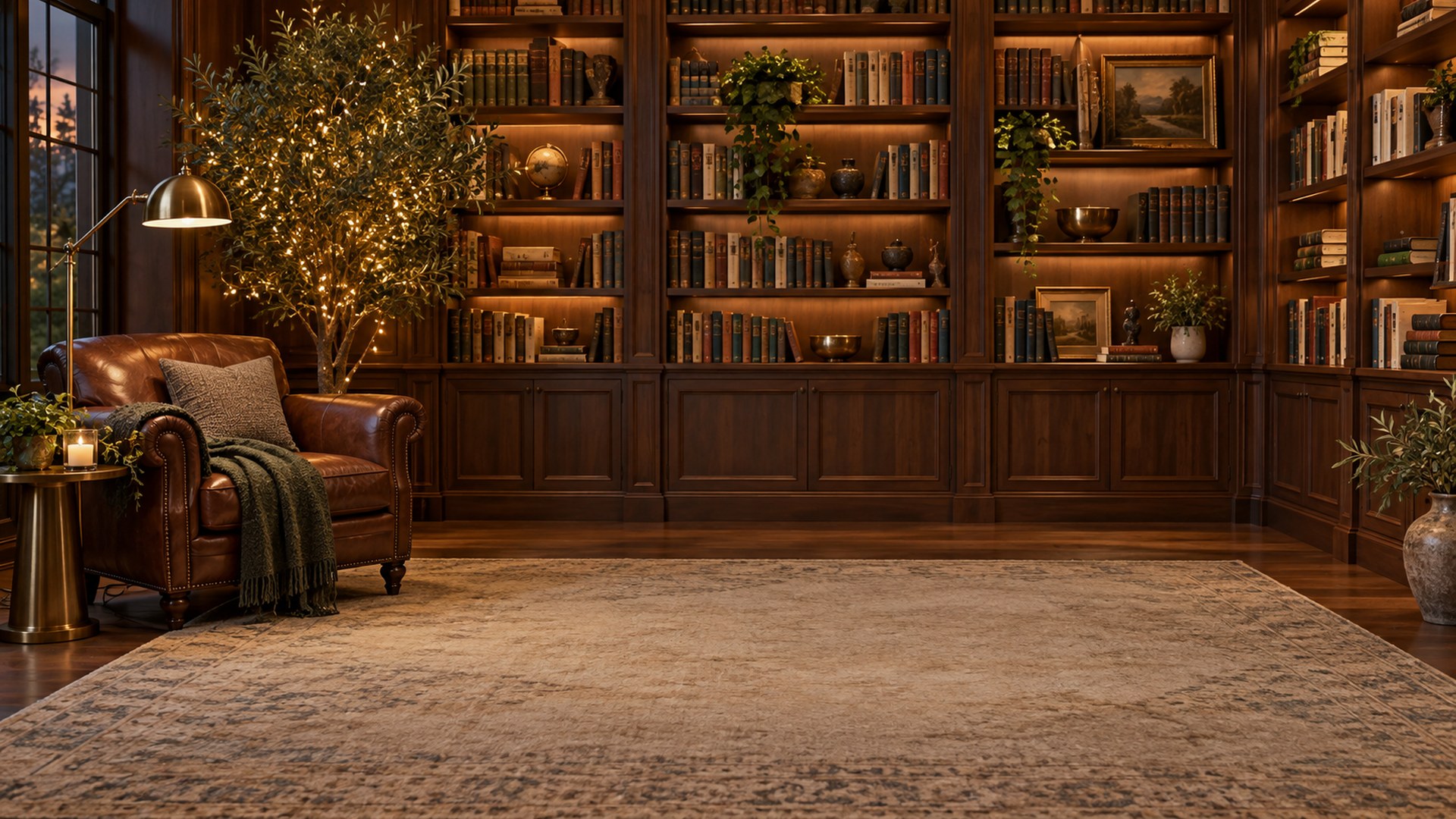

Breakfast Nook
Download HD JPG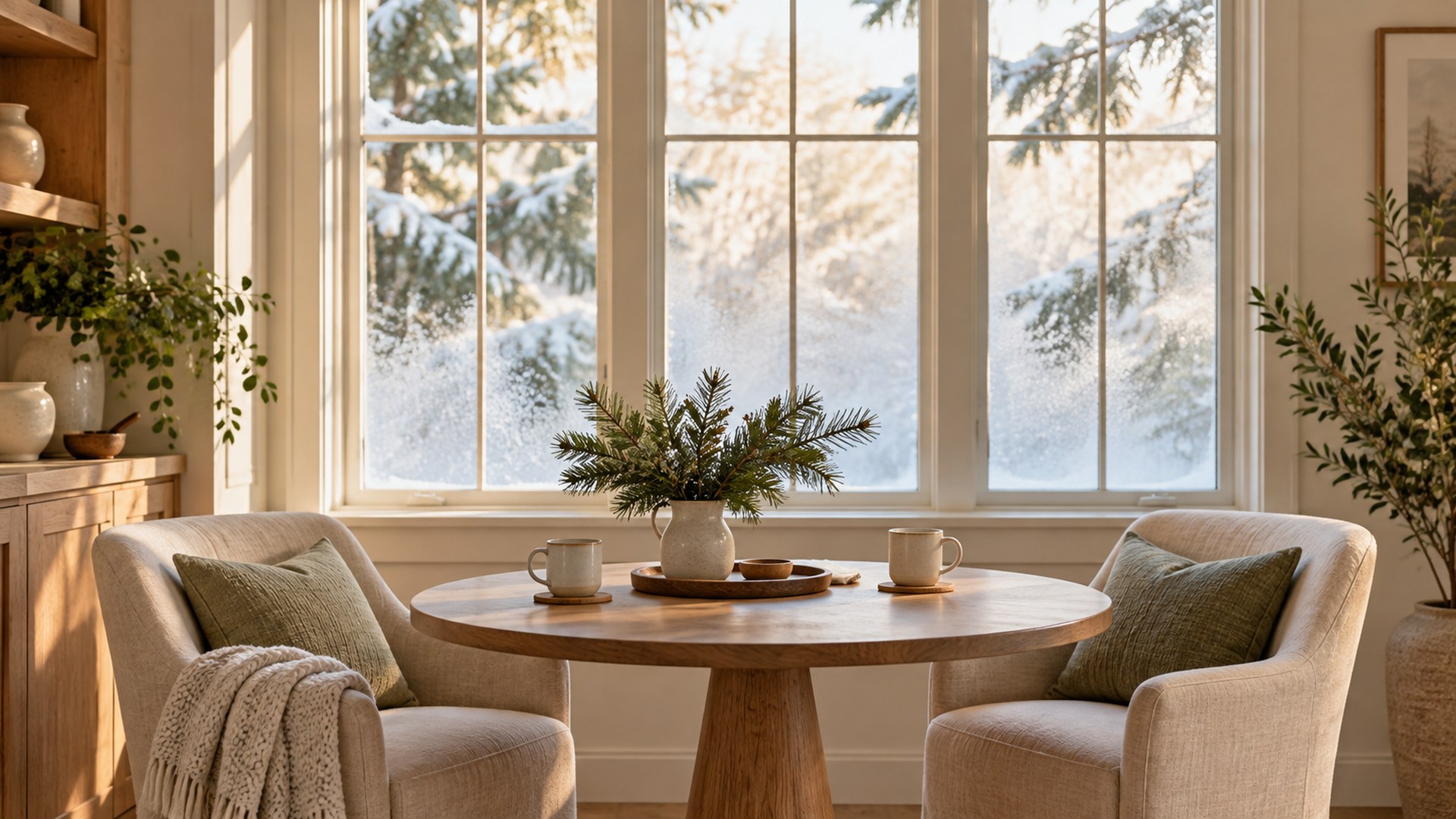

Bedroom Morning
Download HD JPG
Fireplace Mantel
Download HD JPG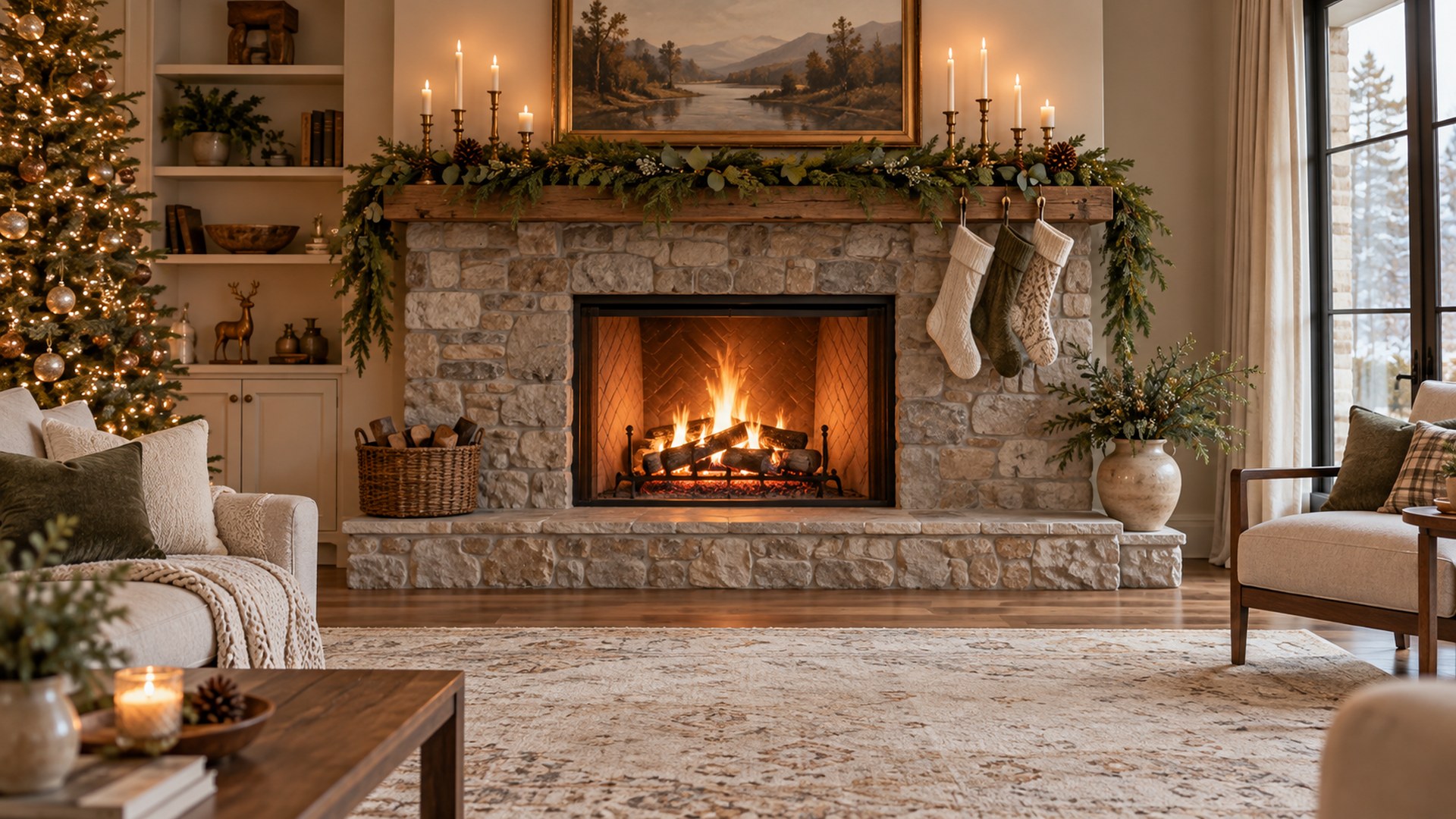

Winter Sunroom
Download HD JPG

Holiday Table Setting
Download HD JPG
Snowy Cabin Window
Download HD JPG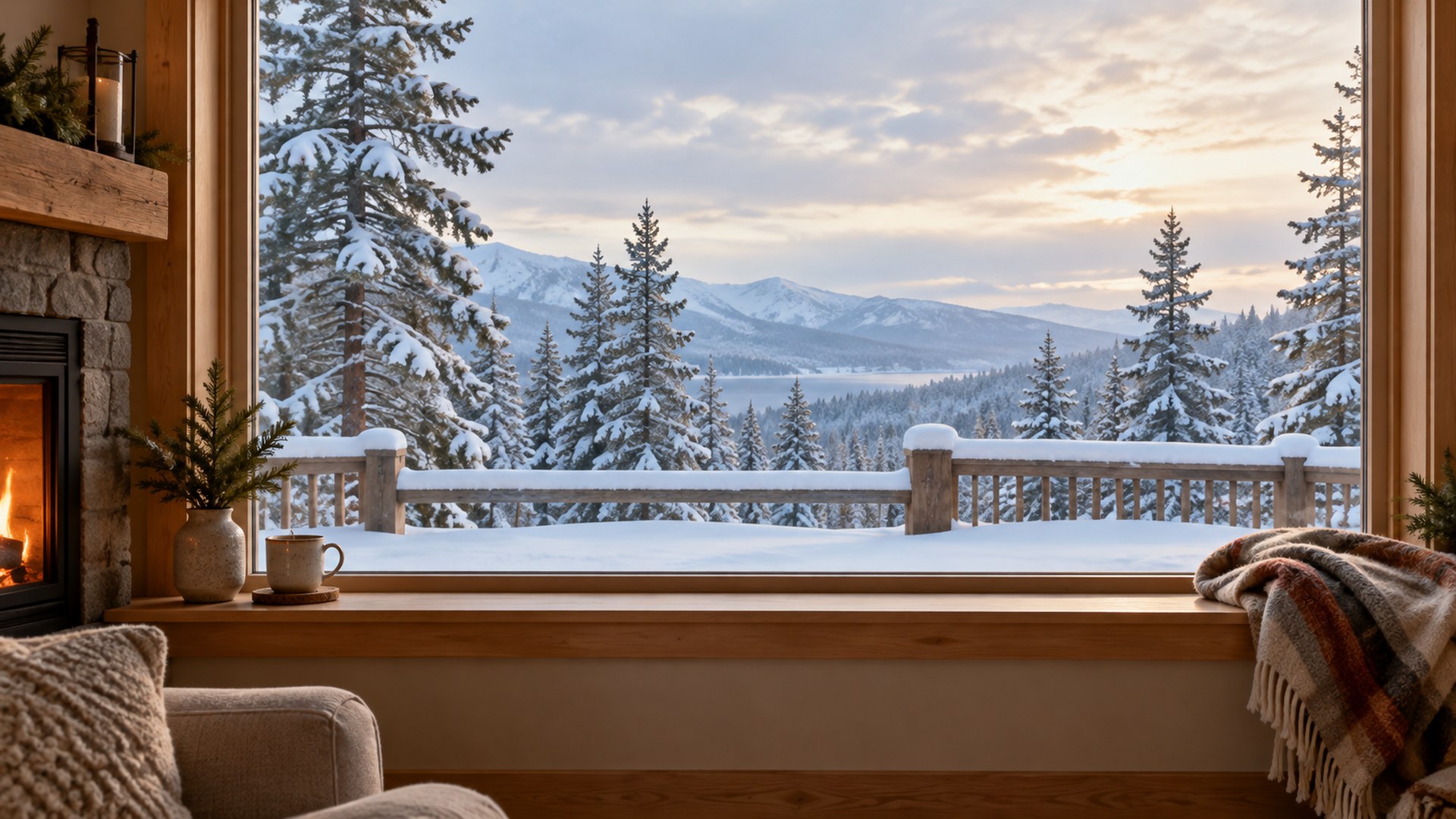
Office-friendly Christmas
Restrained seasonal decor that still reads professional on a client call.

Minimal Office Tree
Download HD JPG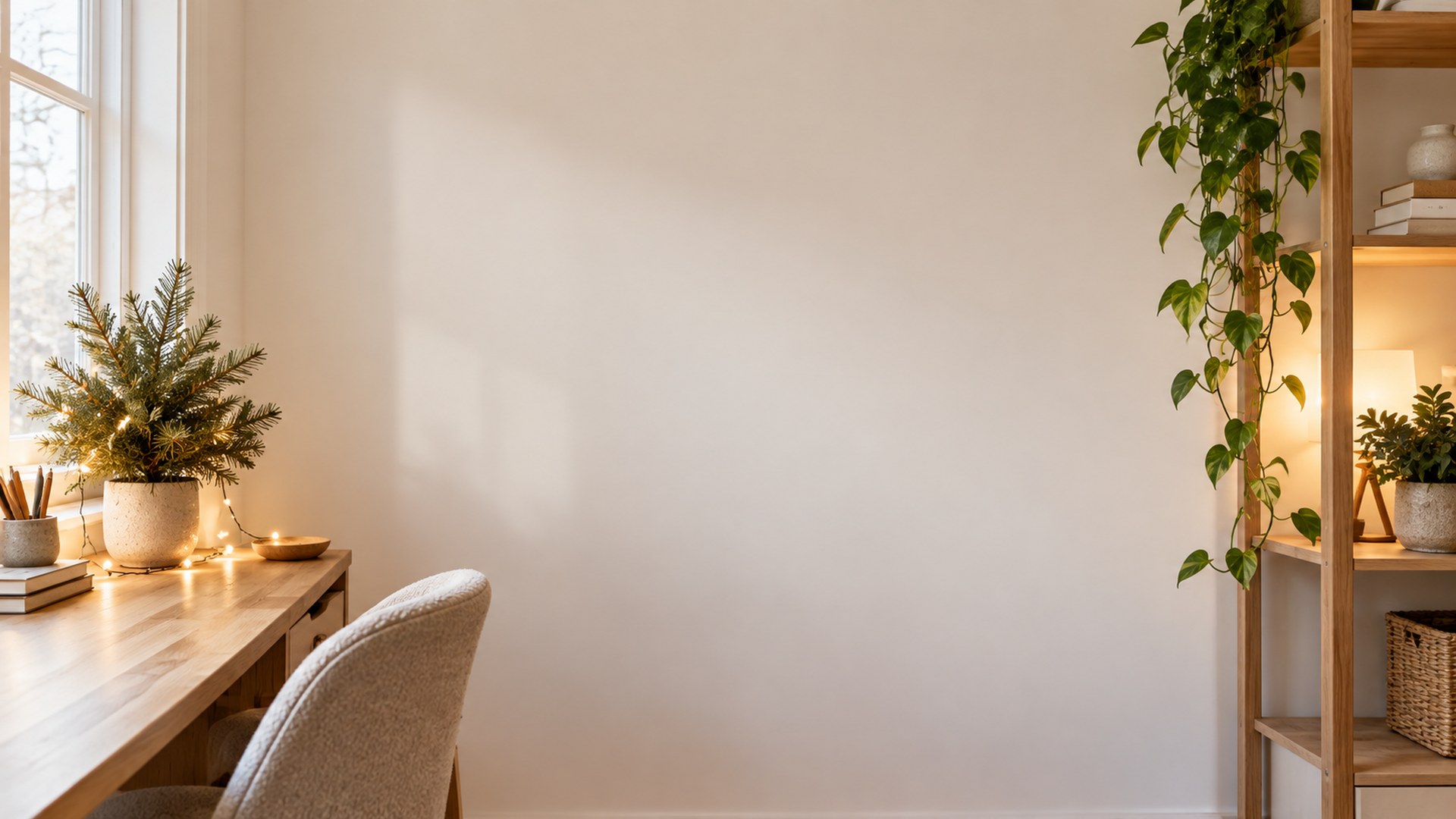

Home Office Desk
Download HD JPG
Glass Office Skyline
Download HD JPG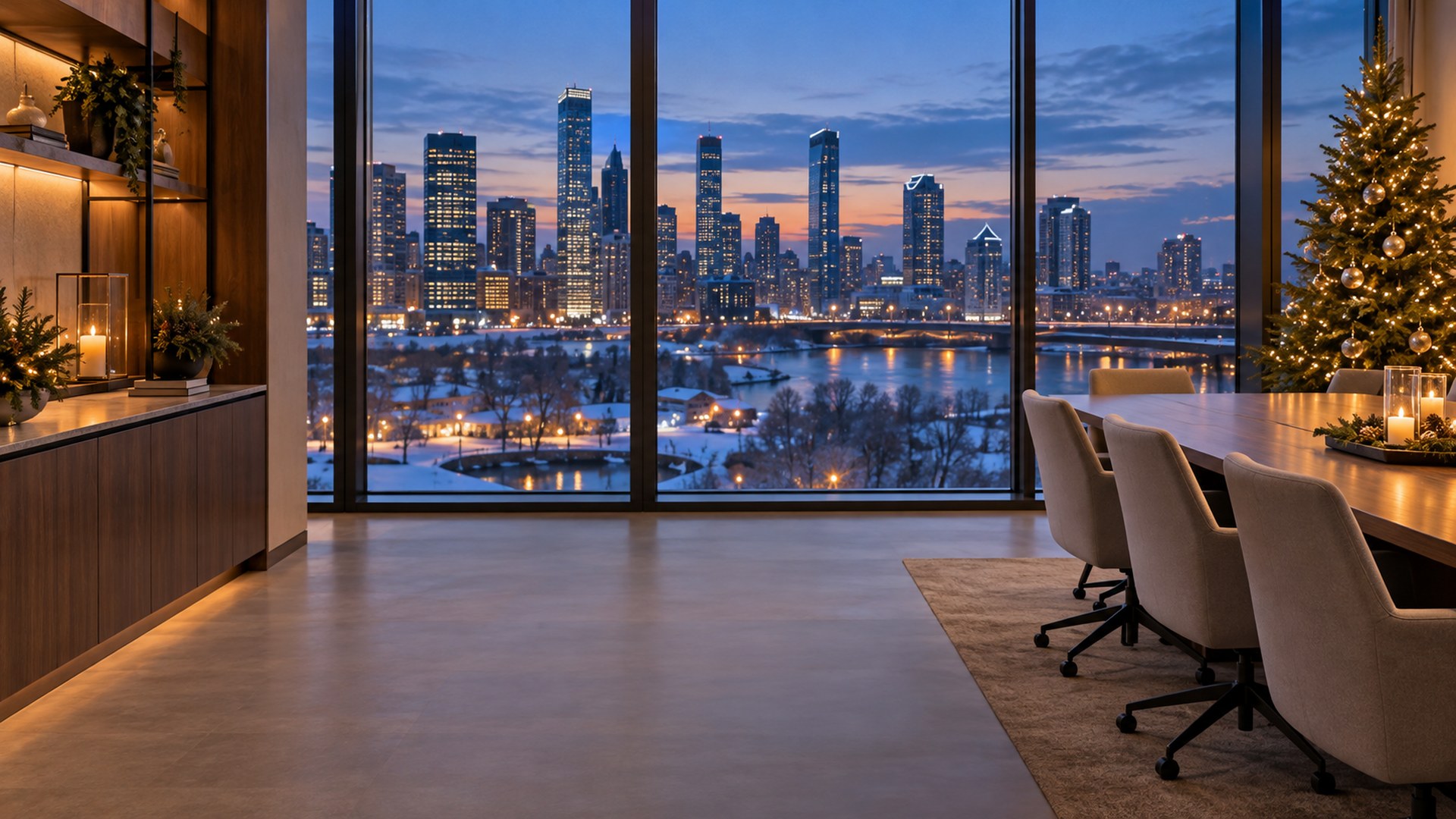

Neutral Wreath Wall
Download HD JPG

Scandi Desk Garland
Download HD JPG

White Studio Silver
Download HD JPG

Corner Office
Download HD JPG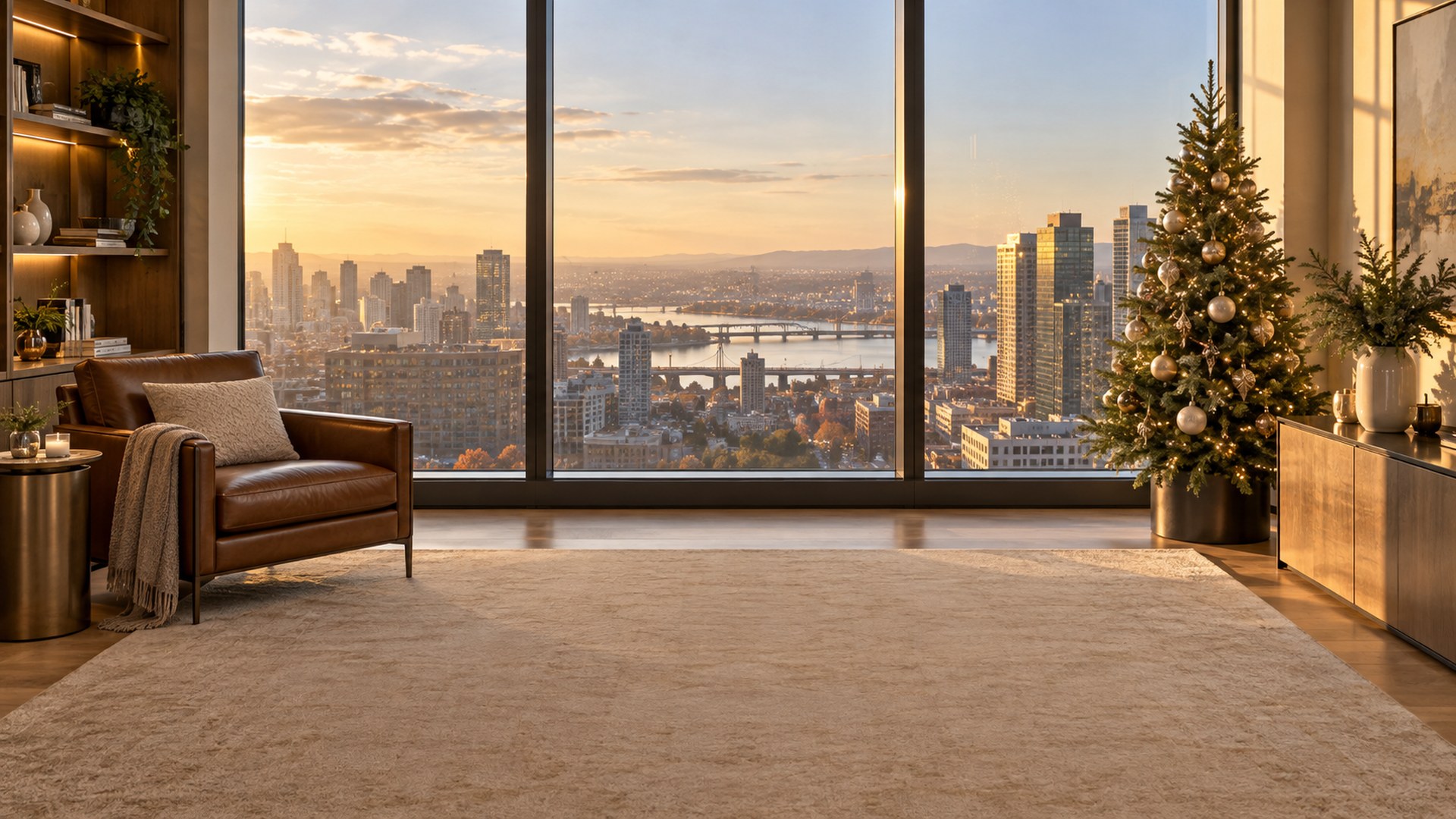

Meeting Room Centerpiece
Download HD JPG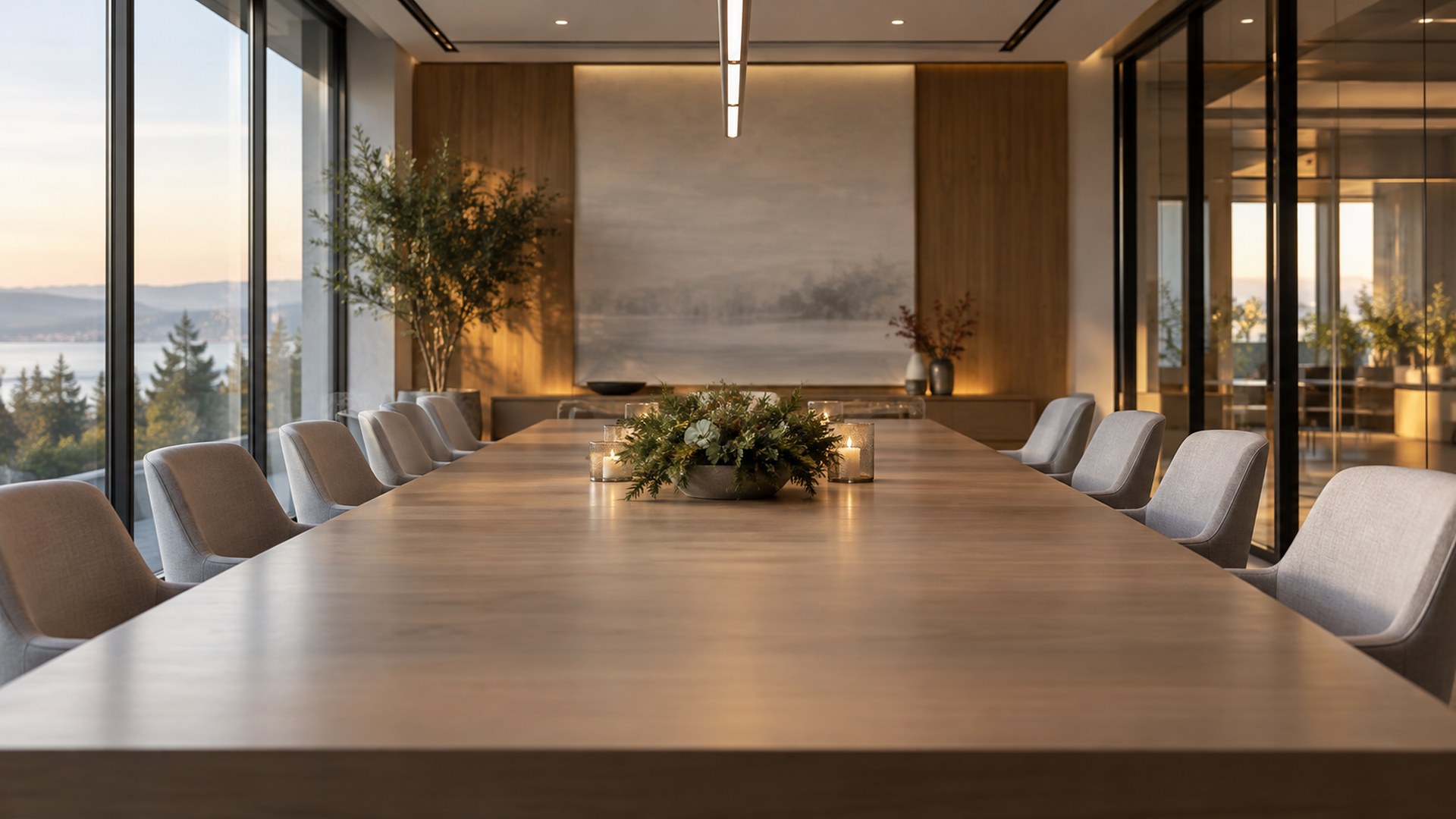
Snow and outdoors
Cabins, tree farms and snowy streets for the last call before the break.
Cabin at Dusk
Download HD JPG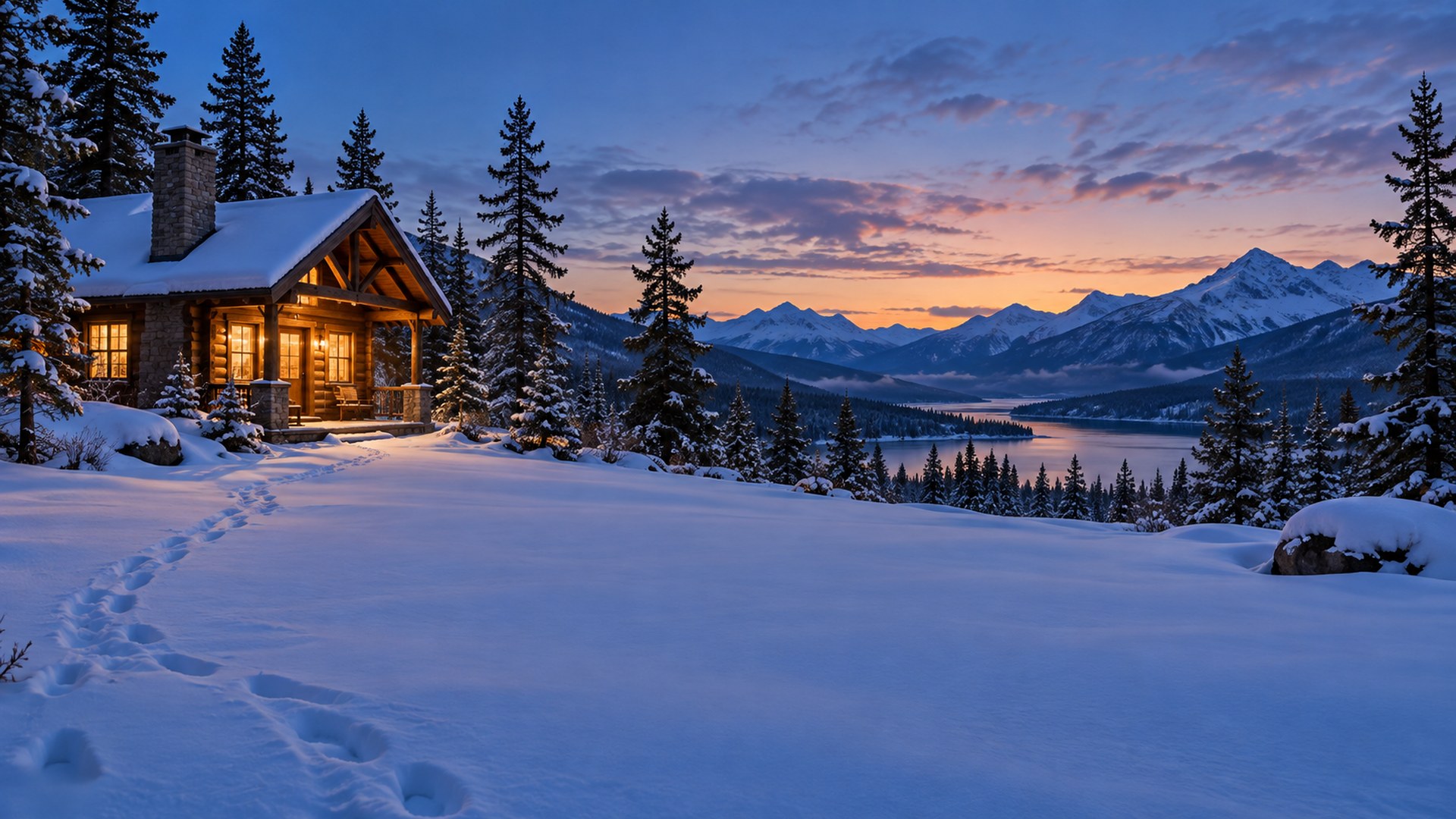

Tree Farm
Download HD JPG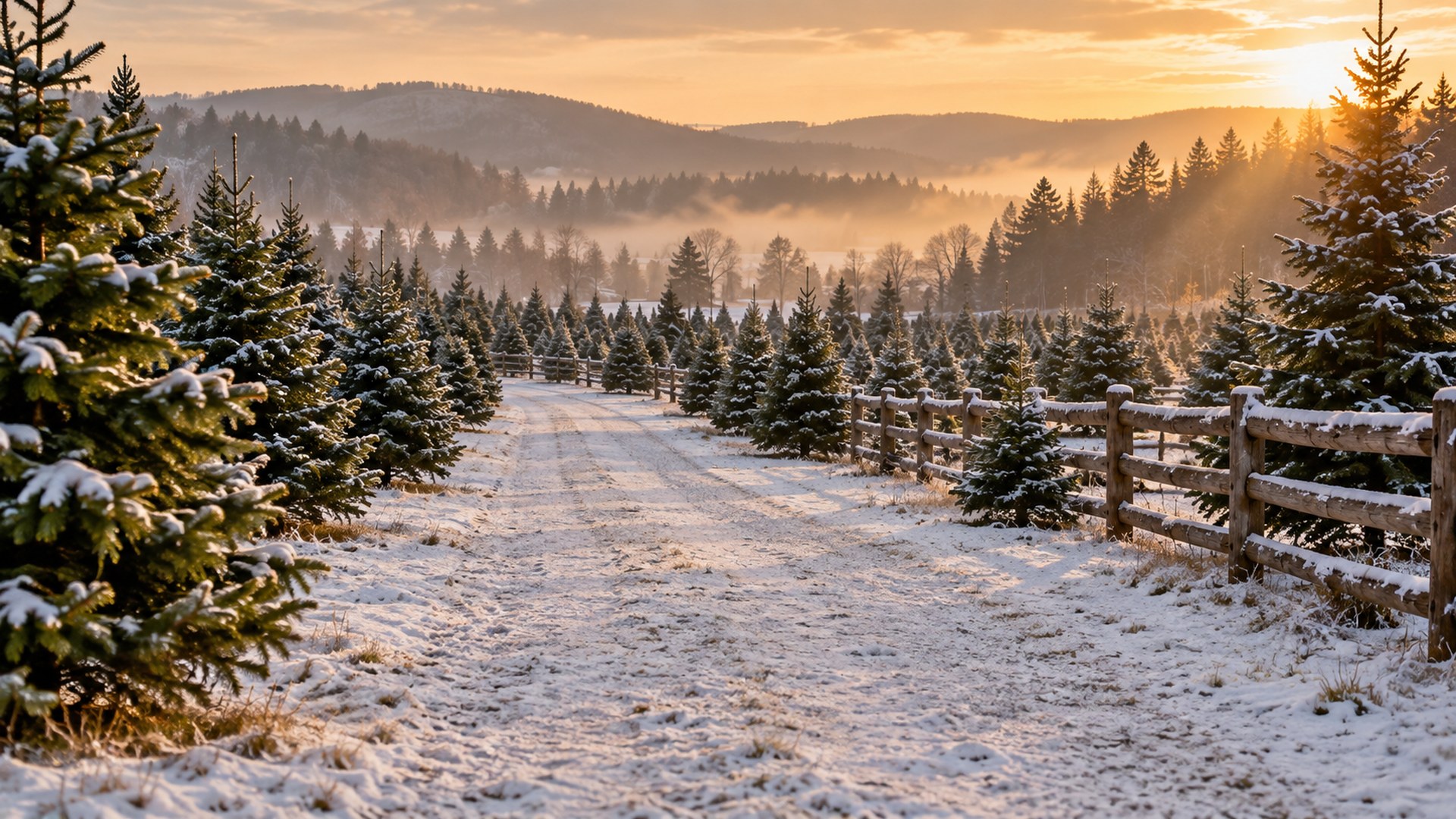
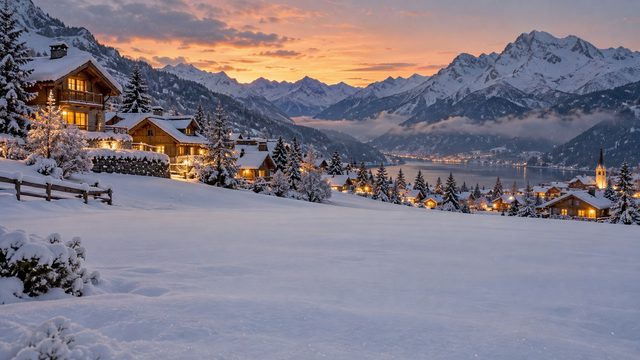
Alpine Village
Download HD JPG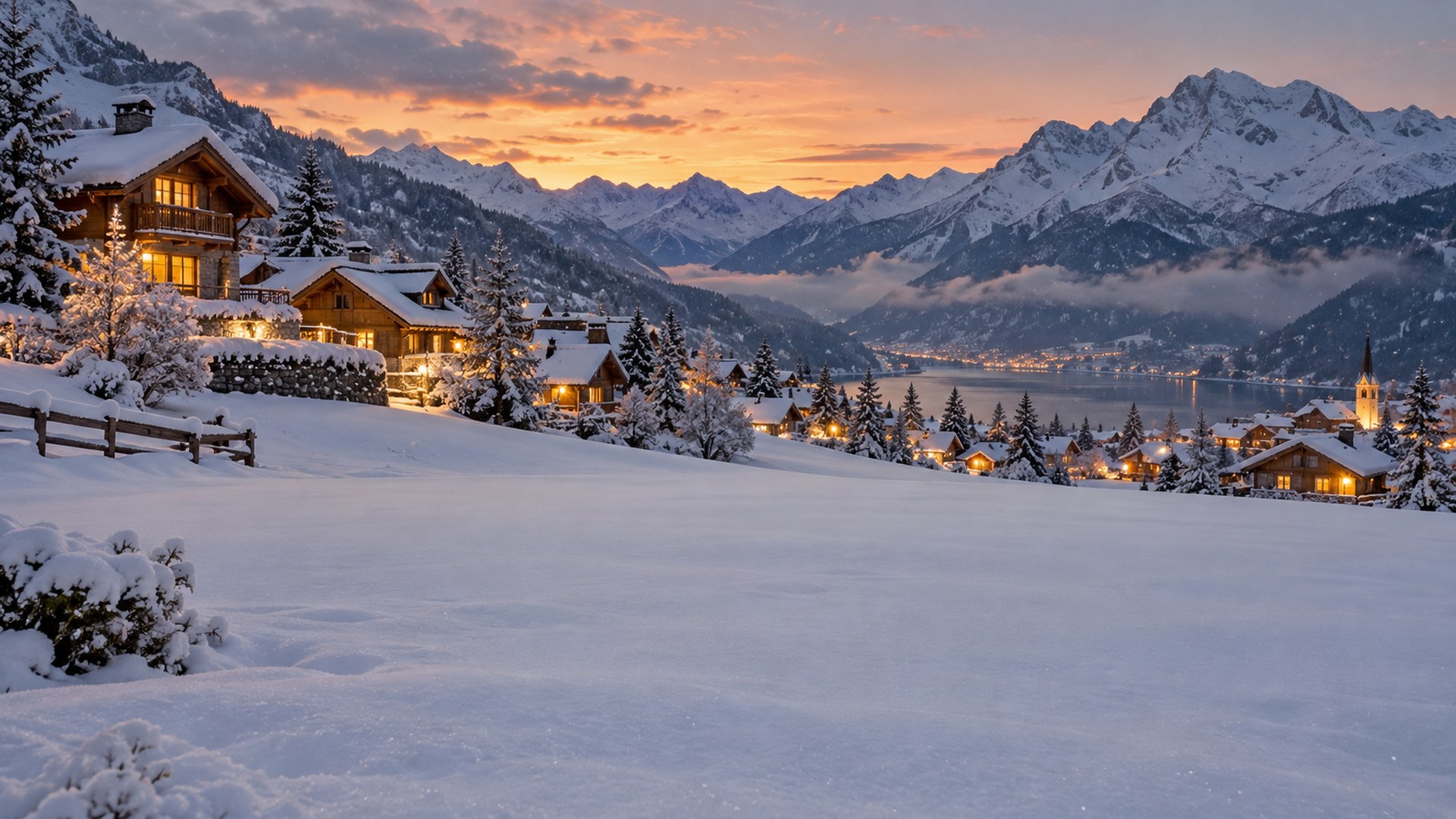

Snowy Forest Path
Download HD JPG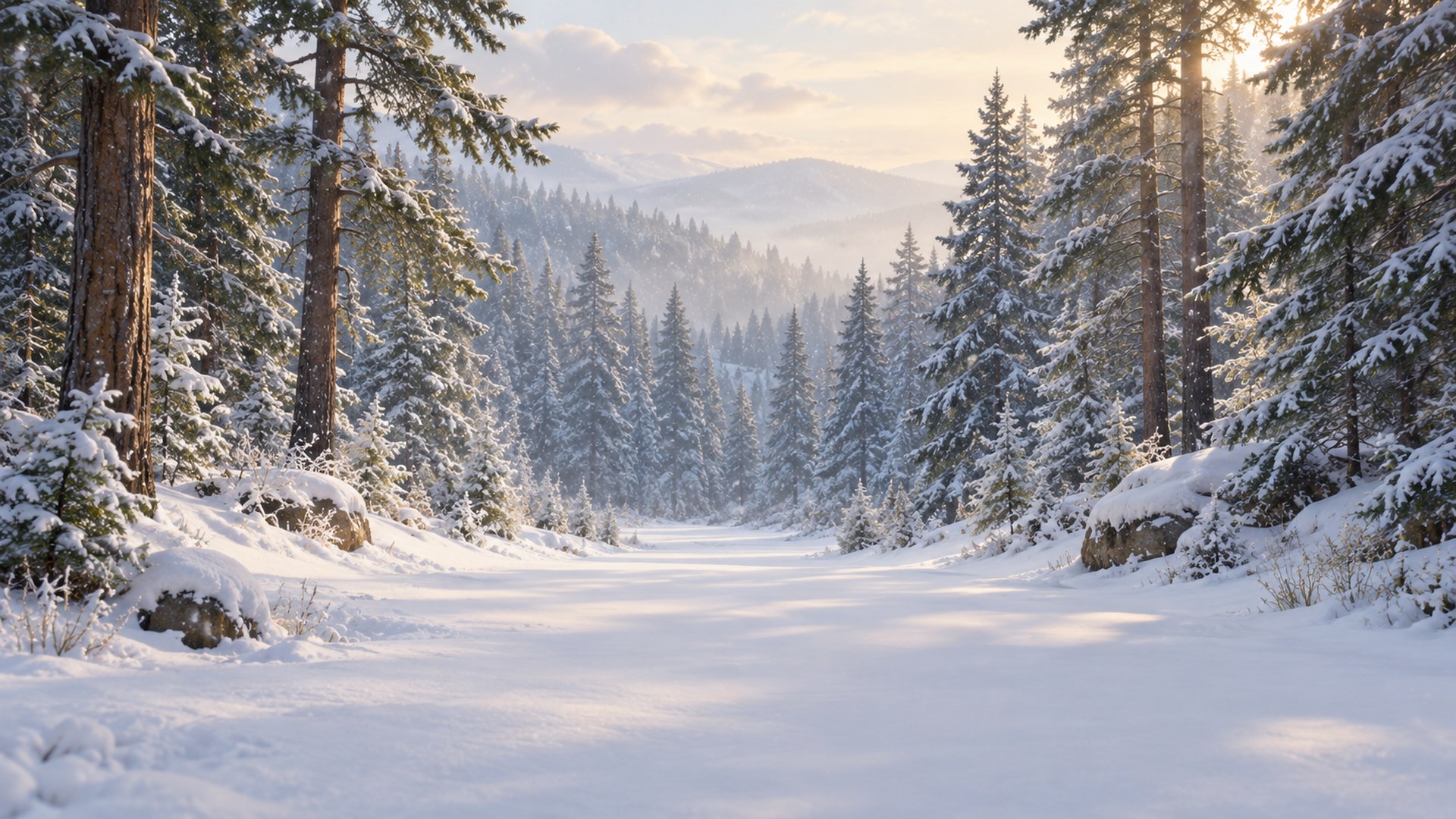

Mountain Lodge Deck
Download HD JPG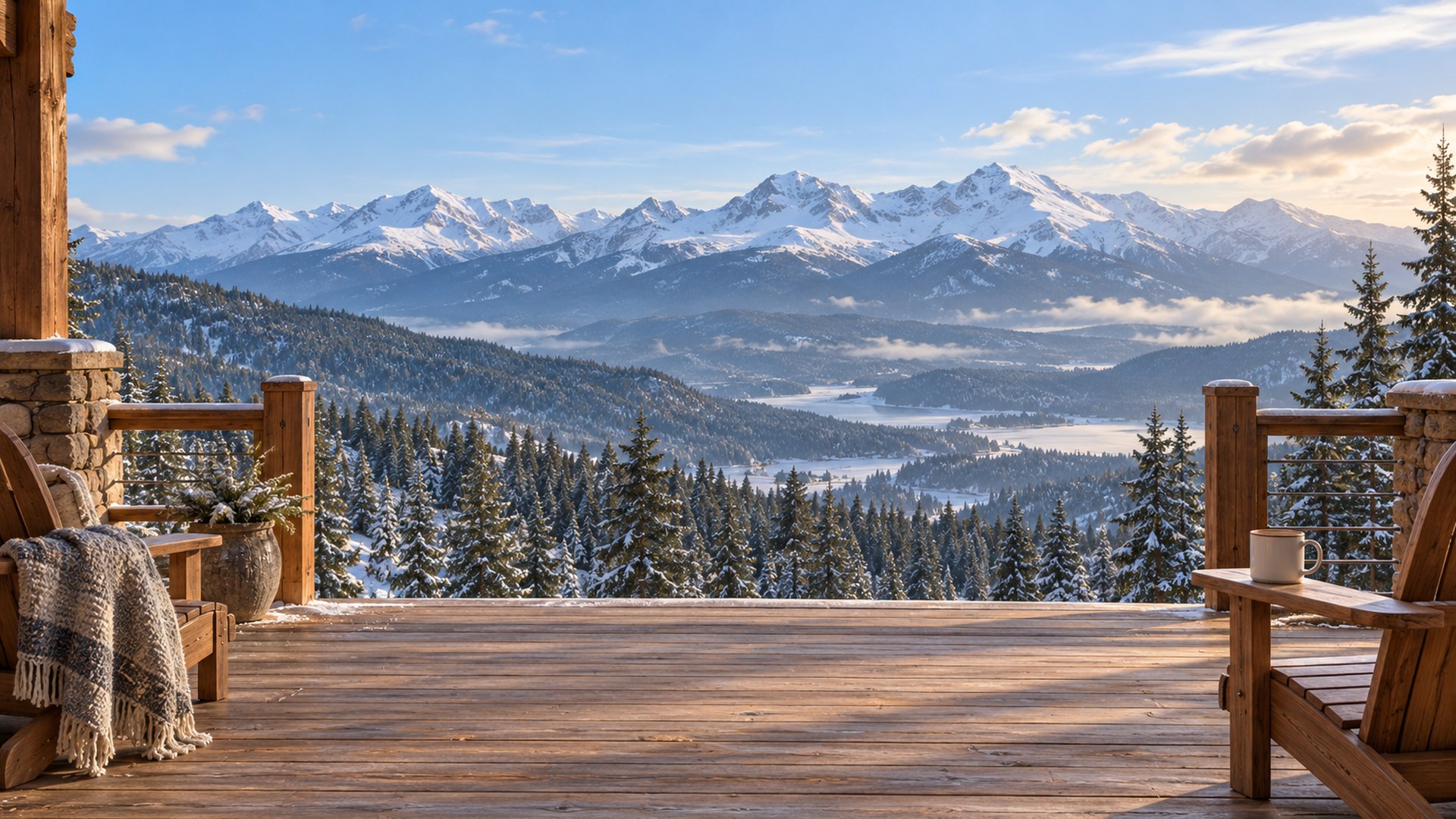

City Street Lights
Download HD JPG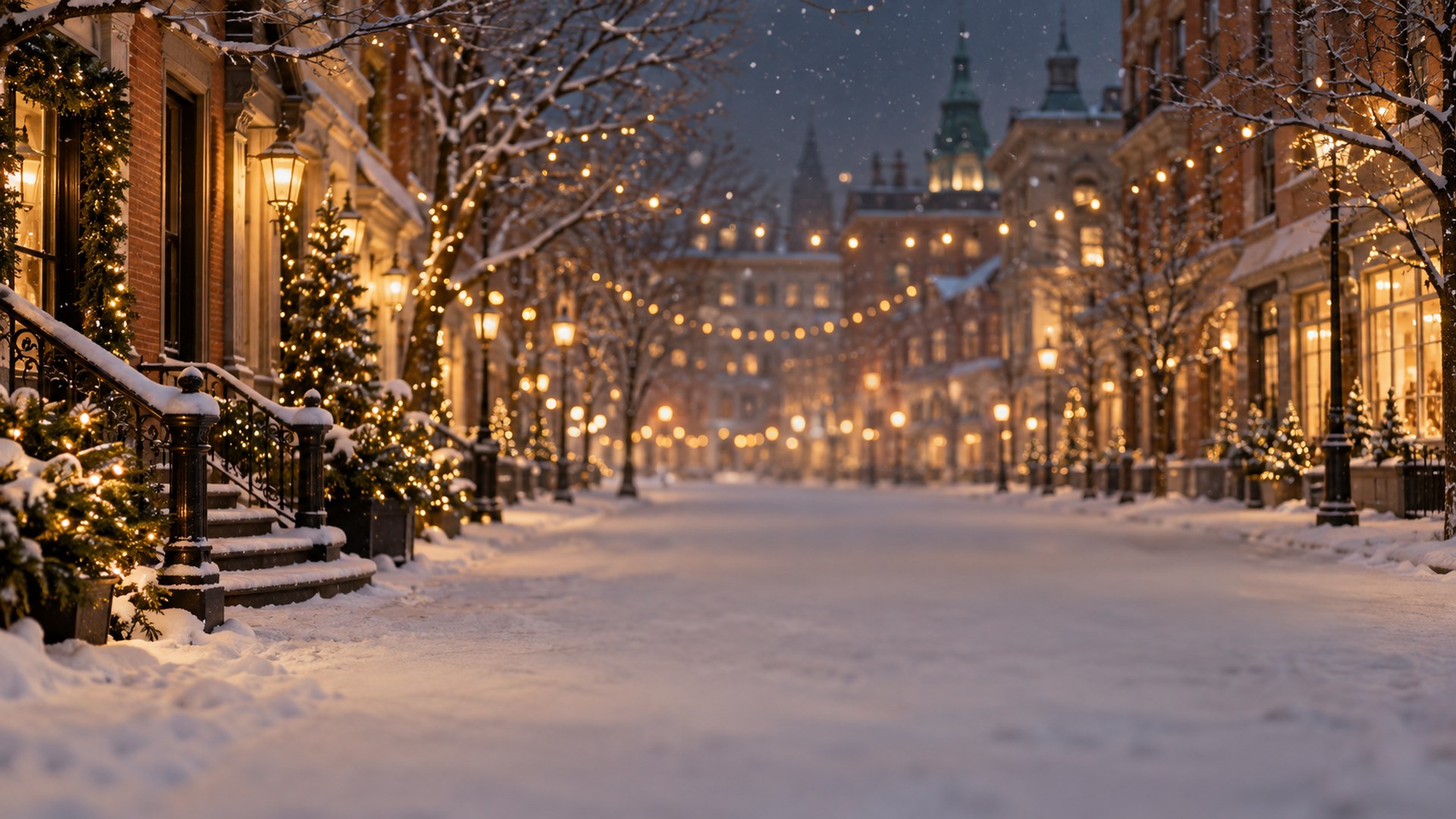
Frozen Lake Cabin
Download HD JPG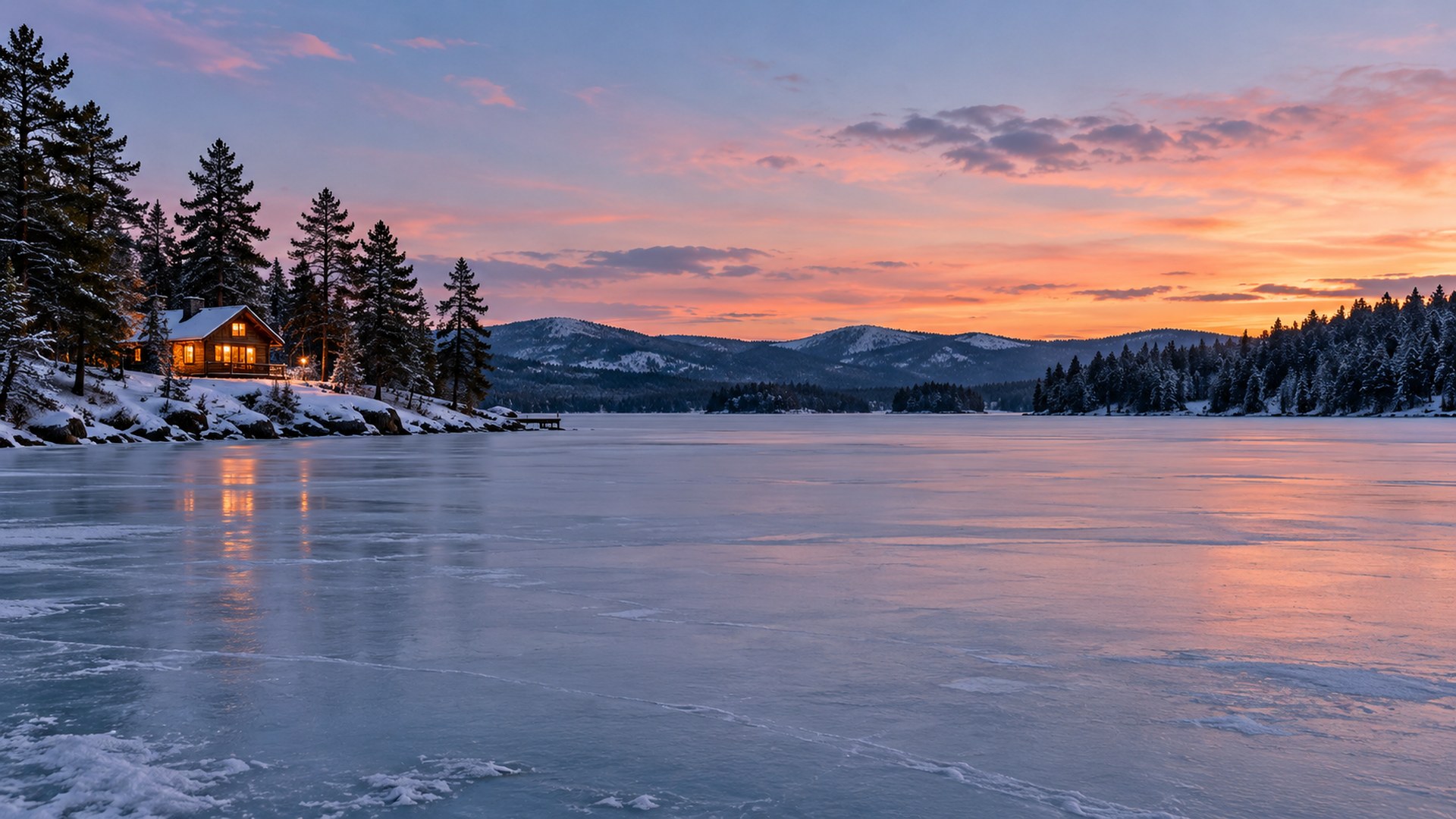
Covered Bridge
Download HD JPG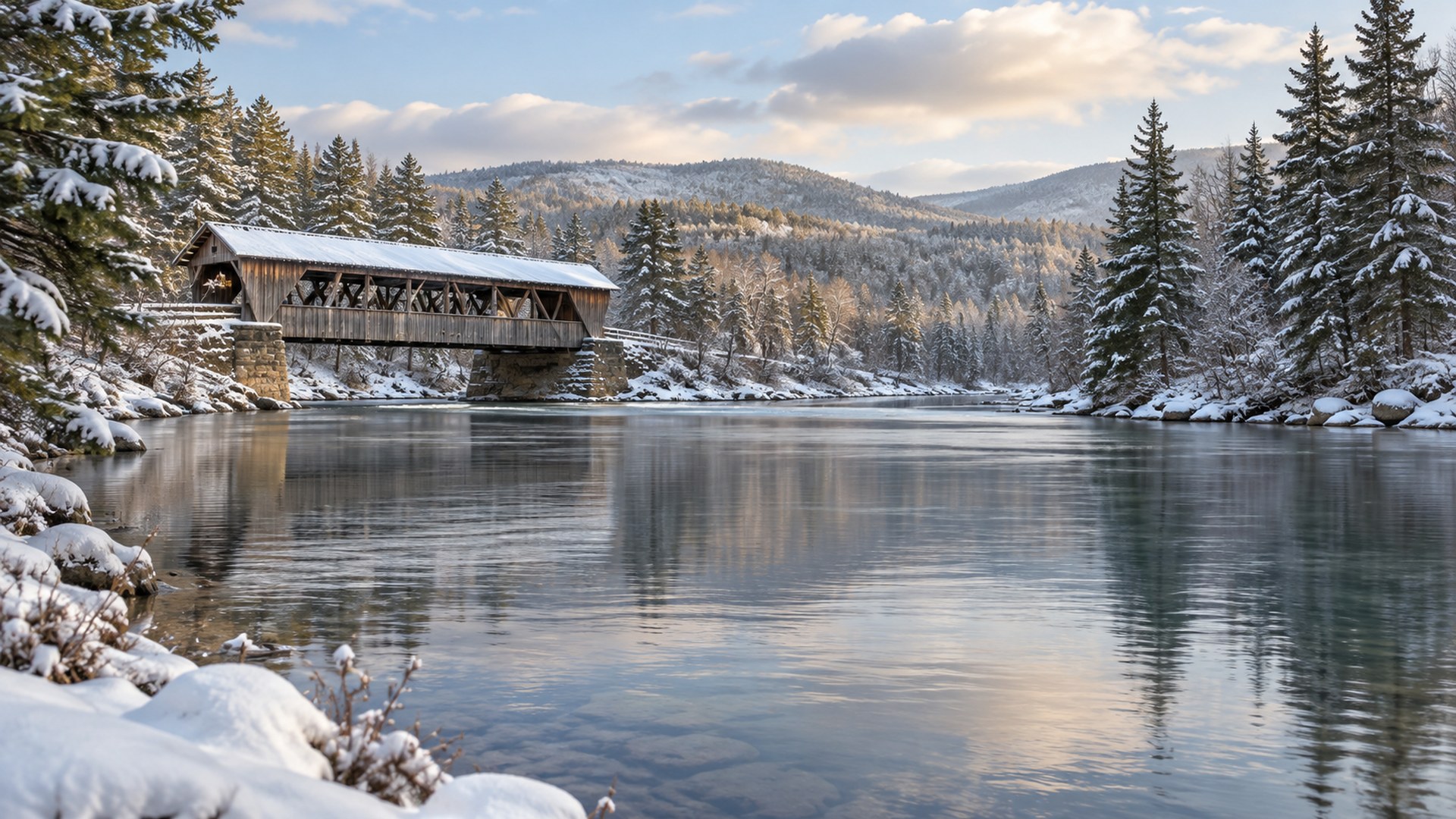
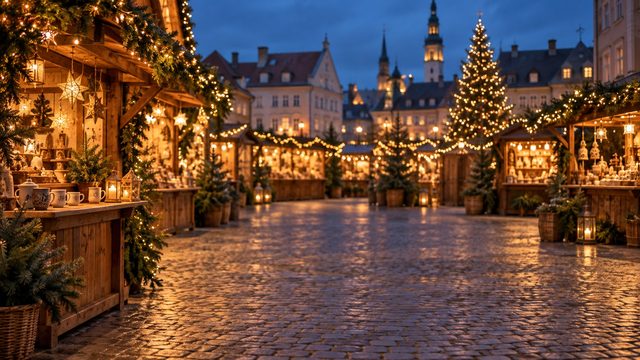
Christmas Market
Download HD JPG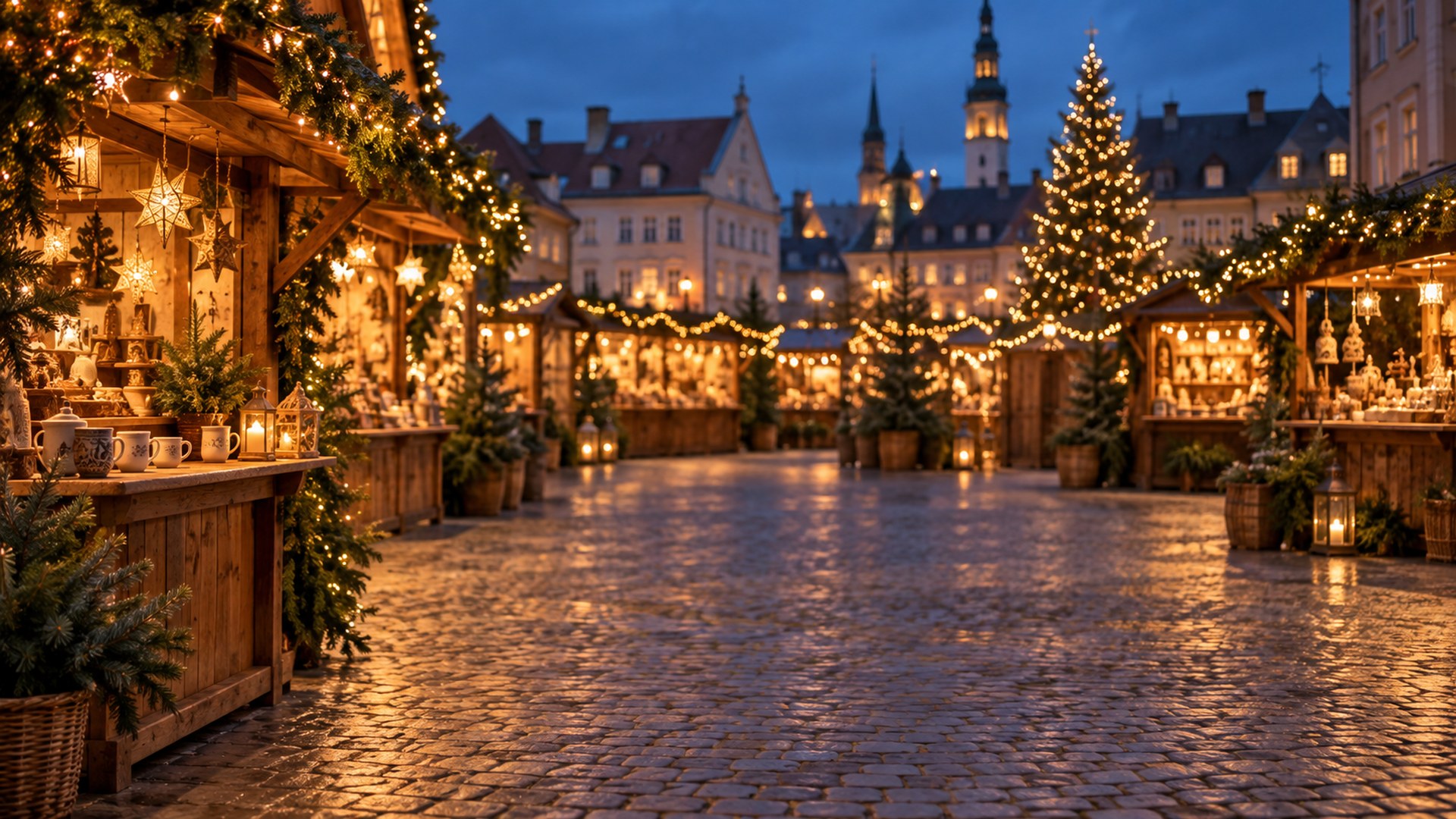

Snowy Rooftops
Download HD JPG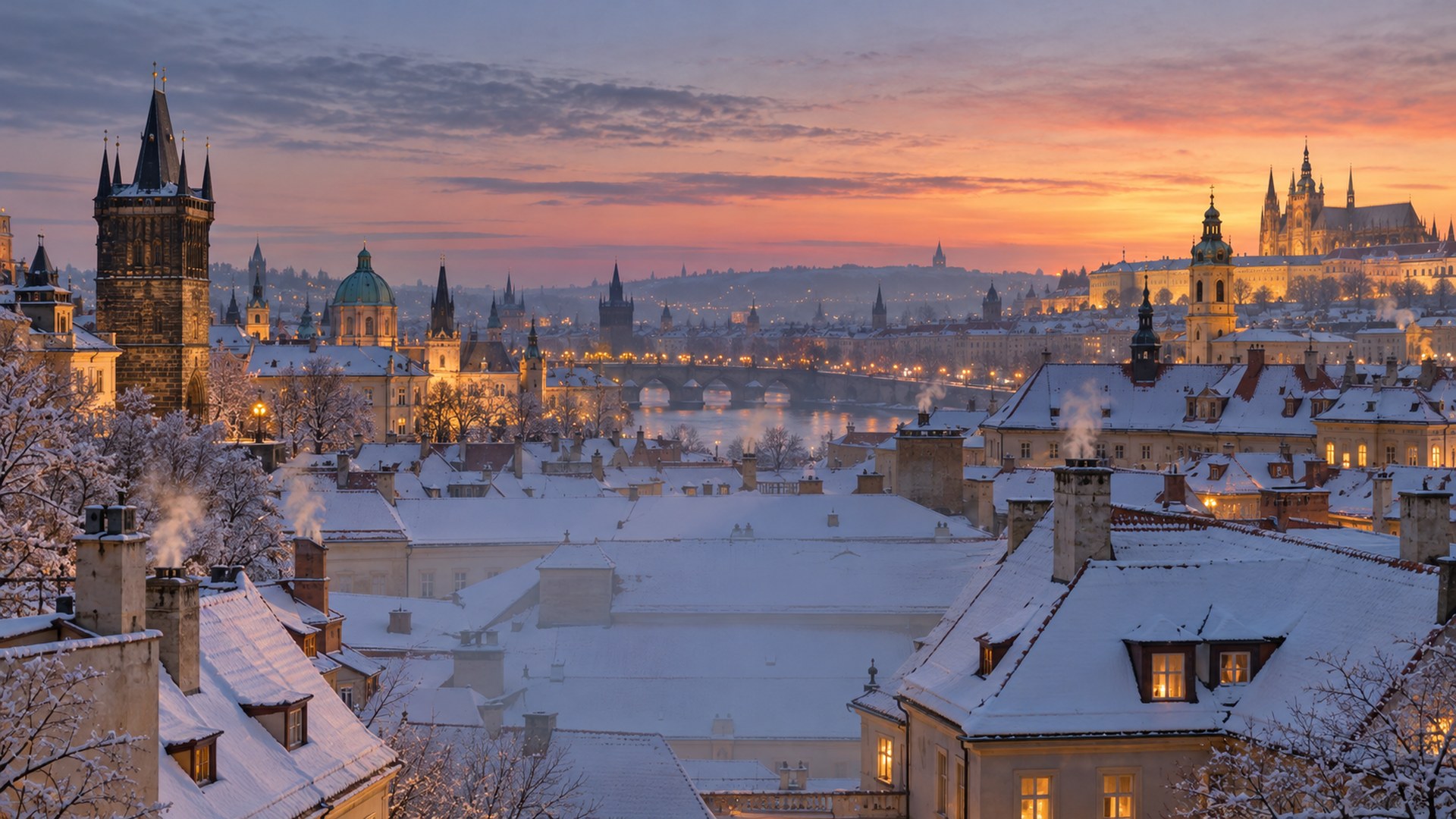
Cute and funny
Lighthearted scenes for internal calls, standups and team socials.

Pastel Nursery
Download HD JPG

Cat Under Tree
Download HD JPG

Dog in a Sweater
Download HD JPG

Gingerbread Kitchen
Download HD JPG

Penguin Gift Wrap
Download HD JPG

Snowman Entryway
Download HD JPG

Reindeer Office
Download HD JPG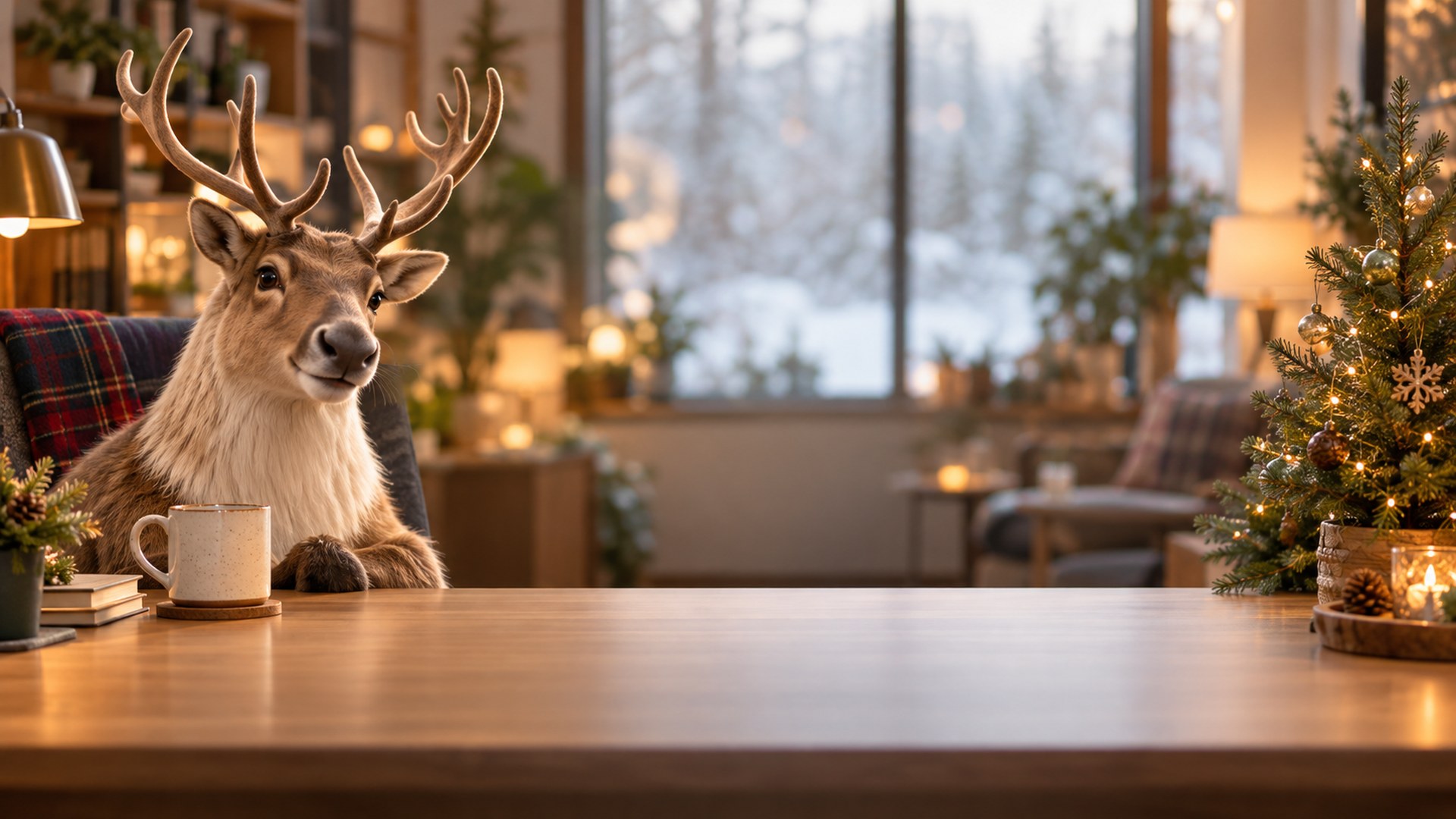

Candy Cane Nook
Download HD JPG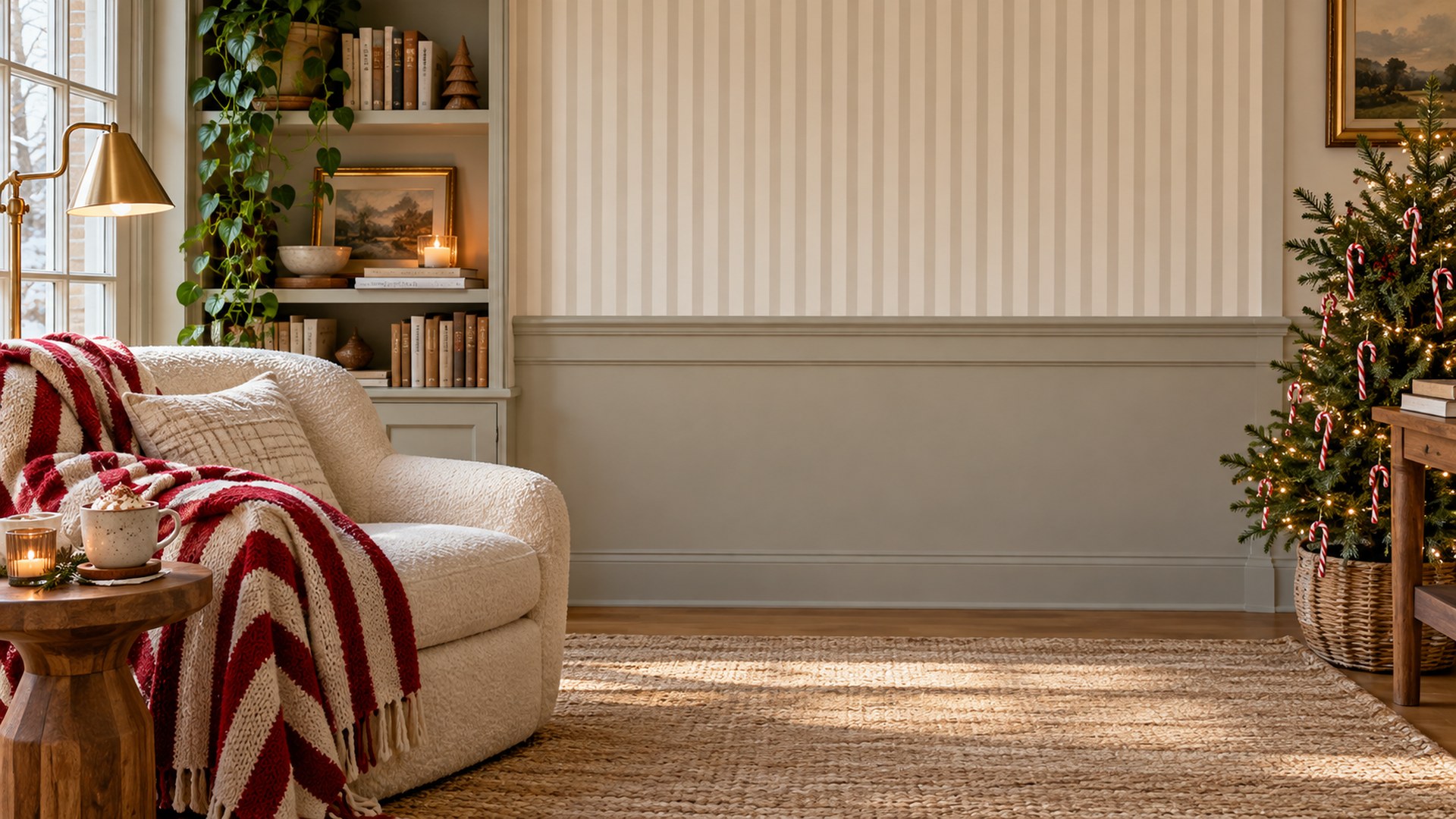
Which Christmas background fits the call?
Match the scene to the meeting, not to the mood board.
| Call type | Best backgrounds | Why it works |
|---|---|---|
| Client call or interview | Minimal Office Tree, Glass Office Skyline, Corner Office | Seasonal detail stays small, so the room still reads as a workplace. |
| Team standup | Scandi Living Room, Home Office Desk, Reading Nook | Warm and human without pulling focus from the speaker. |
| Holiday social or all-hands | Log Cabin Fireplace, Alpine Village, Christmas Market | Openly festive and still clean behind a head and shoulders. |
| Family call on the day | Candlelit Dining Room, Kitchen Baking, Holiday Table Setting | Reads like a real home during the holidays. |
| Internal fun | Cat Under Tree, Penguin Gift Wrap, Reindeer Office | Lighthearted for teams that expect a joke in December. |
File specs before you upload
The numbers Zoom and Teams document.
| Spec | Value | Note |
|---|---|---|
| Resolution | 1920 × 1080 | 16:9, the native frame for both apps. |
| Format | JPG | Accepted by Zoom, Teams and Google Meet. |
| File size | Under 1.5 MB | Fast download, no upload warning. |
| Safe area | Lower centre kept calm | Room for your head and shoulders after cropping. |
If a file is rejected or cropped oddly, run it through the free background resizer or the compressor before the call.
Set your Christmas background in Zoom
STEP 1
Download the JPG
Pick a scene and save the full-size file to your computer or phone.
STEP 2
Open Background & effects
In Zoom settings, choose Virtual background and press the plus button.
STEP 3
Upload and check the crop
Add the image, then sit where you normally sit and confirm your face is centred.
Set it in Microsoft Teams
STEP 1
Download the JPG
Save the file somewhere you can find again, such as Pictures.
STEP 2
Open Video effects
Before joining a meeting, choose Video effects and settings.
STEP 3
Add new
Upload the image under Backgrounds and select it for the call.
More seasonal collections
Questions
Are these Christmas backgrounds free?
Yes. All 40 files download as full-size JPGs with no signup, no trial and no watermark, for personal and commercial calls.
What size are the Christmas backgrounds?
Every file is 1920x1080 pixels in a 16:9 frame and under 1.5 MB, the format both Zoom and Microsoft Teams accept.
Can I use the same background in Zoom and Teams?
Yes. The images are not tied to one app. Download once and upload the same JPG in Zoom under Background & effects, or in Teams under Video effects.
Will a Christmas background look unprofessional on a client call?
Not if you pick a restrained scene. The Office-friendly Christmas section uses small trees, wreaths and garlands against neutral rooms, which read as seasonal without becoming a costume.
Do I need a green screen?
No. Zoom and Teams both replace the background without one on most modern laptops and phones. Even lighting and a plain wall behind you give the cleanest edge.
Do you add new Christmas backgrounds each year?
Yes. The collection grows every November, and older scenes stay online so a link you saved last year keeps working.