
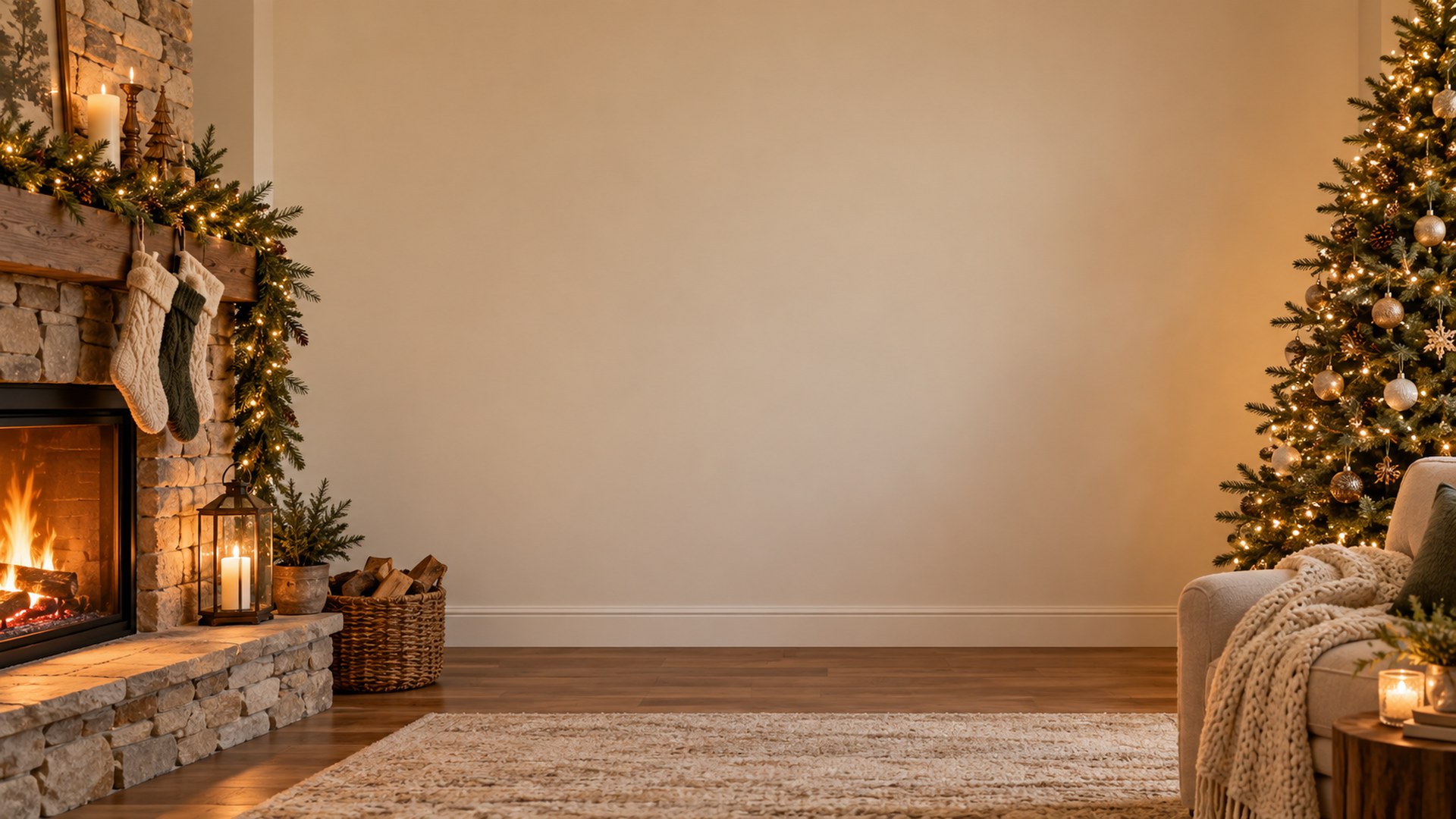
Winter Holiday · 1920×1080
Cozy Fireplace Lounge
Cozy fireplace lounge Teams background.
Download HD JPG — free| Resolution | 1920 × 1080 (16:9, Full HD) |
|---|---|
| File | JPG · 0.3 MB |
| Works with | Microsoft Teams · Zoom · Google Meet |
| Collection | Neutral winter backgrounds |
| License | Free for personal and commercial calls. No attribution required. |
Where this background works best
- December calls that need seasonal without being festive
- Mixed-faith and international teams
- Year-end reviews and recorded updates
Neutral light and restrained decor keep the scene office-appropriate on camera.
Add it in Microsoft Teams
- Download the JPG — the button above saves a 1920×1080 file, no account needed.
- Open your meeting controls — choose More, then Video effects, then Backgrounds.
- Add the file — click Add new, pick the downloaded JPG, and it stays in your background list for future calls.
Add it in Zoom
- Open Settings → Background & effects — on desktop, use the gear icon next to your camera.
- Press the plus button — choose Add image and select the downloaded file.
- Check the edge — sit about an arm's length from the camera so the virtual cut-out follows your shoulders cleanly.
Before you upload
The file is already the size both apps expect, so there is nothing to resize. If Teams or Zoom crops the sides on your screen, that is normal 16:9 behaviour — keep your camera centred and your head in the middle third of the frame. No green screen is required, but even lighting and a plain wall behind you give the cleanest edge.
More winter backgrounds

See the full Neutral winter backgrounds collection or browse all 127 free backgrounds.