

Funny Microsoft Teams Backgrounds
Let a cat chair the meeting, a dinosaur guard the copier or a rubber duck take the minutes. Every scene is a free 1920x1080 JPG with the joke kept near the edges, so your face stays clear.
16 HD JPGsNo signupNo watermarkCenter-safe framing
Choose a funny Teams background
Sixteen lighthearted office scenes, ready for your next call.

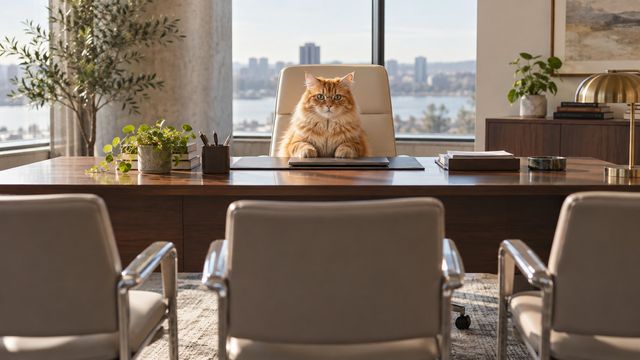
Cat Boss at the Desk
Download HD JPG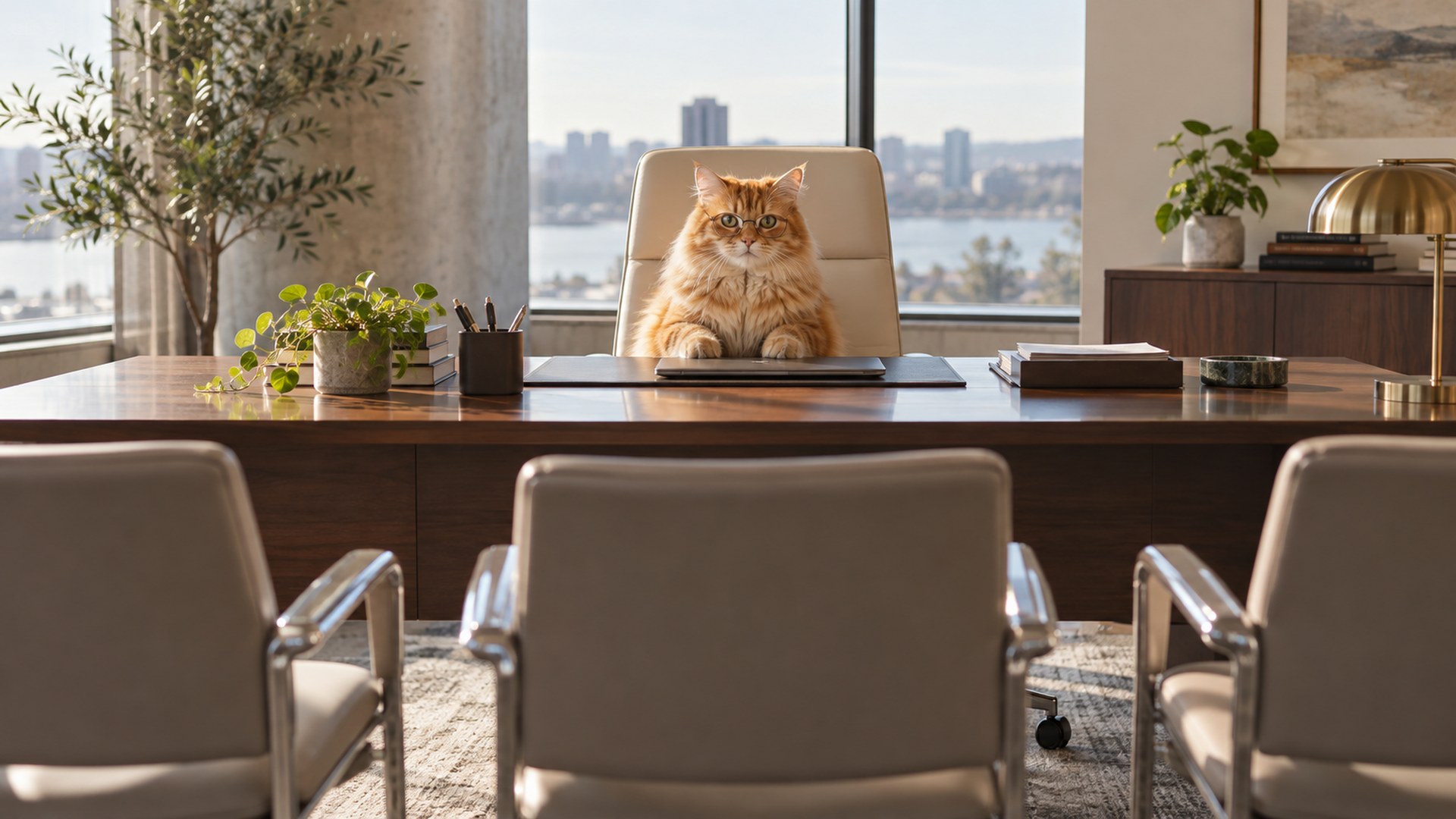

Corgi Desk Meeting
Download HD JPG

Fox Coffee Break
Download HD JPG
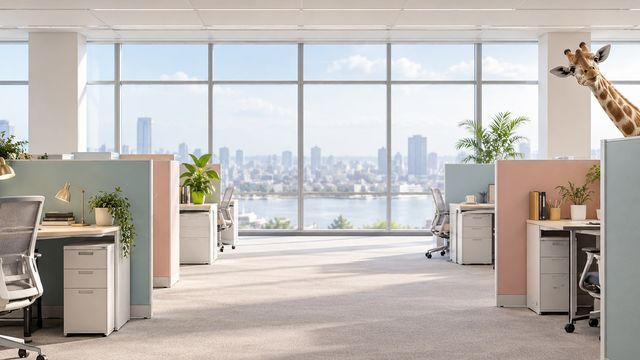
Giraffe in the Cubicle
Download HD JPG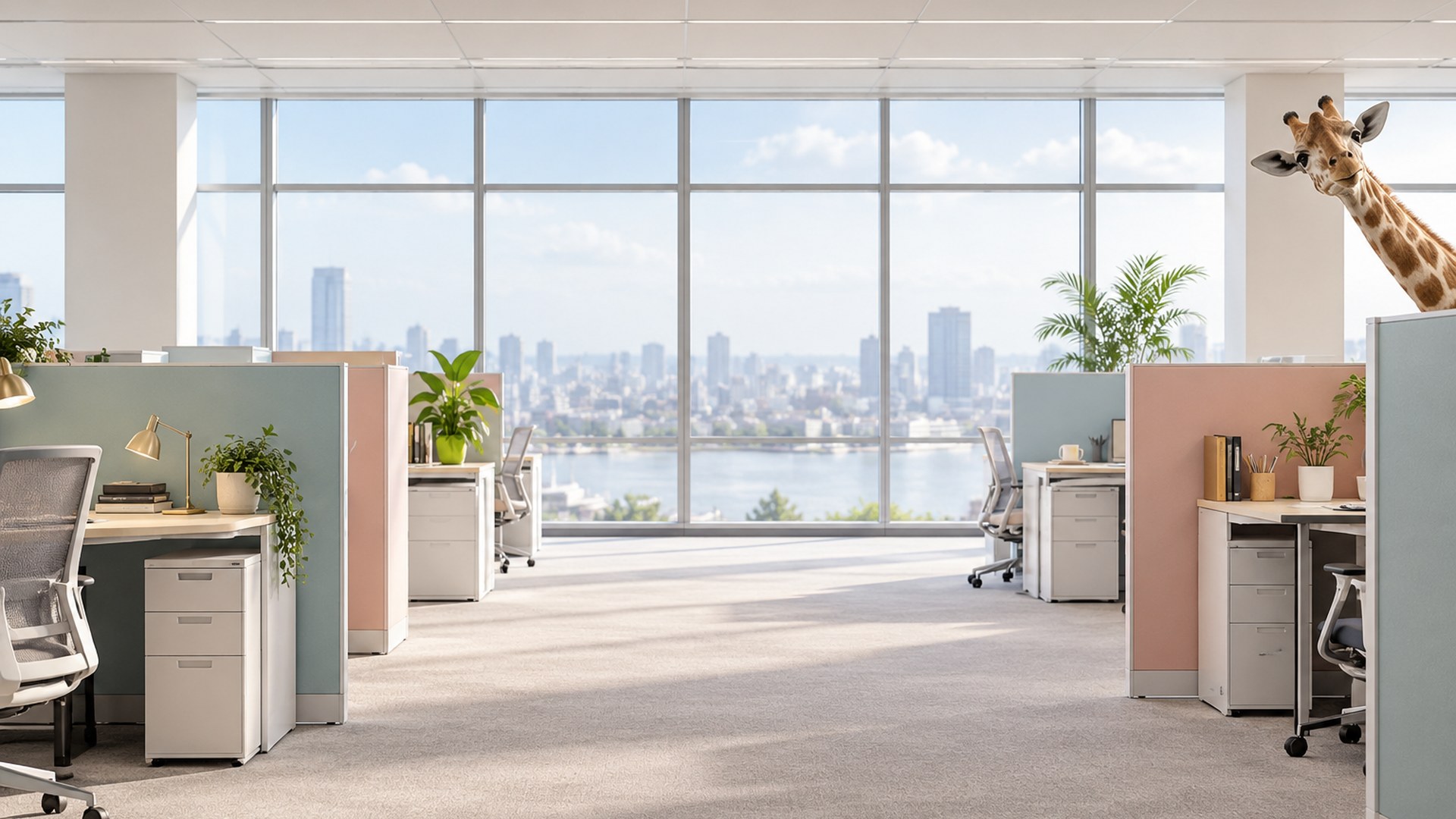
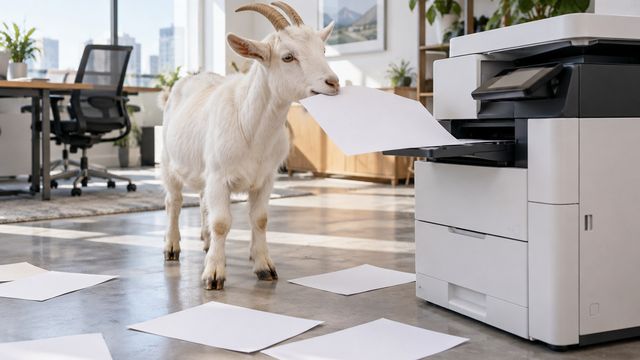
Goat Eating the Paperwork
Download HD JPG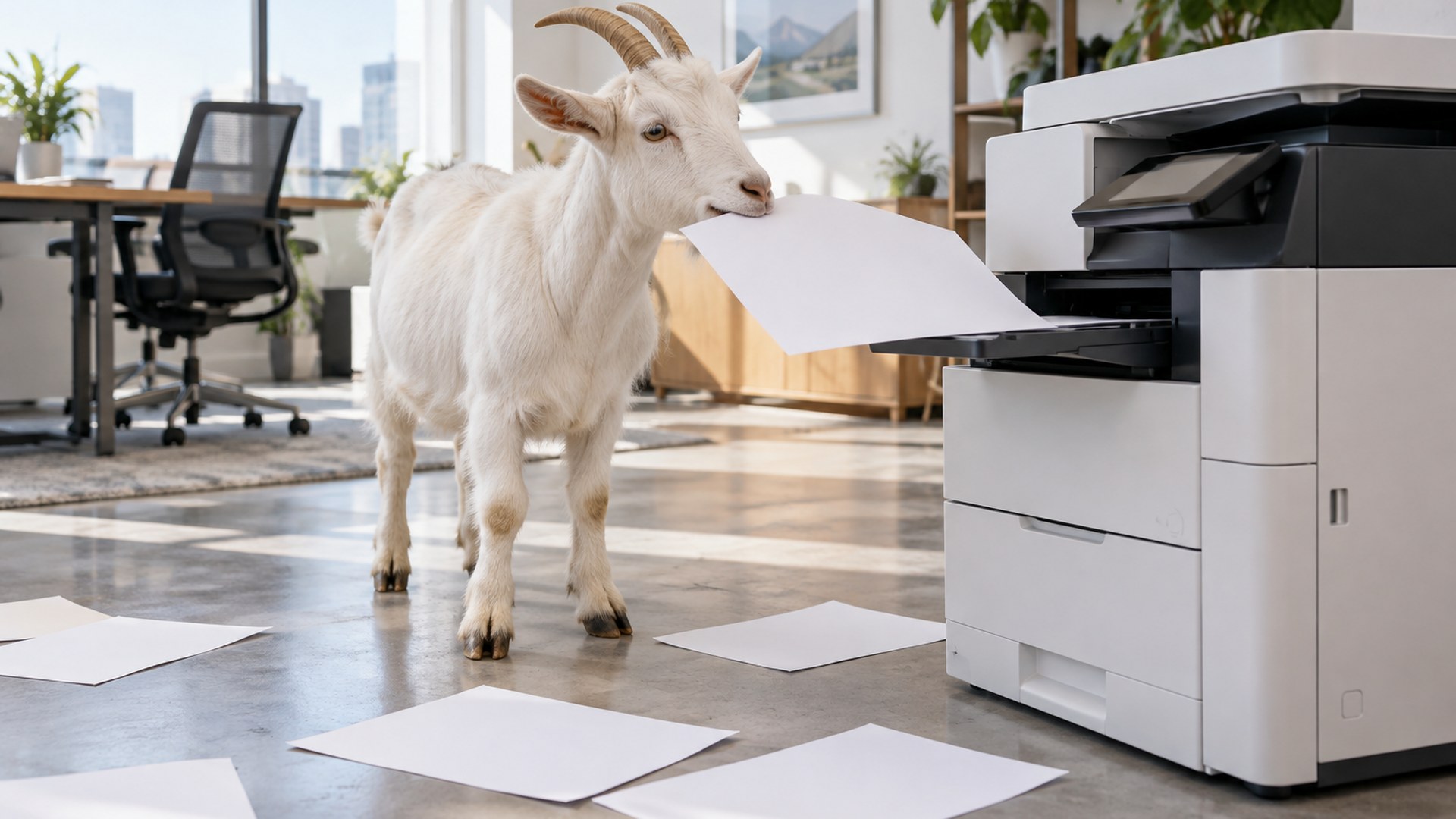

Hamster Running the Meeting
Download HD JPG
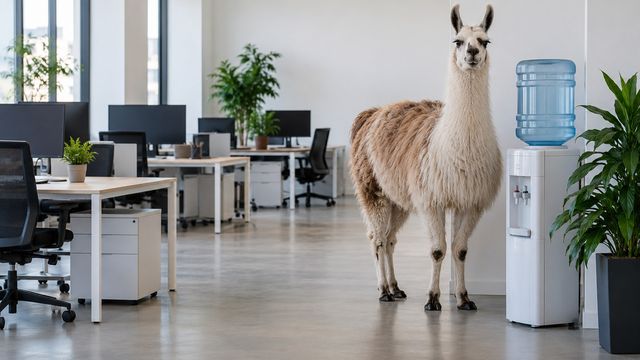
Llama at the Water Cooler
Download HD JPG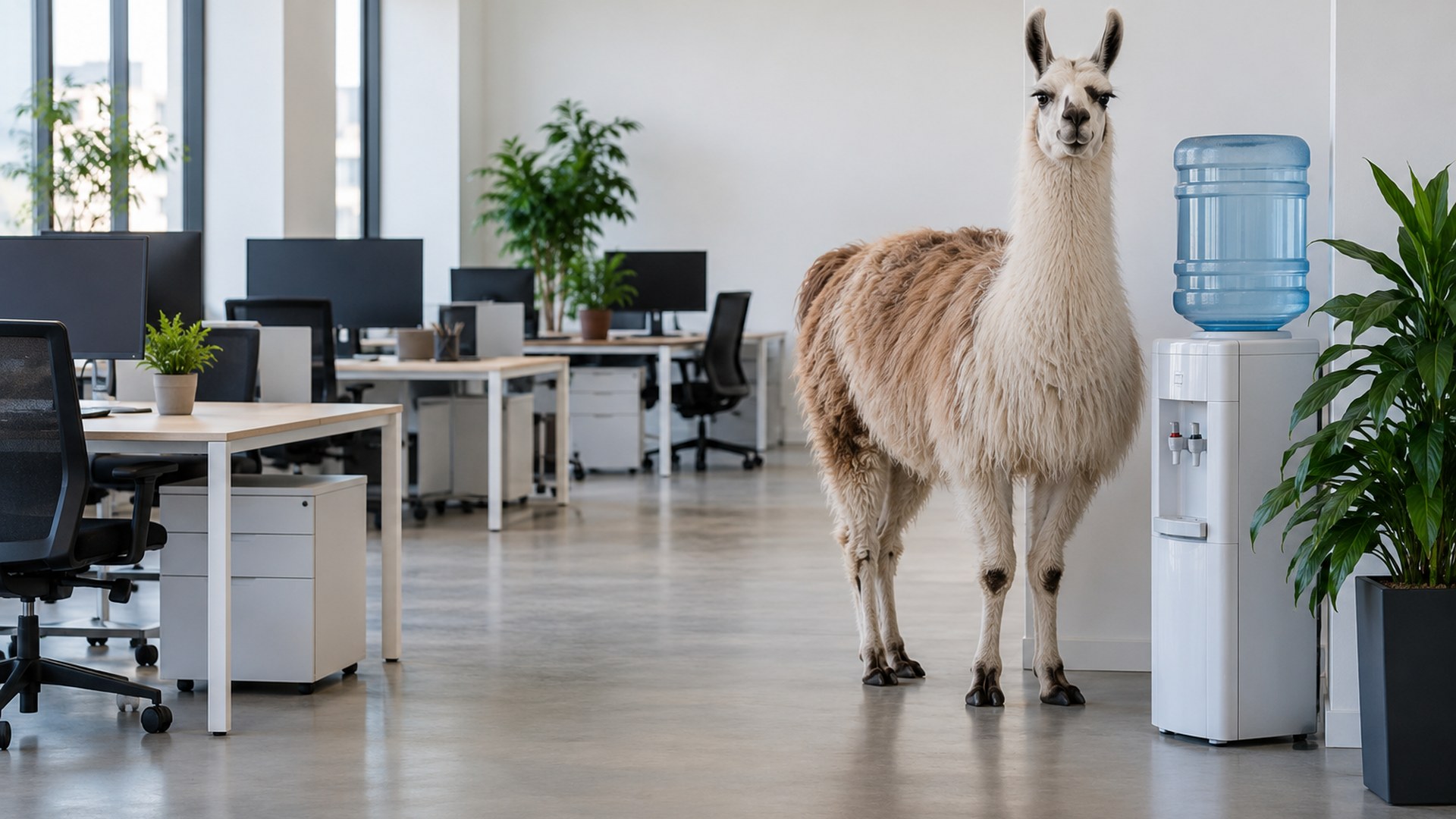

Octopus at Reception
Download HD JPG

Owl on the Night Shift
Download HD JPG
Desk chaos
Small disasters that every office recognizes.

Dinosaur at the Copier
Download HD JPG
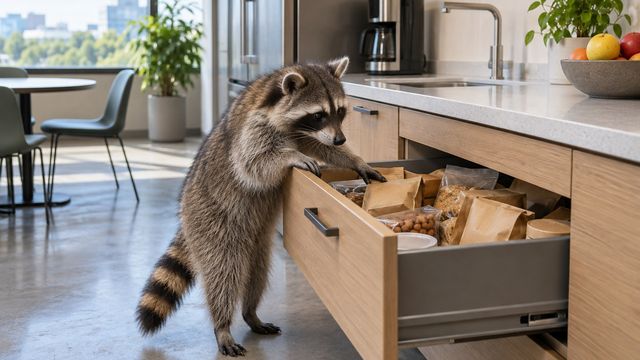
Raccoon in the Snack Drawer
Download HD JPG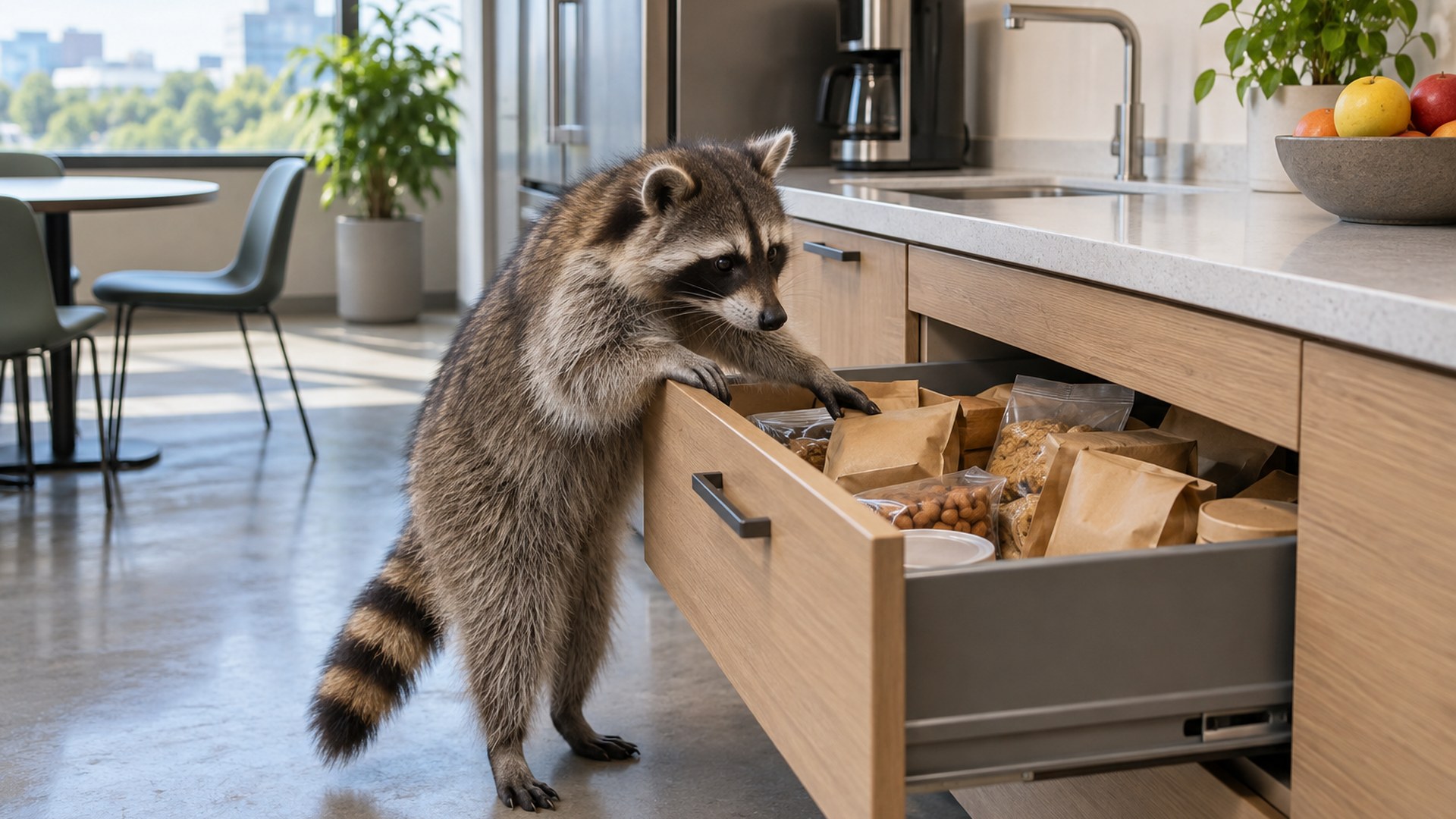

Rubber Duck Desk
Download HD JPG
Meeting reactions
For the calls that need a little less seriousness.

Penguin Coffee Queue
Download HD JPG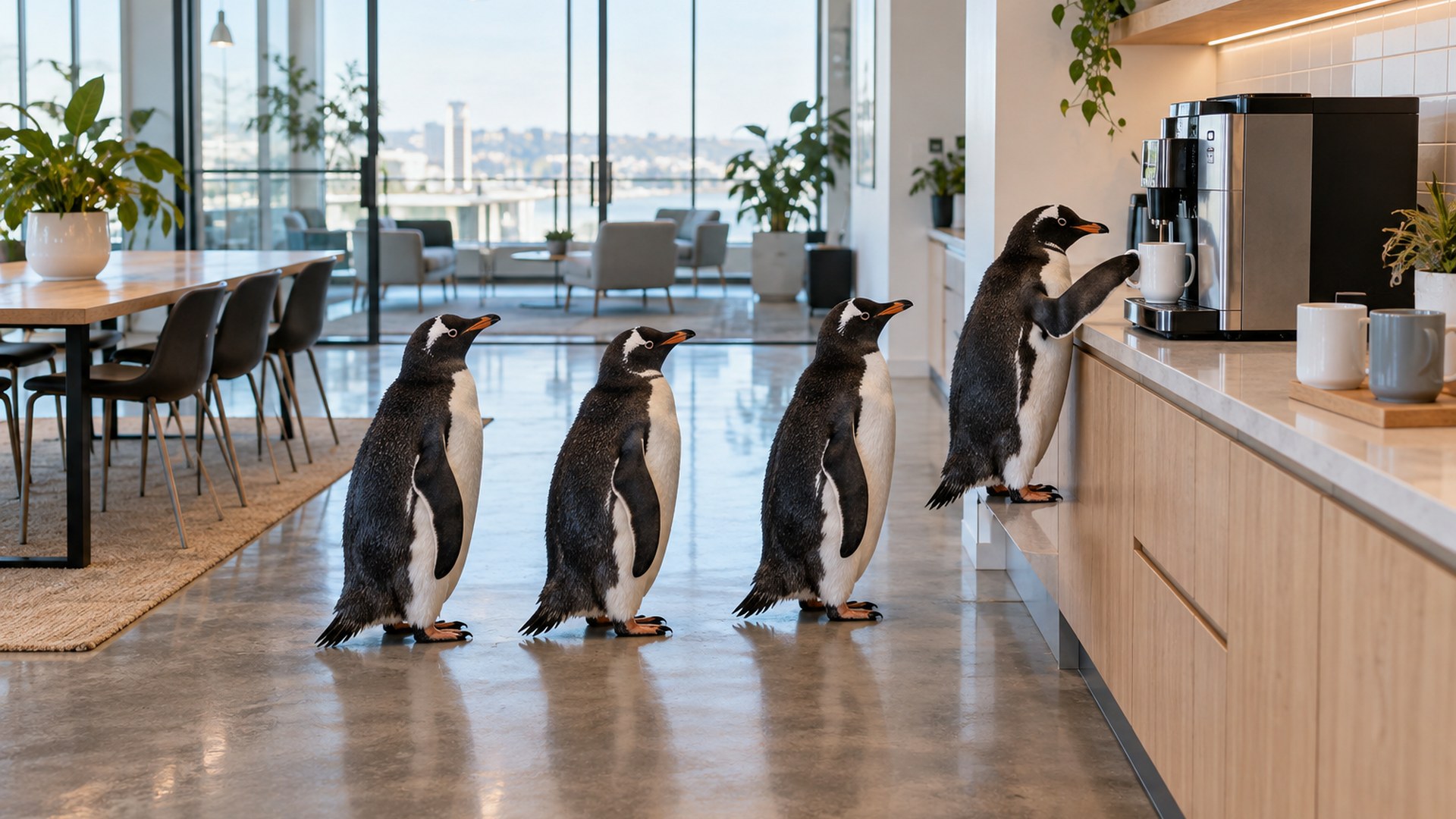

Pigeon Office Party
Download HD JPG

Sloth Moving Boxes
Download HD JPG
Why use a funny background on Teams?
ICE BREAKER
Start with a smile
A cat boss or a llama at the water cooler gives the room an easy first thing to notice and talk about.
FOCUS
Keep attention on you
The animal sits to one side and the center stays quiet. The joke reads at thumbnail size without hiding your face.
WORK-SAFE
Playful, not distracting
No gore, slogans or branded clutter. These are office-friendly scenes for everyday internal and client calls.
How to add a funny background in Microsoft Teams
STEP 1
Download the JPG
Pick a scene above and save the full-size 1920x1080 image to your computer.
STEP 2
Open Video effects
In Teams, open Video effects and settings before you join the meeting.
STEP 3
Add new and apply
Choose Add new, upload the JPG, then select it as your background.
Funny Teams background size and framing
| File format | JPG |
|---|---|
| Resolution | 1920 x 1080 pixels |
| Aspect ratio | 16:9 |
| Typical file size | 220-430 KB per image |
| Safe area | Your head sits near the center; the animals and visual jokes stay toward the edges |
| Text and logos | None |
| Platforms | Microsoft Teams desktop, web and mobile where custom backgrounds are supported; also works in Zoom |
More free backgrounds
Questions
Are these funny Teams backgrounds free?
Yes. Every background downloads as a full-size JPG with no account, subscription or watermark.
Can I use a funny background on a work call?
Yes. These scenes use office animals and gentle visual jokes rather than graphic or offensive imagery, so they suit everyday team calls and informal client meetings.
What size are the funny Teams backgrounds?
Each file is 1920 by 1080 pixels in a 16:9 ratio. Teams crops the image slightly around the edges, so the main joke sits outside the center safe area.
Do these work in Zoom as well?
Yes. Download the JPG and upload it through Zoom's Virtual Background settings. The same 16:9 file works on both platforms.
Are the images watermarked?
No. The direct download files are clean JPGs with no logo or watermark added.
Can I add one on my phone?
Custom background support varies by device and app version. Desktop Microsoft Teams offers the most consistent upload experience.
Do I need a Microsoft account to download?
No. The download links point directly to the JPG files and do not require sign-in.