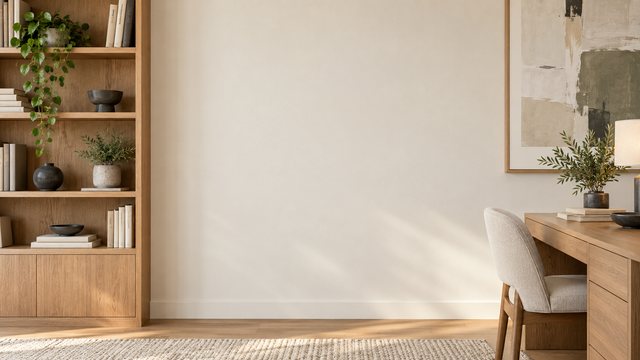
Zoom Virtual Backgrounds
Professional spaces that look natural on a Zoom call. Save the JPG and upload it directly without opening an editor.
1920×1080 HDZoom-ready 16:9No signup
Virtual backgrounds for Zoom
Built for work meetings, interviews and remote presentations.
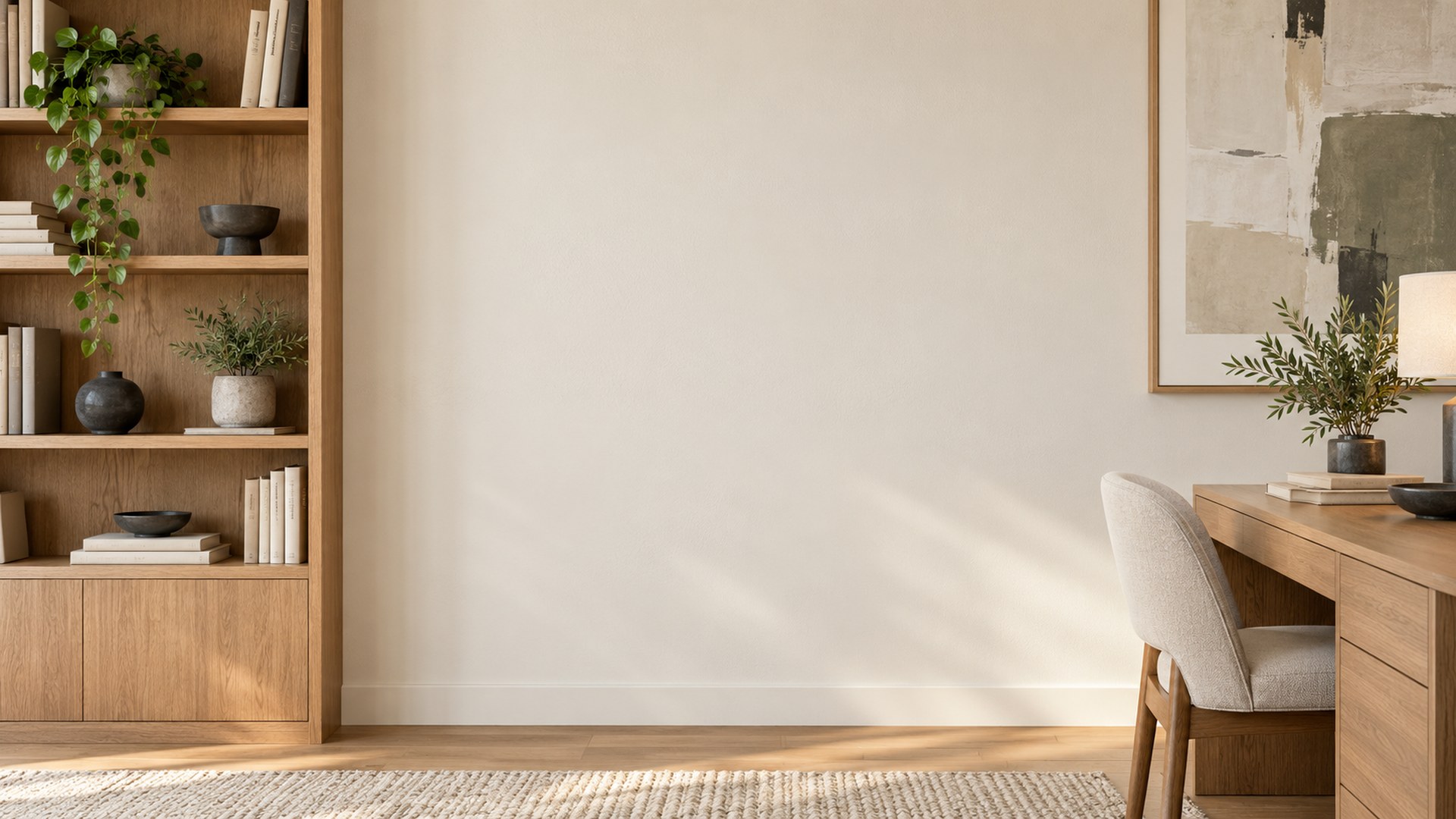
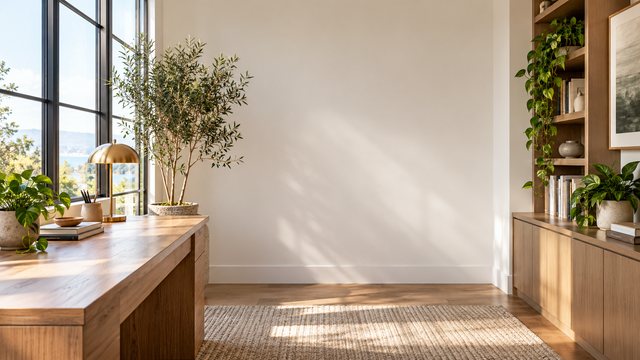
Bright Home Office
Download HD JPG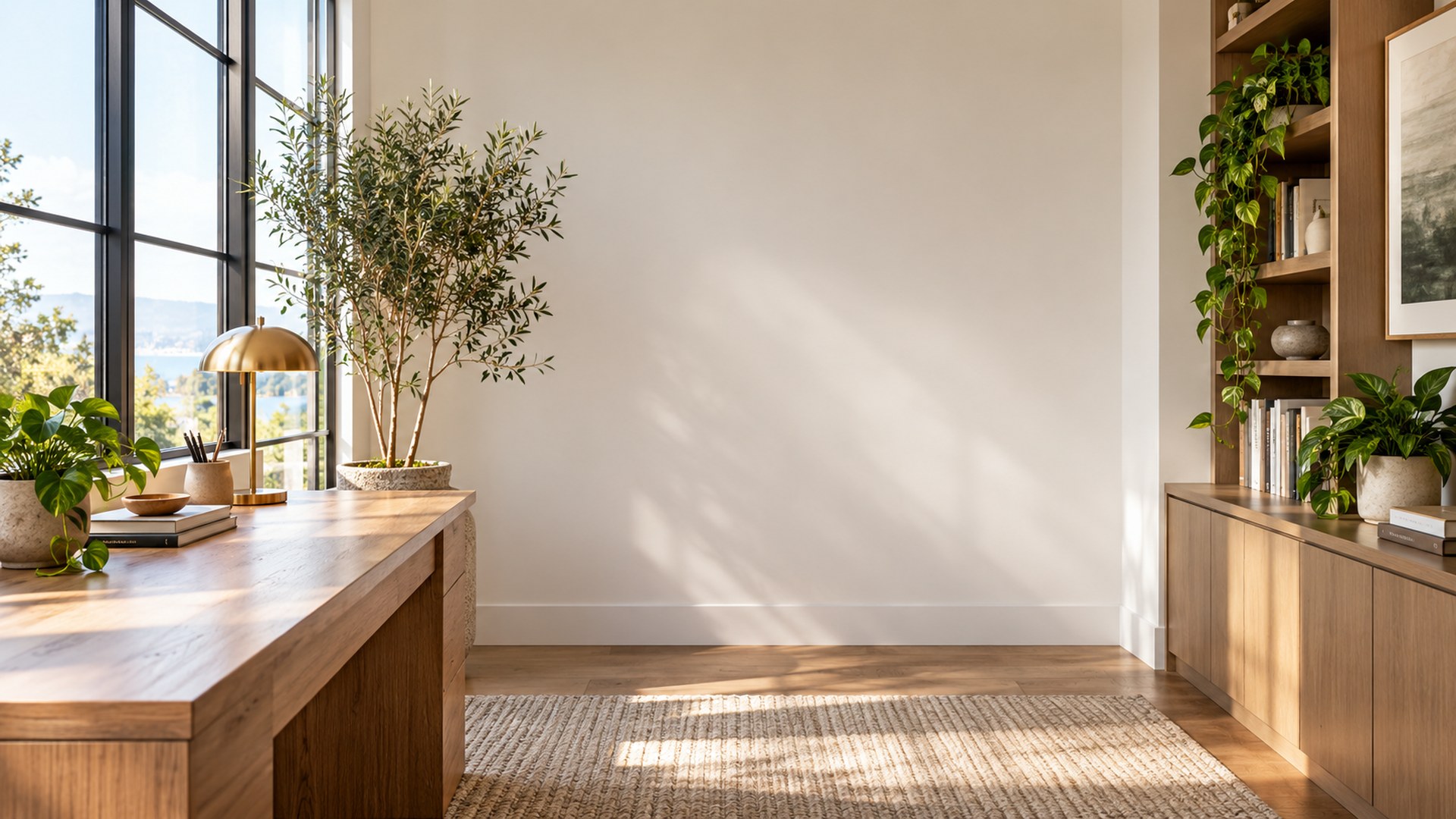

Minimal Creative Studio
Download HD JPG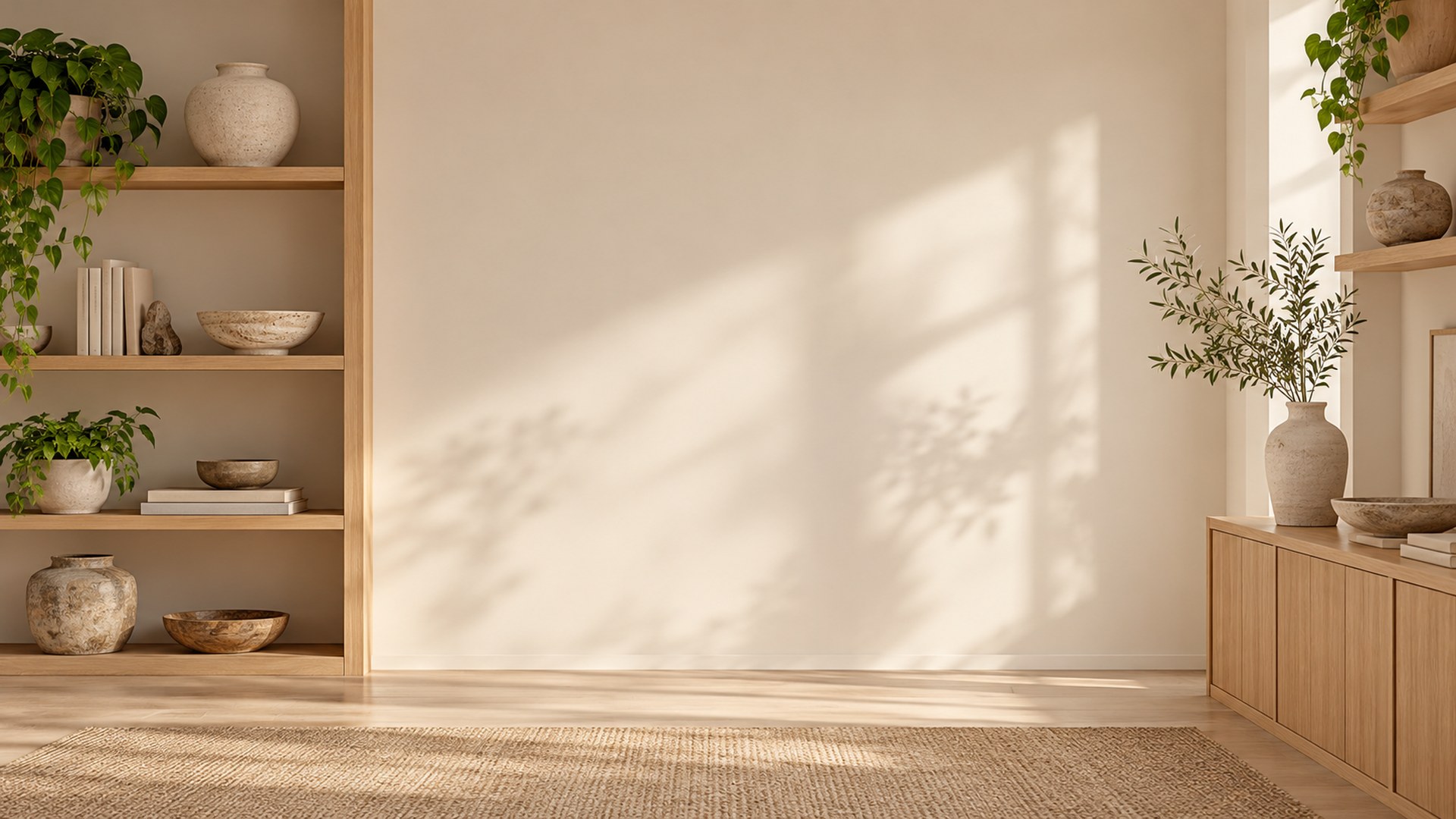
Executive Conference Room
Download HD JPG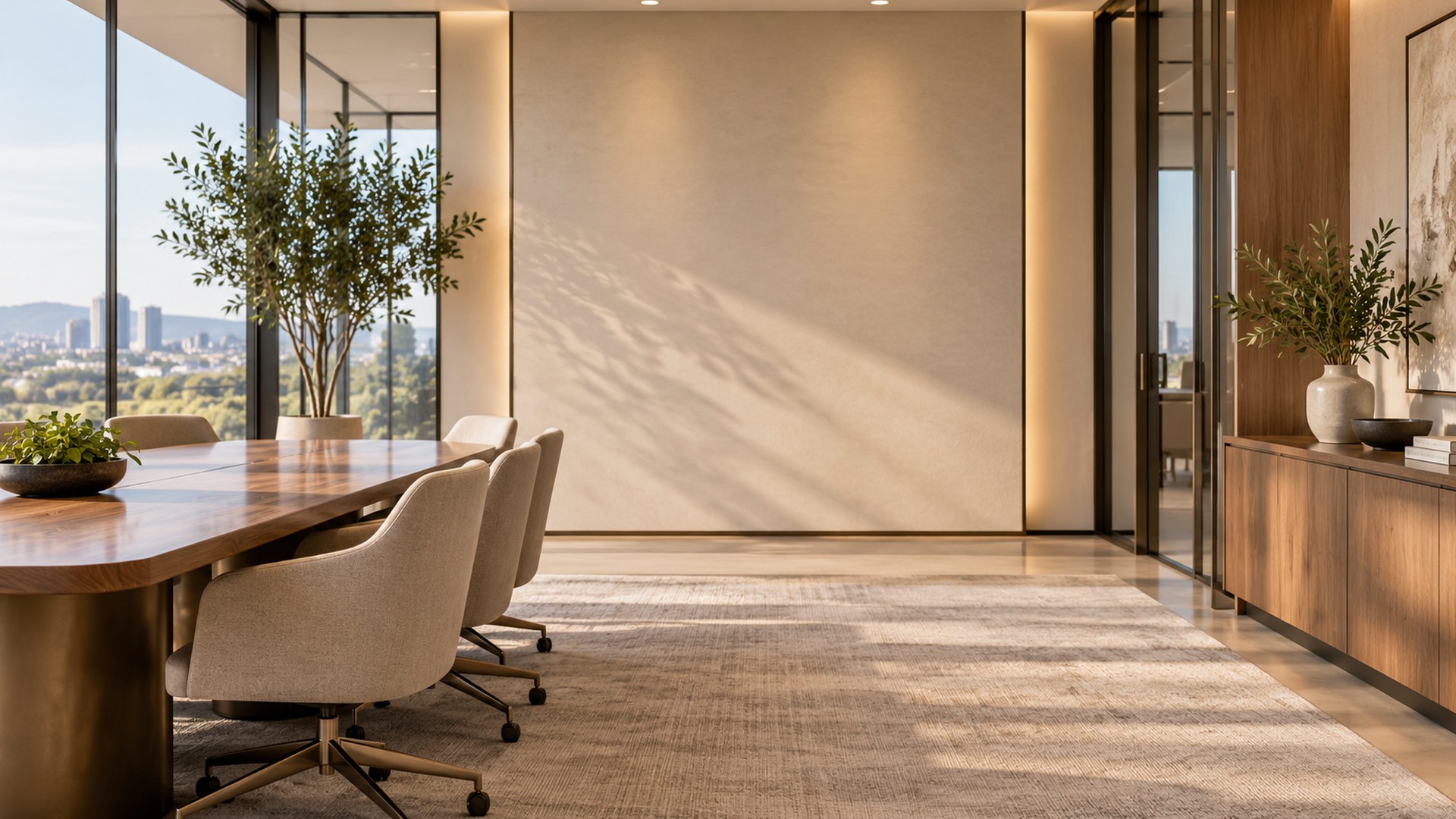
Cozy Reading Nook
Download HD JPG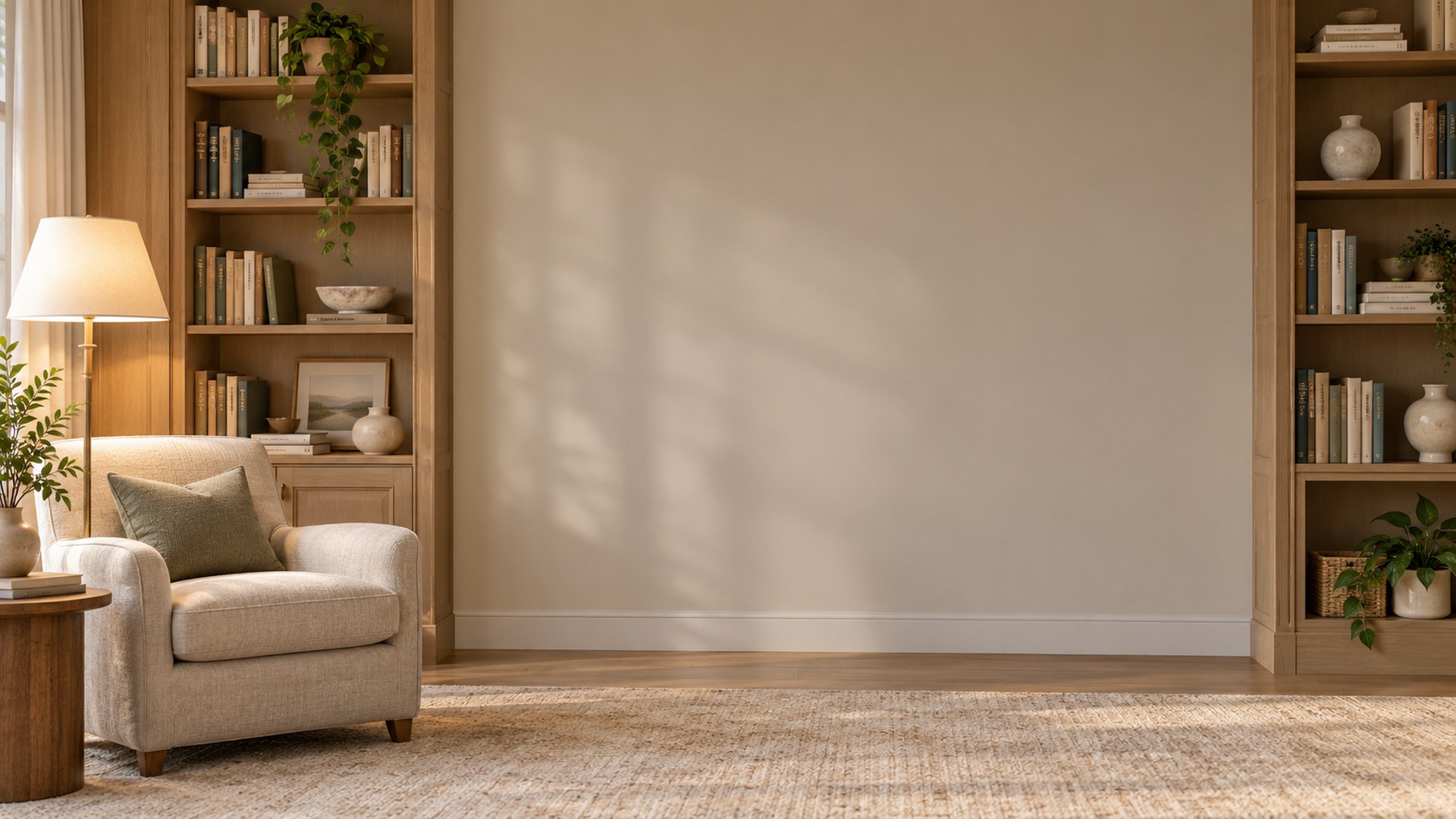
Sunlit Plant Office
Download HD JPG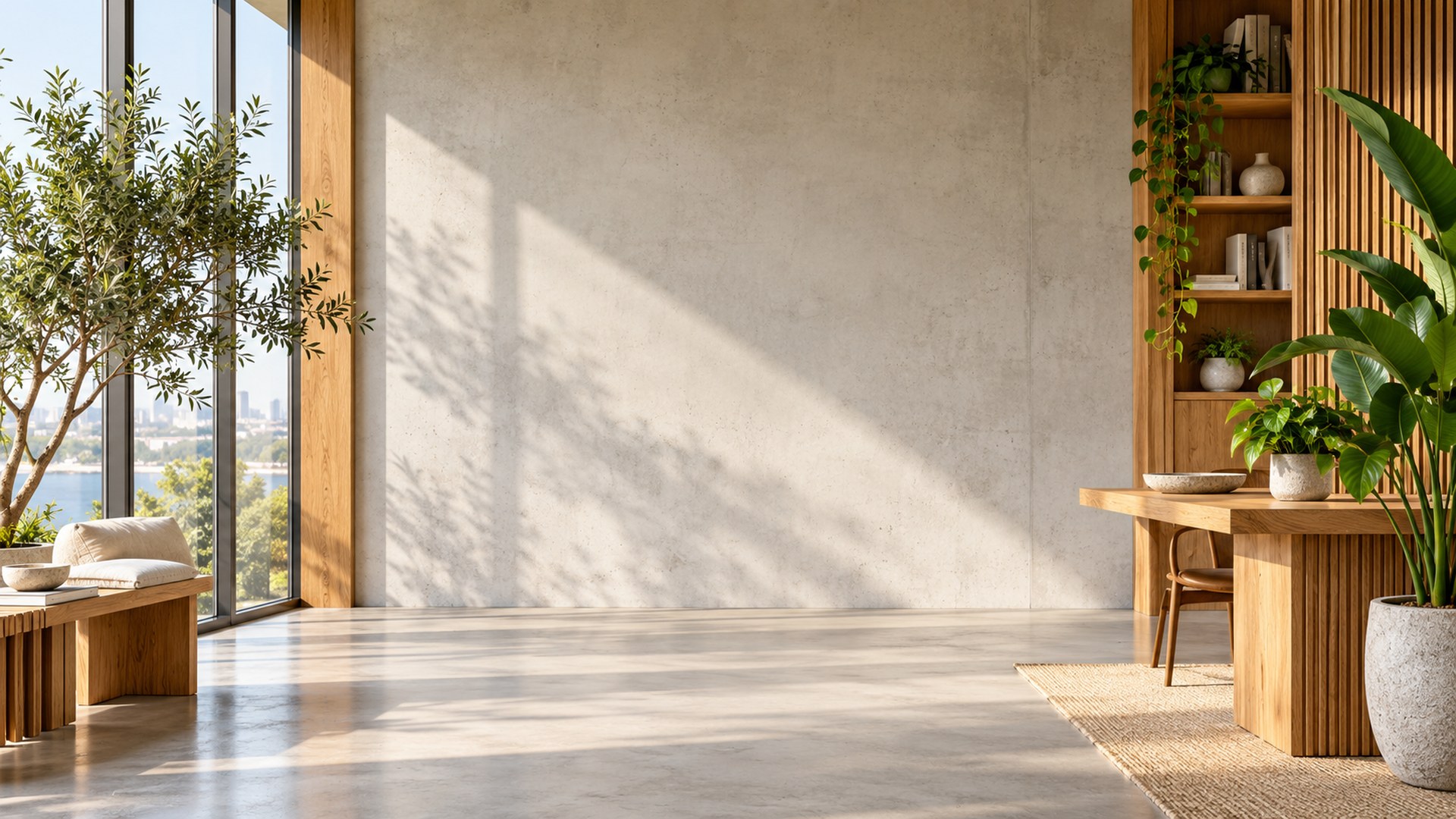
Soft Blue Workspace
Download HD JPG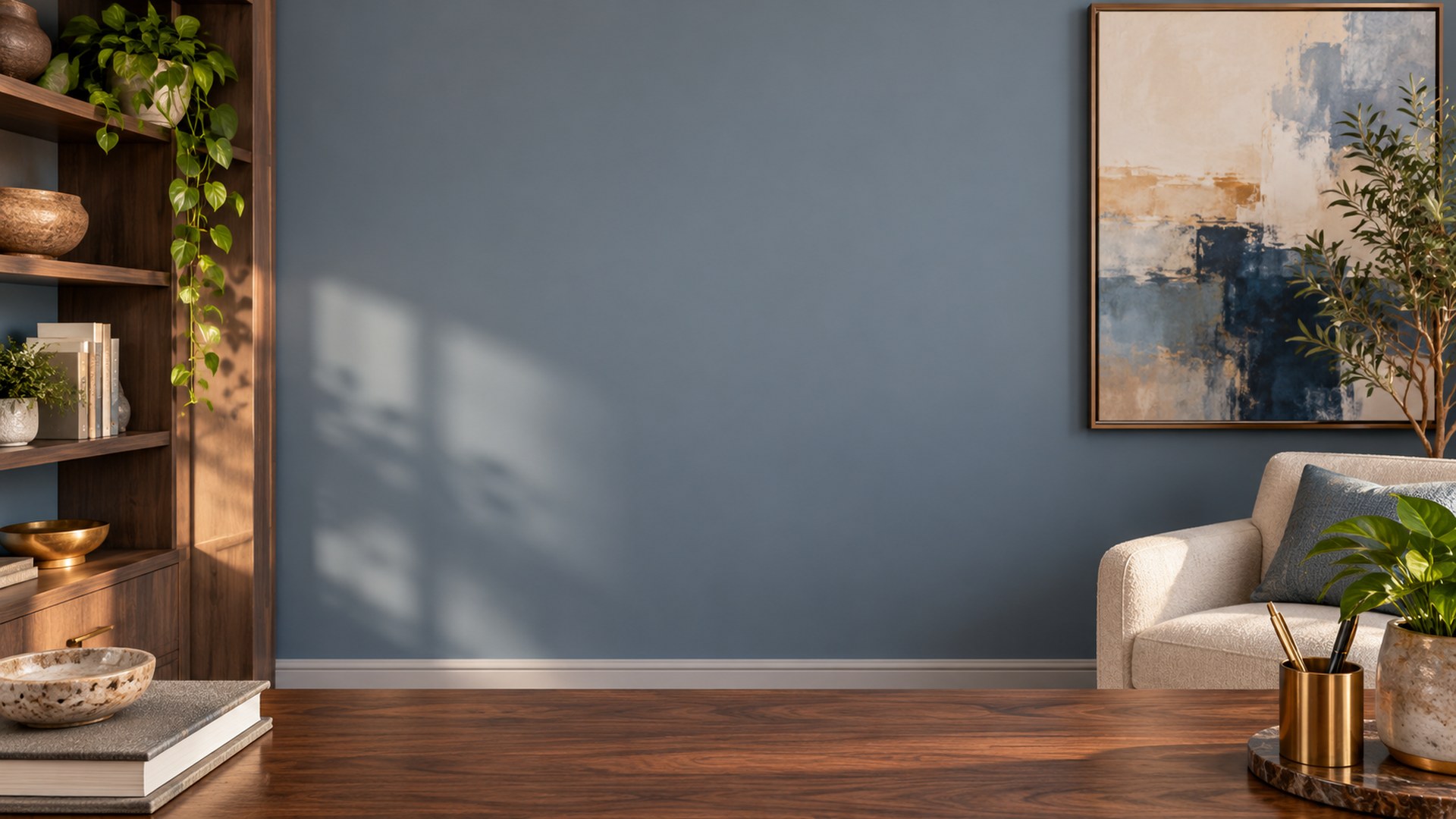
Add one to Zoom
STEP 1
Download
Save your chosen full-size JPG.
STEP 2
Open settings
Choose Background and effects in Zoom.
STEP 3
Use the plus button
Upload your download and check the preview.
Explore more
Questions
Do the downloads expire?
No. Save the JPG and use it in future meetings.
Can I use these on Zoom mobile?
Support varies by device. Zoom desktop offers the most reliable custom background upload.
Why is the center clear?
It leaves room for your camera view and prevents the scene from competing with your face.