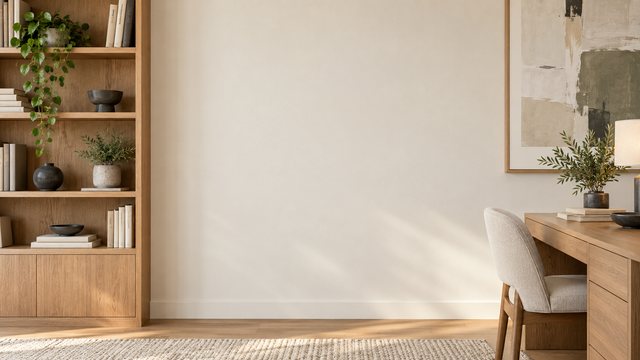
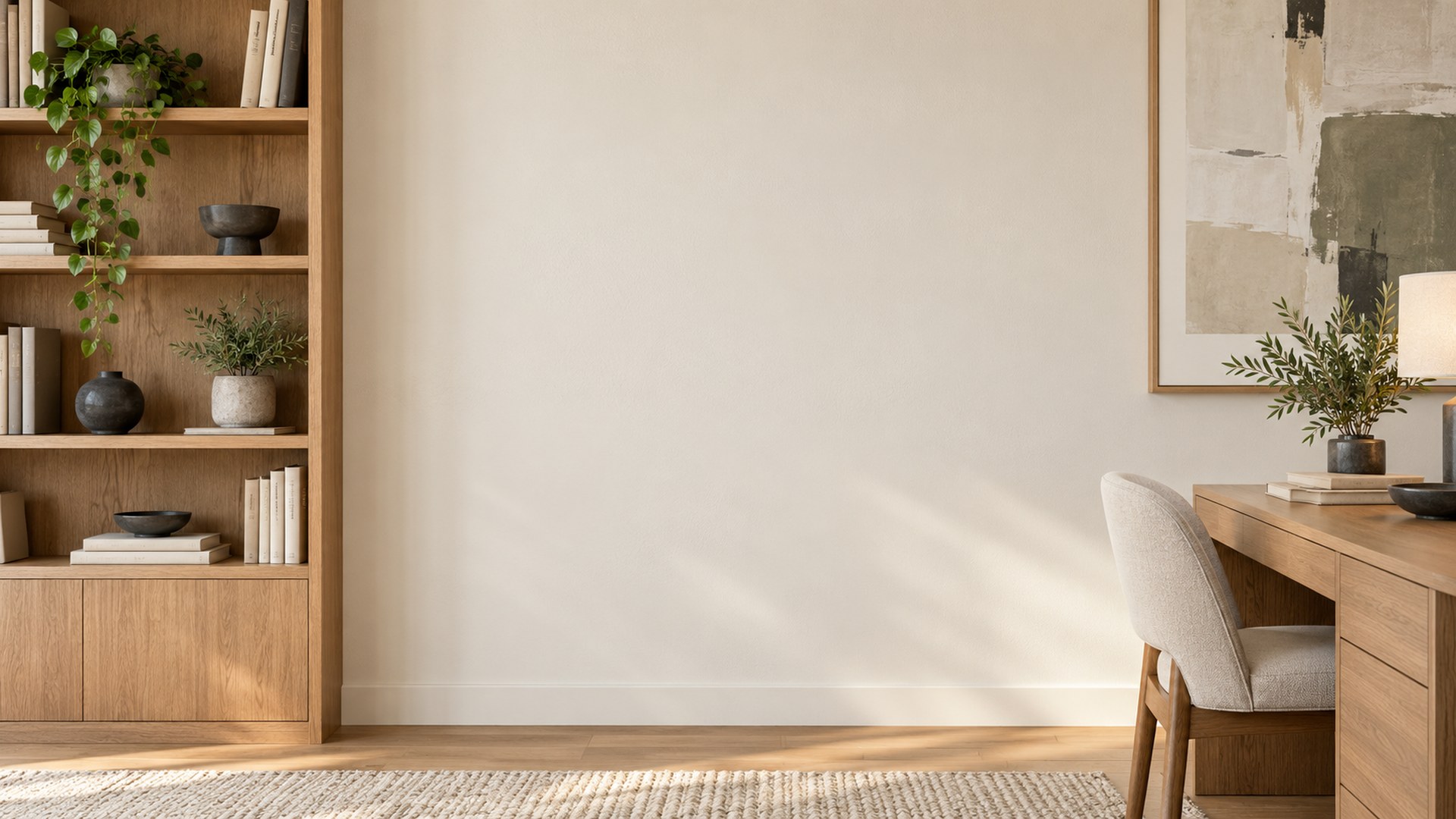
Microsoft Teams Backgrounds
Give your meeting a polished setting without hiding your face. Every image is work-safe, high resolution and ready to upload.
Free HD JPGsClear center framingDirect download
Choose your Teams background
Seven professional settings, built for 16:9 video calls.
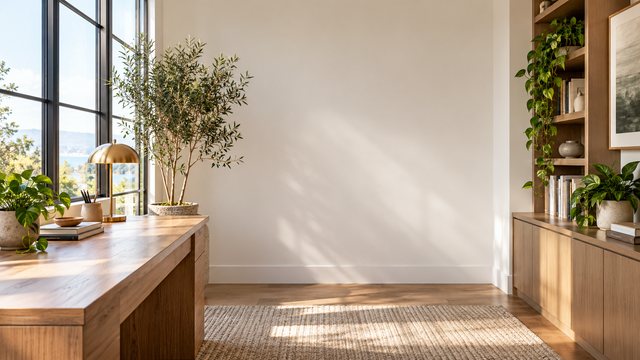
Bright Home Office
Download HD JPG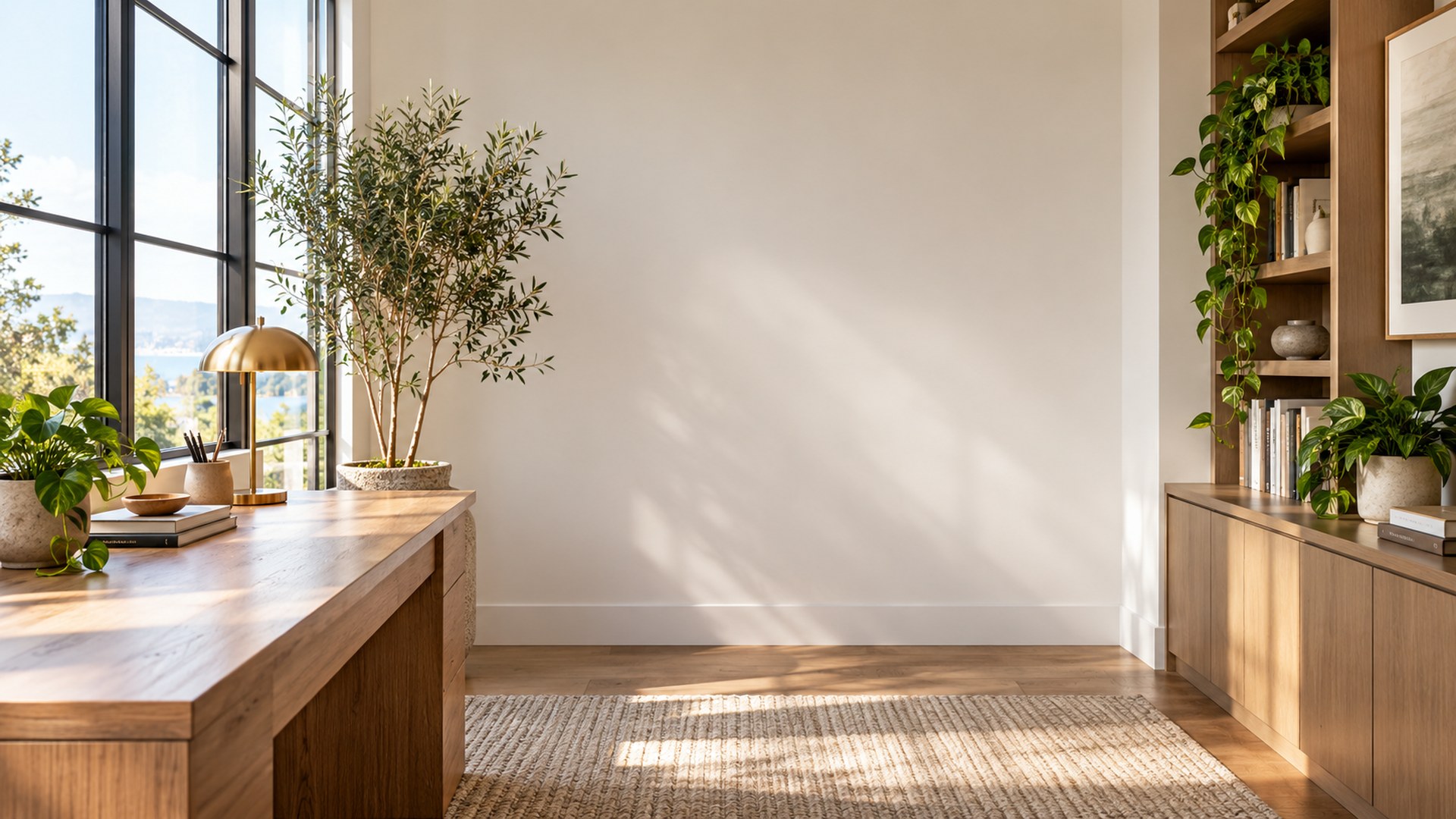

Minimal Creative Studio
Download HD JPG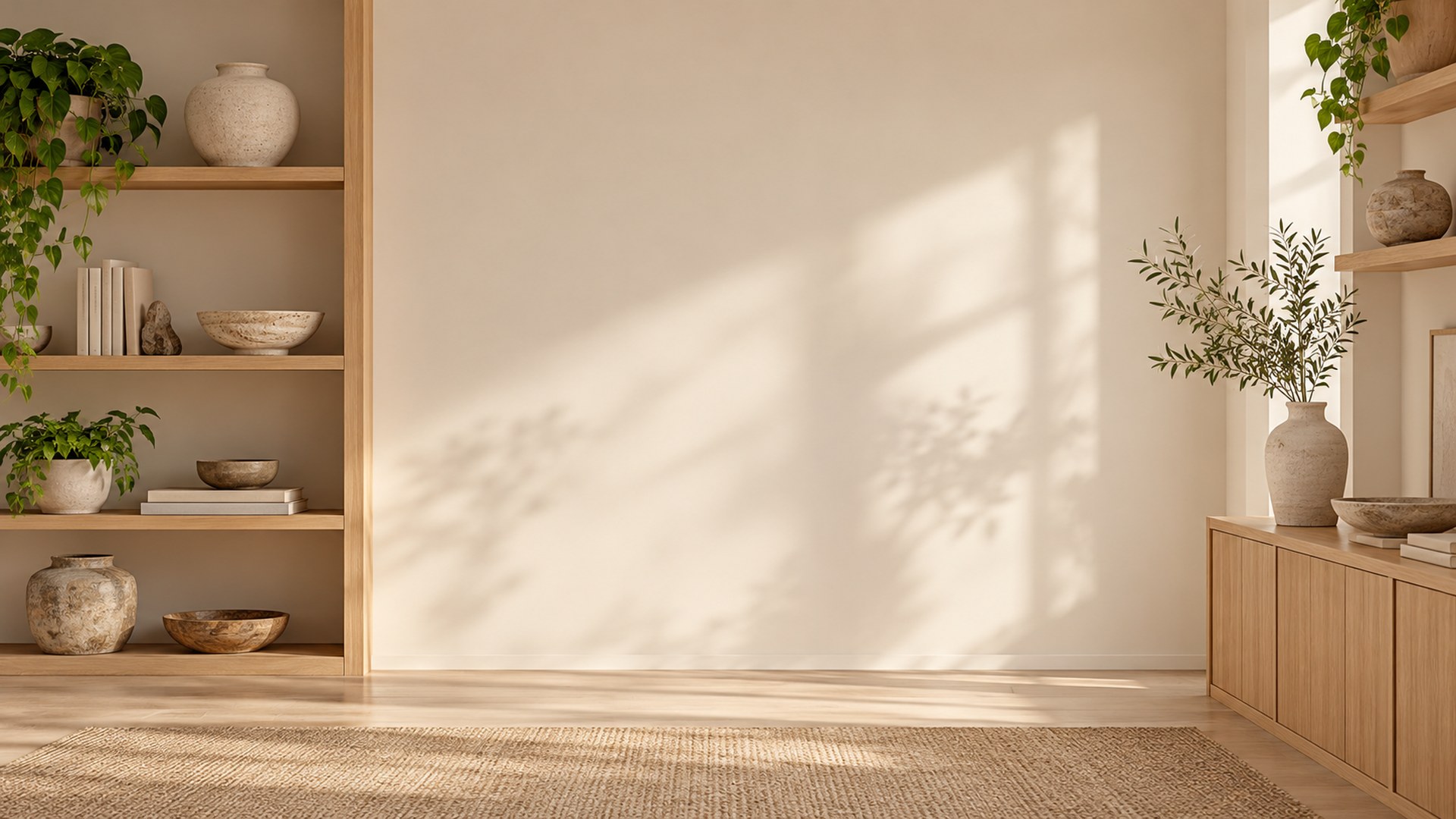
Executive Conference Room
Download HD JPG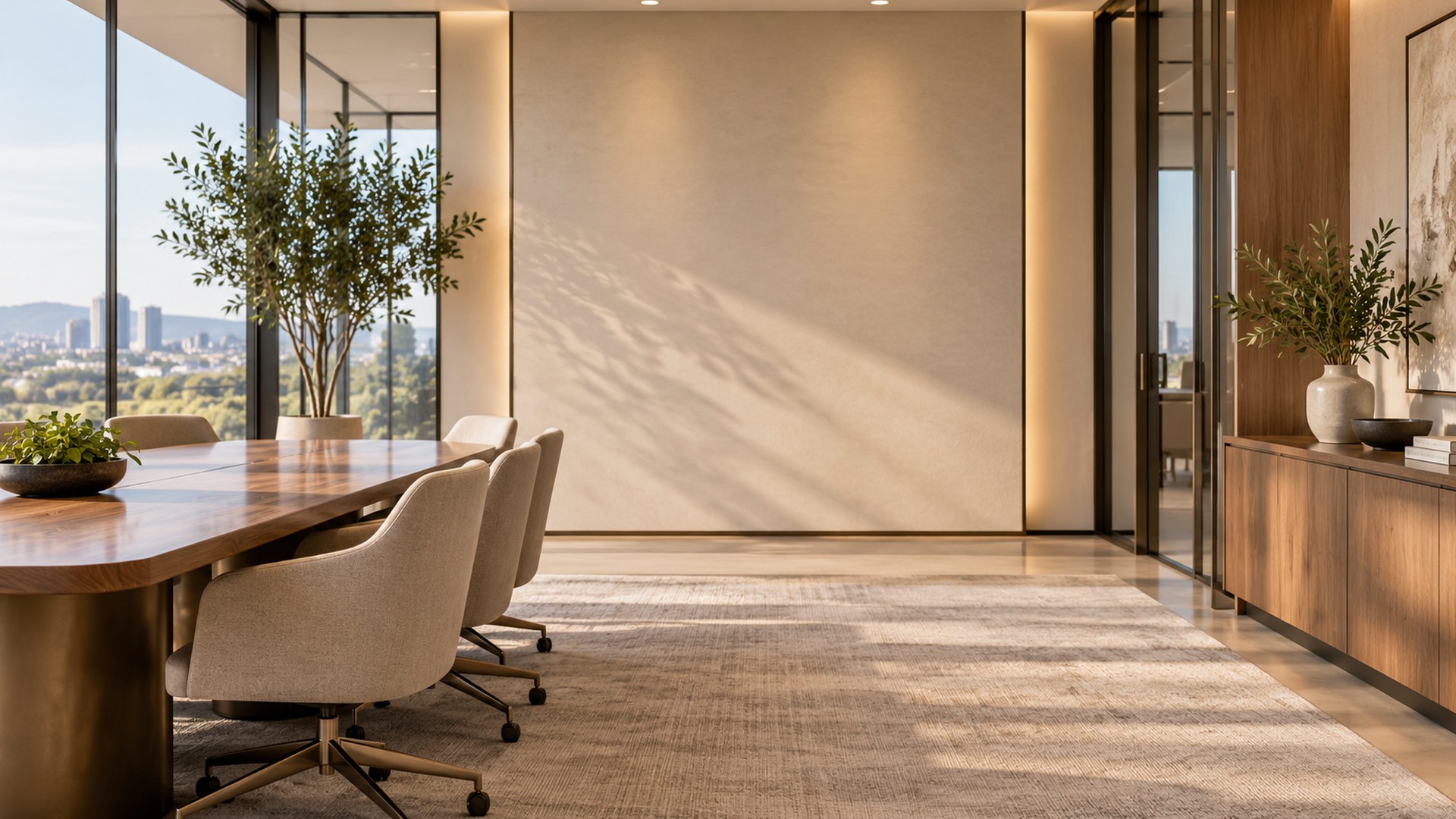
Cozy Reading Nook
Download HD JPG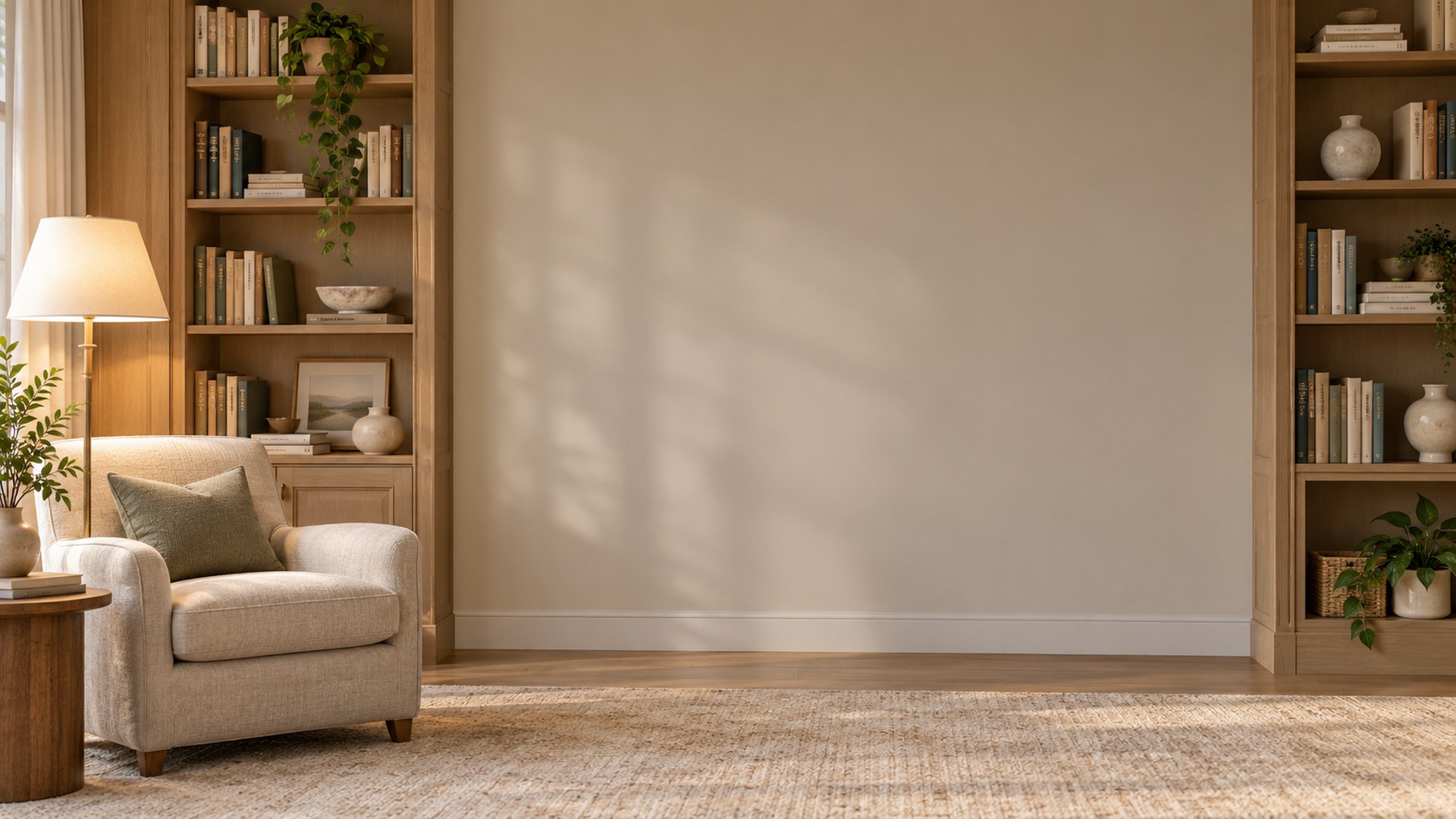
Sunlit Plant Office
Download HD JPG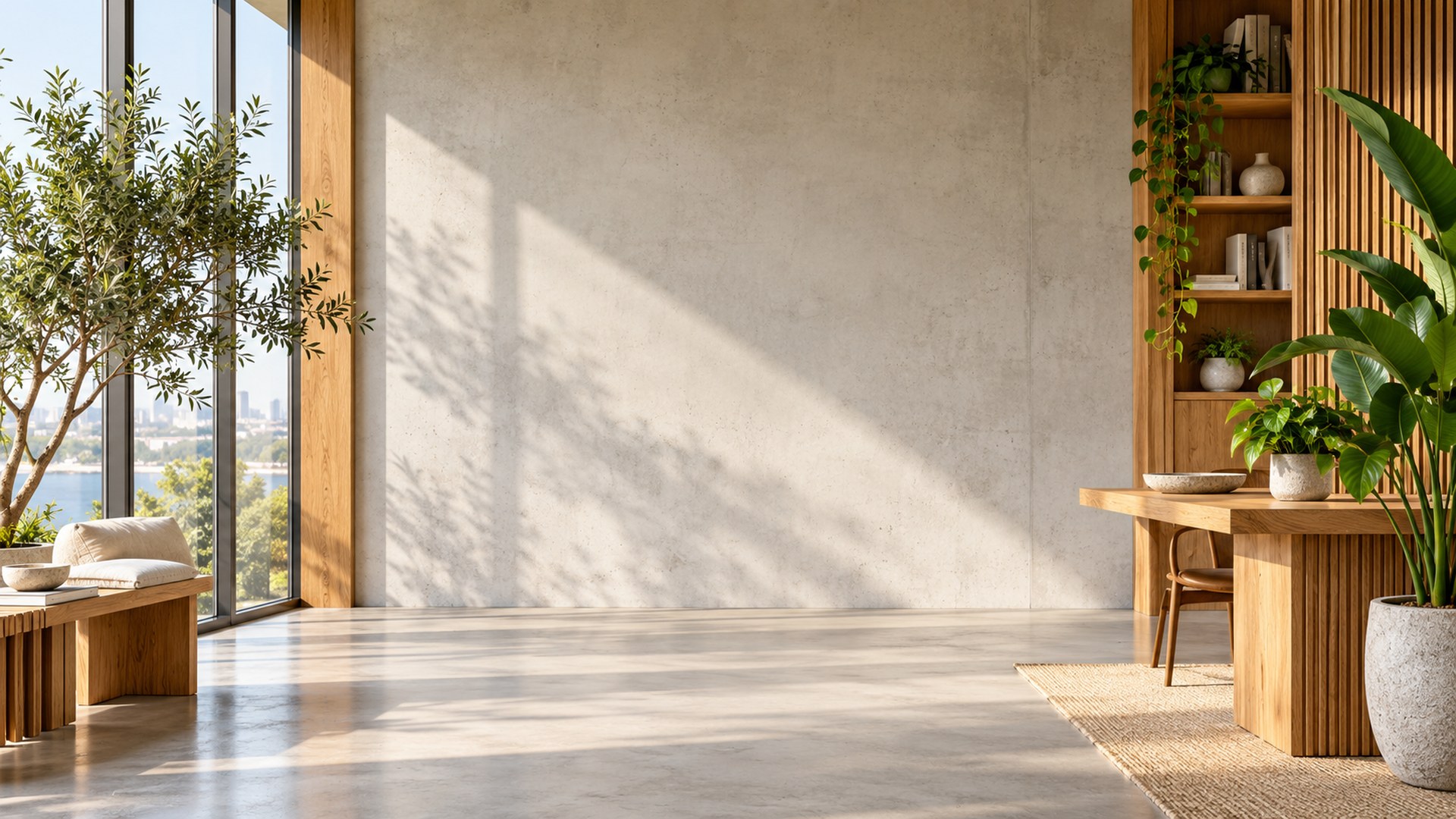
Soft Blue Workspace
Download HD JPG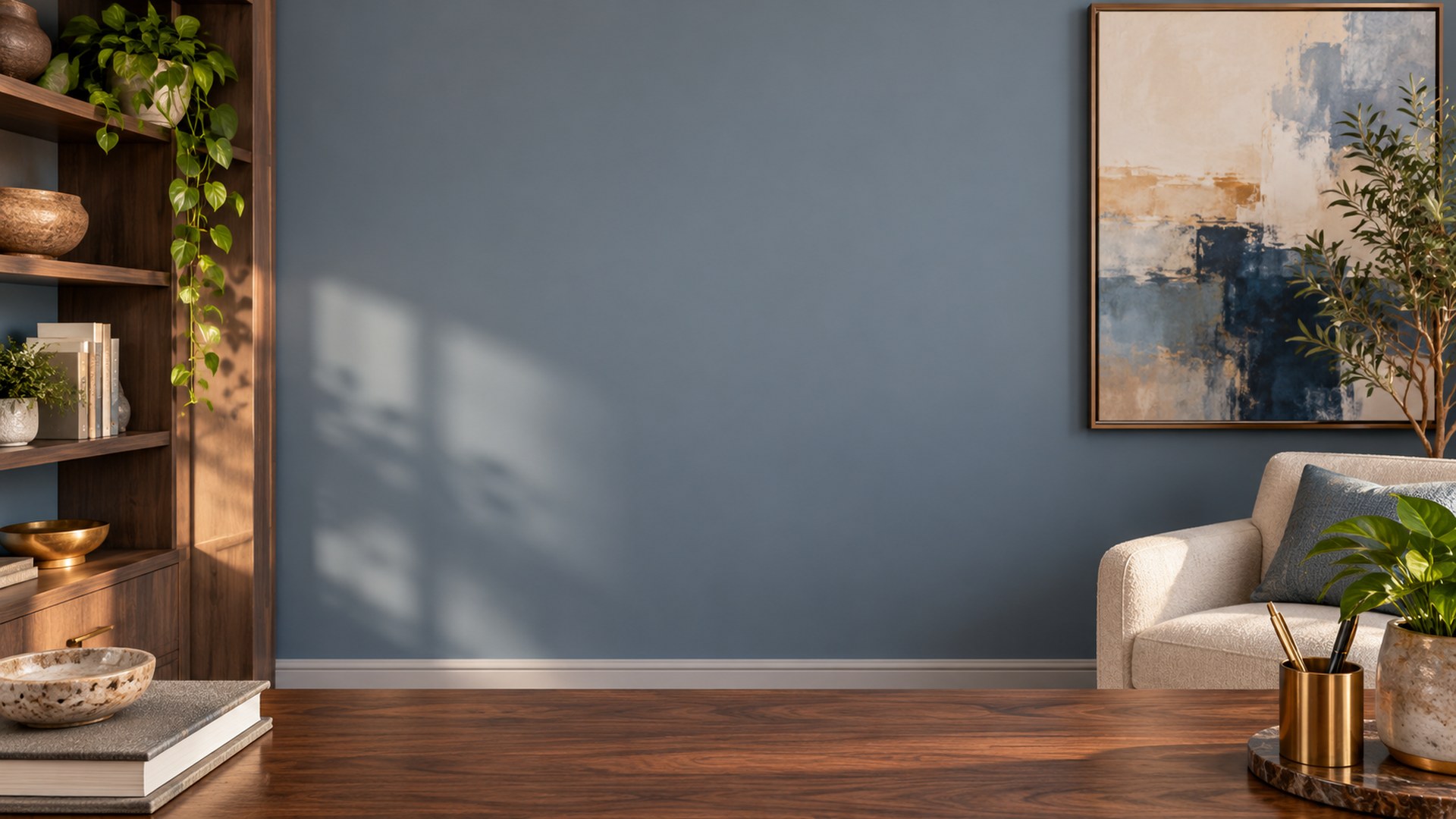
How to add one in Teams
STEP 1
Save the JPG
Download the original file to your computer.
STEP 2
Choose effects
Open Video effects before you join the meeting.
STEP 3
Upload
Select Add new, choose your file and preview it.
Related collections
Questions
What image format does Teams support?
JPG and PNG are the usual choices. MeetBG downloads are JPG files.
Can I use these for an interview?
Yes. The scenes are neutral and keep the middle clear for your camera.
Will Teams crop the image?
Some camera ratios crop the edge slightly, so important detail stays away from the center.